CHAPTER 2
22
Video recording can start and stop ma-
nually or automatically. Please, ensure that
the SD is properly inserted into the slot and
that the door is properly closed.
Note that the system stops recording as
soon as you open the door. On the other
side if you forget to close the door when
the recording starts, it tries to record
anyway.
n
Manual Recording
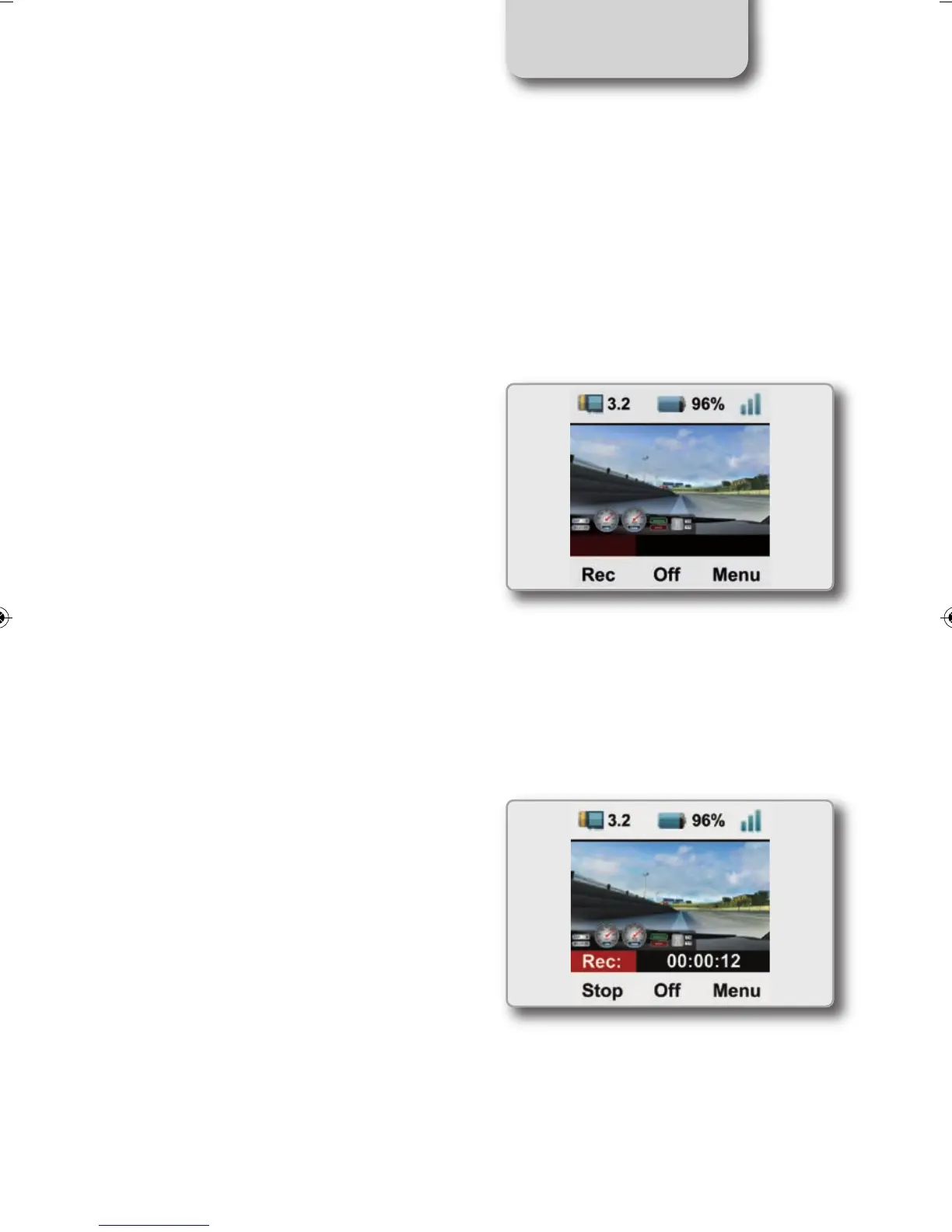
At power on, if the SD card is inserted and
the door closed, SmartyCam HD display will
show this page:
To start recording, press “REC”:
SmartyCam HD will show this page:
To stop recording, press “STOP”:
SmartyCam HD will switch to “Online
Status”
Video recording
SMARTYCAM HD MANUALE ENG _Layout 1 24/07/13 20.41 Pagina 23



 To Next Page