CHAPTER 4
34
Track Manager
feature
Using Track Manager, you can update, mo-
dify, transmit and receive to and from Smar-
tyCam HD the coordinates of finish line and
split points of all the tracks where you are
going to run.
When opening the software, if there is no
system connected to your PC via USB cable,
you will see the screen shown.
As you can see, the screen is divided into
two parts. On the left you see the track list,
arranged by country of origin.
If available, you will see the track layout and
the type of vehicle that usually race on the
track: car, motorcycle or kart.
On the right side of the screen, you will find
a big picture of the track.
1
8
7
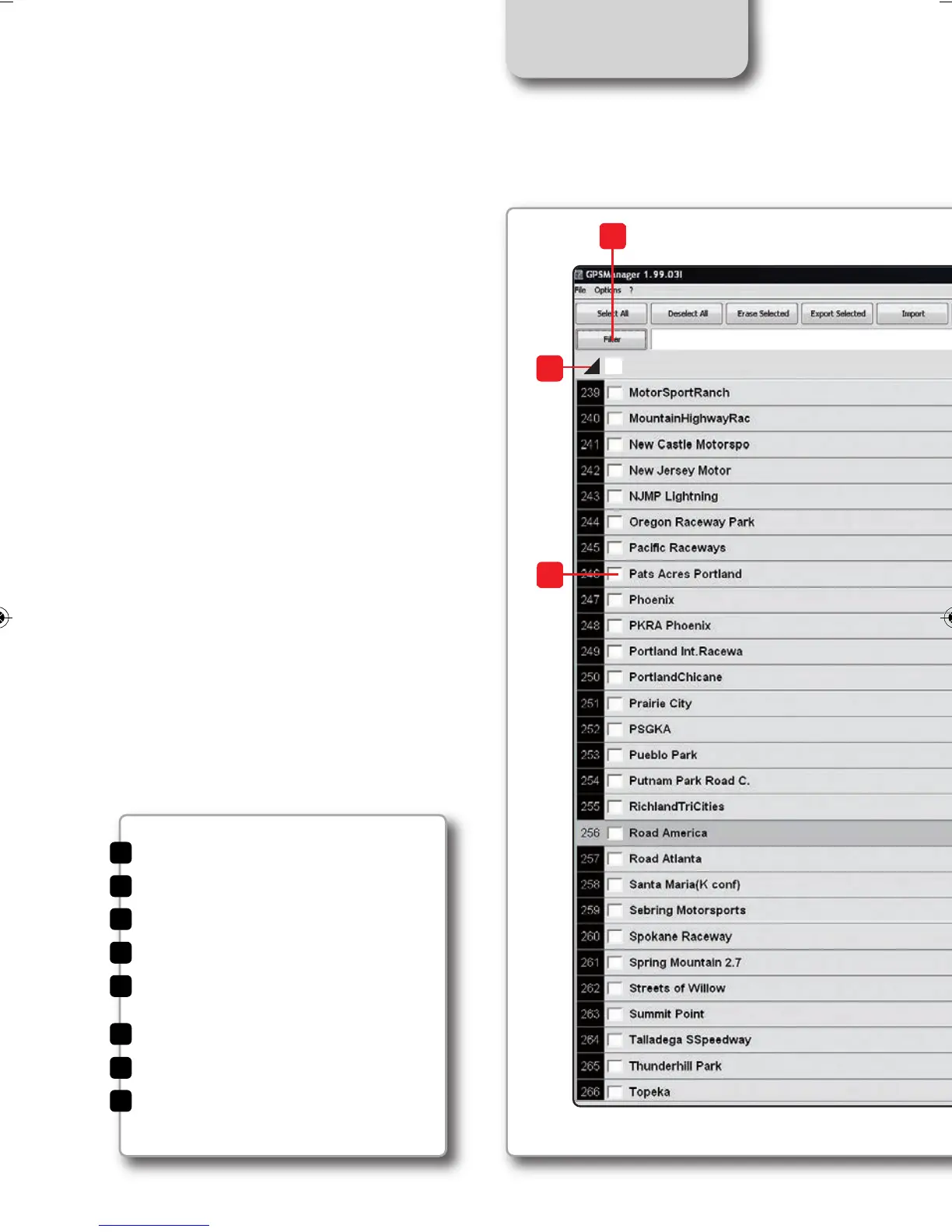
Track management command
Selection window for dynamic filters
Track type: car, bike, karts
Track data manager
Track shape, with starting line
and split points position
Small track shape
Track selection
Open/Close Country track data
1
2
4
5
6
7
8
3
SMARTYCAM HD MANUALE ENG _Layout 1 24/07/13 20.41 Pagina 35



 To Next Page