Switching the System ON/OFF
Operación normal
Press and hold " "(>2S) on the display to turn
on the system.Press and hold" "(>2S) again
to turn off the system.
If the"automatic shutdown time" is set to 5
minutes (it can be set with the"Auto Off"func-
tion.See"Auto Off"),the display will automati-
cally be turned off within the desired time
when it is not in operation. If the password
function is enabled,you must enter the
correct password to use the system.
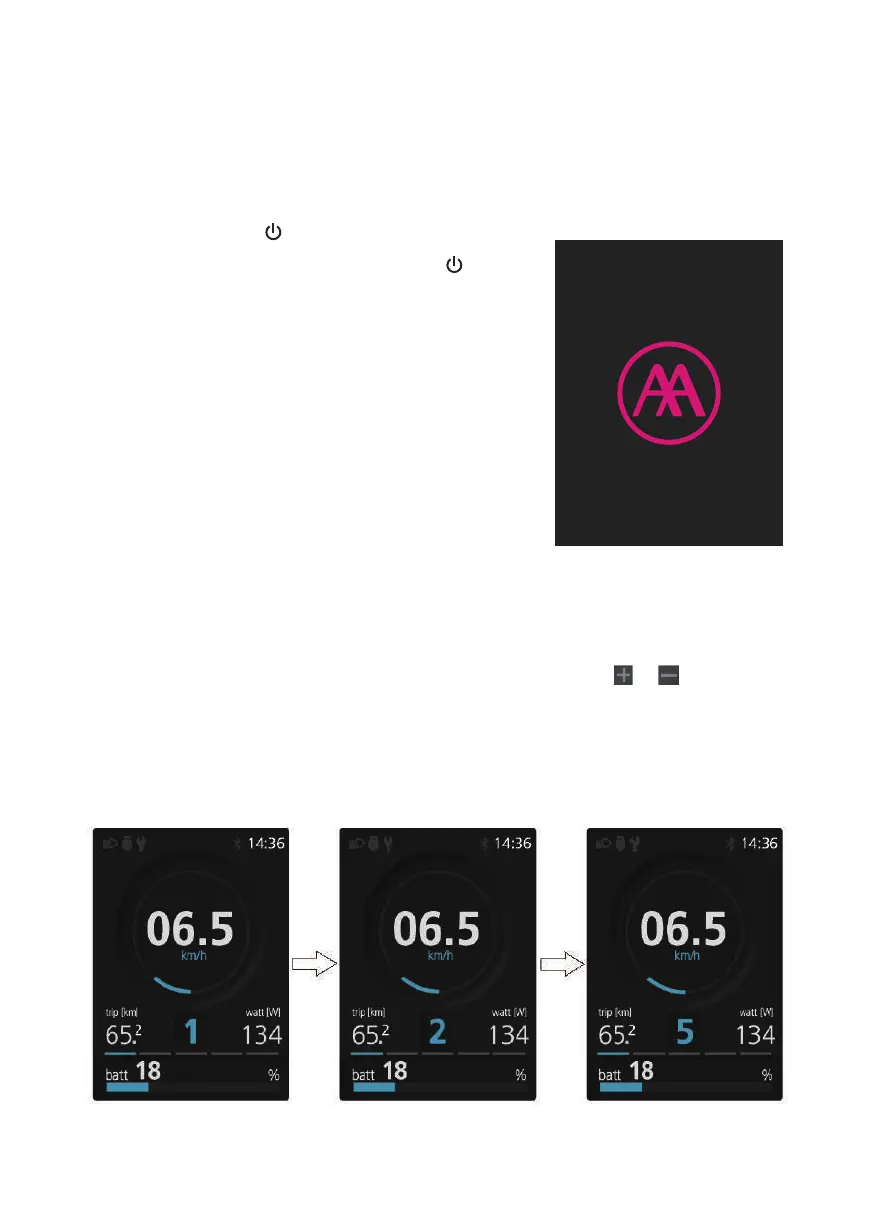
Selección de Niveles de Asistencia
Cuando la pantalla está encendida, presione el botón o (<0.5S)
para cambiar al nivel de asistencia, el nivel más bajo es 0 y el más alto
es 5. Cuando el sistema está encendido, el nivel de asistencia comienza
en el nivel 1. No hay asistencia en el nivel 0
27



 To Next Page