AX Quikstart Guide
Pg. 5
4) Saving / Uploading
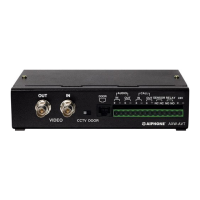
Step 1: Connect your PC / Laptop to the
AX-CEU as shown on page 1. Use the
supplied USB-to-Serial Converter and
Gender Changer if a Serial port is not
available.
Step 2: Save the settings that you
have made by clicking on File and then
Save As. Use the name of the job or
something that describes the job as
the le name so you can refer back to
it later.
Step 3: Click on Tool, then CEU, then
Upload to upload the system settings
you have made to the AX-CEU.
Step 4: Click Yes to the conrmation
message asking if you want to
overwrite the information in the Central
Exchange Unit.
Step 5: Enter the password to
authorize the upload. The default
password is 9999.
Click OK and the new settings will
upload to the CEU.
Step 6: When the upload is
complete, remove the connector
cable from the CEU and save it in
a secure location. (This connector
will be required when any changes
are to be made to the system
programming in the future.)







 To Next Page