Need help?
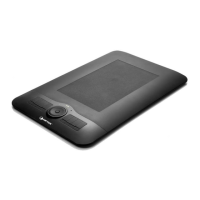
Do you have a question about the AIPTEK 12000U and is the answer not in the manual?
Important safety precautions to avoid damage or malfunction of the tablet and its components.
Steps for connecting the tablet, checking power, and inserting the pen battery.
Instructions for placing the CD, showing the tablet interface, and initiating software setup.
Guide to selecting and installing various applications provided with the tablet.
Customizing pen side buttons, adjusting pressure, and switching between pen/mouse modes.
Selecting function keys and adjusting the tablet workspace size.
Answers to frequently asked questions and solutions for common tablet problems.


 To Next Page
 General