EasyManua.ls Logo

AIPTEK PocketCam 4000 - User Manual

AIPTEK PocketCam 4000
52 pages
Print Icon
To Next Page IconTo Next Page
Loading...
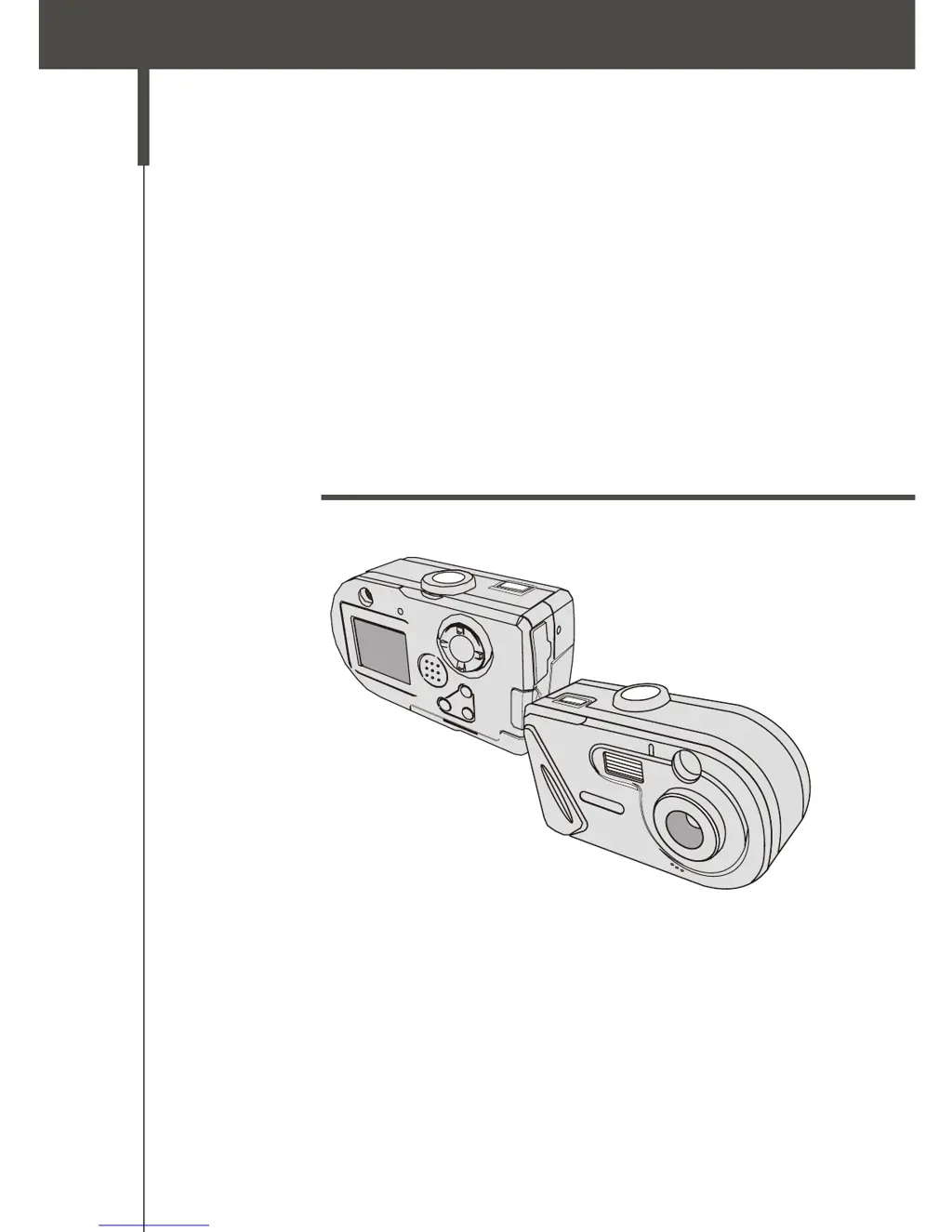
PocketCam 4000
Users Manual

Questions and Answers

  • J
    jorgebishopAug 18, 2025
    What to do if my AIPTEK Digital Camera cannot take pictures?
    • D
      Diane MartinAug 19, 2025
      If your AIPTEK Digital Camera isn't taking pictures, it might be due to several reasons. The storage could be full, so try freeing up space on the CF card or flash memory. Also, verify that the camera isn't in charging mode. Check if the CF card is set to 'protected'. If you see a 'MEMORY ERROR' message on the LCD, format the card.
  • H
    hestesAug 21, 2025
    How to fix AIPTEK PocketCam 4000 with no power?
    • F
      Frances AndersonAug 21, 2025
      If your AIPTEK Digital Camera has no power, the batteries may be out of power. Please change the batteries.
  • S
    shannonparkerAug 23, 2025
    Why are my AIPTEK PocketCam 4000 Digital Camera pictures too dark?
    • A
      Amanda SnowAug 23, 2025
      If the images from your AIPTEK Digital Camera are too dark, it may be because you are taking pictures in a place without enough light. Try taking pictures in a place with adequate light or use the flash strobe.
  • F
    Frances WheelerAug 26, 2025
    What to do if my AIPTEK Digital Camera won't turn on?
    • F
      Frederick VasquezAug 26, 2025
      If your AIPTEK Digital Camera won't power on even with batteries installed, ensure the batteries are correctly installed. If the camera is idle for over 3 minutes, it shuts down automatically. Rotate the Mode dial to OFF, then back on to switch it on.
  • J
    James LewisAug 28, 2025
    How to fix AIPTEK PocketCam 4000 driver installation failure?
    • K
      Kimberly YoungAug 28, 2025
      If the driver installation for your AIPTEK Digital Camera failed, remove the driver and any related programs. Reinstall following the installation steps, ensuring you install the driver before connecting the USB cable.
  • J
    james57Aug 30, 2025
    How to fix blurred images on AIPTEK PocketCam 4000?
    • S
      scott25Aug 30, 2025
      If your AIPTEK Digital Camera images are too blurred, keep the camera steady while pressing the Shutter button.
  • G
    gina27Sep 2, 2025
    Why are my AIPTEK PocketCam 4000 Digital Camera files missing from the CF card?
    • W
      williamslisaSep 2, 2025
      If you cannot find your AIPTEK Digital Camera data on the CF card, check if your files are stored in the camera's built-in memory. If there's an icon at the bottom right of the LCD, you're using the CF card. Remove the card to find the data in the flash memory.
  • E
    emilywhiteSep 3, 2025
    How to resolve AIPTEK PocketCam 4000 Digital Camera conflict with other devices?
    • J
      Julie HartSep 4, 2025
      If your AIPTEK Digital Camera conflicts with another camera or capture device, completely remove the other camera and its driver from your computer to avoid driver conflicts.
  • D
    damon01Sep 6, 2025
    Why can't I turn on the strobe on my AIPTEK PocketCam 4000 Digital Camera?
    • D
      Danielle HuntSep 6, 2025
      If you cannot set the strobe to 'On' mode on your AIPTEK Digital Camera, the battery may be low. Please change the batteries.
  • M
    Michael WalkerSep 8, 2025
    Why won't my AIPTEK Digital Camera movies play on my computer?
    • C
      Cynthia RussoSep 8, 2025
      To play movies from your AIPTEK Digital Camera on your computer, install DirectX 8.0 or above.

Summary

Camera Safety Precautions

General Safety Warnings

Essential precautions to prevent damage, injury, and warranty voiding.

Enjoying Images on the Computer

Copying pictures and movies to your computer

Guide to transferring photos and videos to your computer.

Viewing on your computer

How to access and view your media files on the computer.

Using the PC Camera Function

Installing the AF Cam driver

Install the AF Cam driver for PC Camera functionality.

Connecting your camera to your computer

Connect camera to PC for PC Camera use.

Capturing immediate images to your computer

Use the camera as a PC camera to capture live images.

Troubleshooting

Camera operational issues

Solutions for common camera operational issues like no power or errors.

Picture and movie capture problems

Troubleshooting steps for when the shutter button doesn't work or files are not found.

Flash strobe issues

Reasons and solutions for the flash strobe not being available.

Image quality issues

Tips to improve image clarity and brightness, and resolve noise.

Computer connection problems

Solutions for driver installation failures and conflicts.

Movie playback and video conferencing issues

Ensure movie playback compatibility and fix video conferencing noise.

Getting Started

Your camera parts

Identifies and explains the various parts and controls of the camera.

Loading the battery

Step-by-step guide on how to insert batteries into the camera.

Inserting and removing the CF card

Instructions for inserting and removing the Compact Flash card.

Basic Operation

Taking still pictures

Detailed guide on how to capture still photographs with the camera.

AIPTEK PocketCam 4000 Specifications

General IconGeneral
Digital Zoom2x
Video Resolution320 x 240
Sensor TypeCMOS
Resolution4.0 MP
Image Resolution2304 x 1728
Lens TypeFixed
InterfaceUSB
Battery2 x AA batteries
Optical Sensor Resolution4 MP
LCD Screen Size1.5 in
Image SensorCMOS
StorageSD Card
DisplayLCD
Optical ZoomNo

Related product manuals