Press the throttle and direction button together to achieve right forward, left
forward, right backward and left backward movements.
How to play
Mark
Channel A-D marked
Channel switch
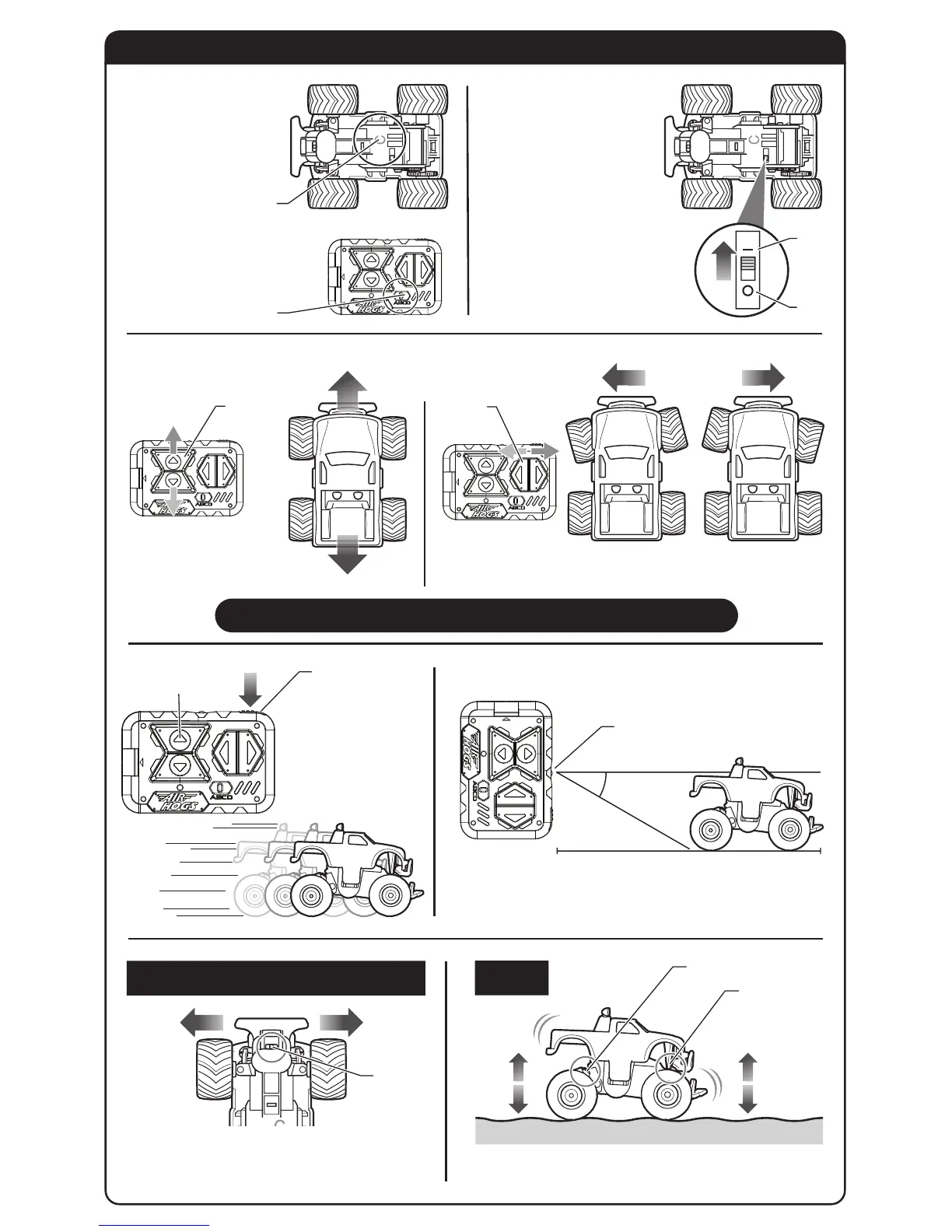
Forward
Backward
Left
Right
Throttle
buttons
Throttle
button
The direction button on the right controls the
direction of
vehicle’
s front wheels.
Turbo button
Infrared transmitter
30 degrees
4.5 ft (1.5 m)
How to adjust the car to go straight ahead
Features
Rear Suspension
Change the channel of
the controller/charger
to the same channel as
marked on the
vehicle
.
Move ON/OFF switch to
the ON position as
shown. Vehicle must be in
the ON position to operate.
Turn OFF the Thunder Trucks™
vehicle when not in use to
preserve batteries.
NOTE:
The vehicle will go into sleep
mode if it does not receive a TX signal
or is idle for more than 3 minutes.
To wake the vehicle up, slide the
ON/OFF switch from the OFF
position back to the ON position.
1
Controls
3
45
2
ON
OFF
The throttle button on the left
controls
the vehicle’s
forward
and backward direction.
Press the turbo button
together with the throttle
button to accelerate.
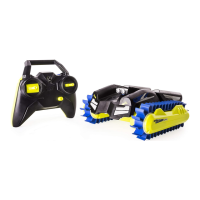
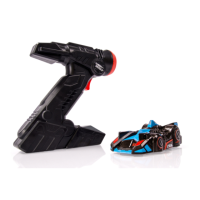
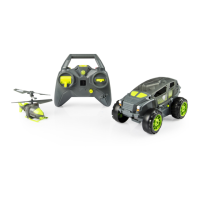
Point the controller/charger directly at the Thunder Trucks™ vehicle.
Infrared rays can reach at an angle of 30 degrees
and 4.5 feet (1.5 metres).
When the Thunder Trucks™
vehicle
does not travel in a
straight line, adjust the trim switch inside the truck.
Adjust
to left
Adjust
to right
Trim
switch
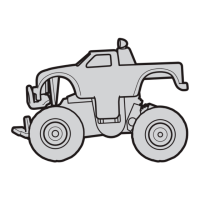
Suspensions are equipped on the front and rear
parts of the Thunder Trucks™ vehicle.
Change the channel to the
same as the mark on the
vehicle
.
Direction
button
Front Suspension
Bottom View
Controller


 To Next Page
 Loading...