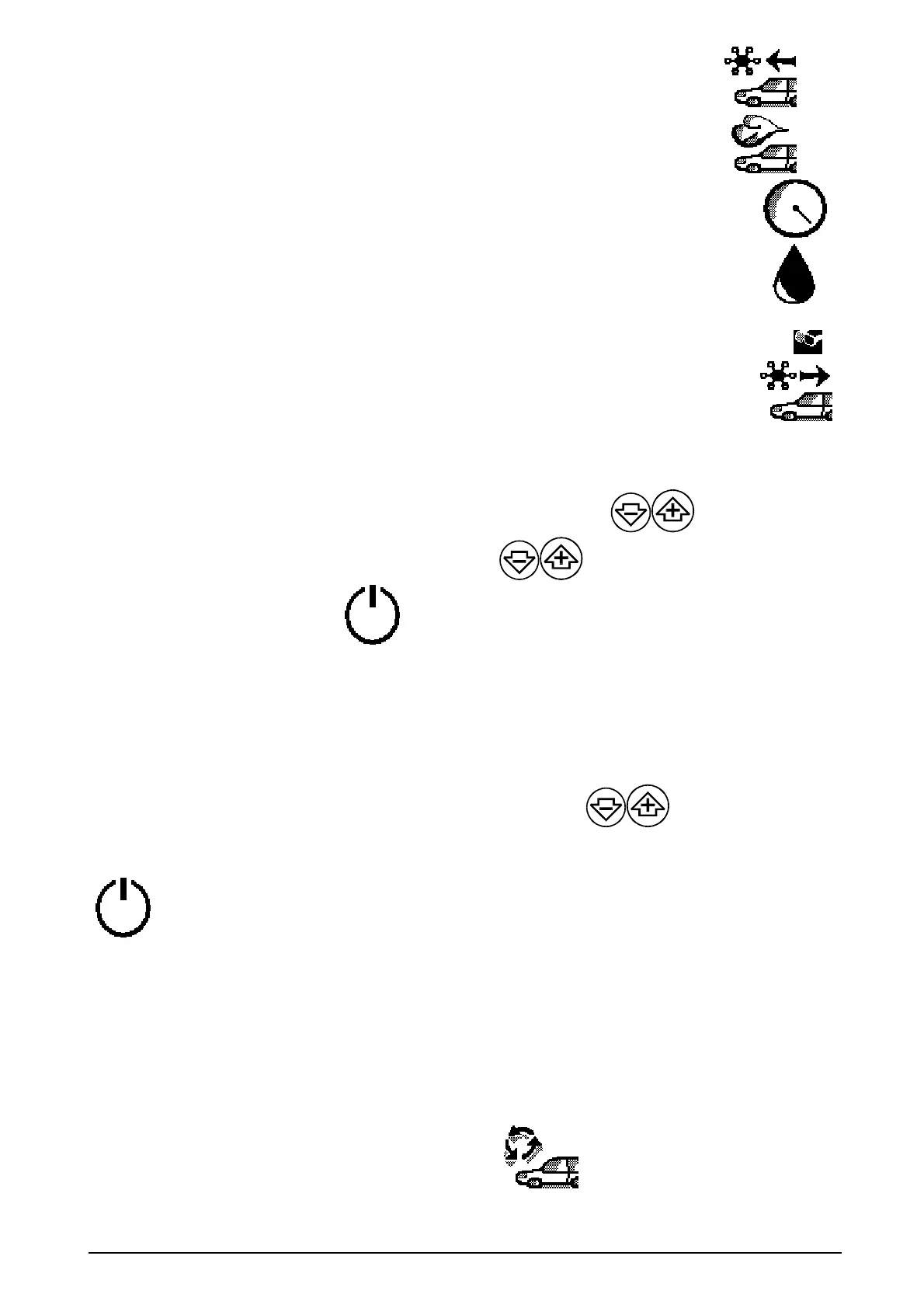
Gas recovery, oil separation and drain.
Vacuum
Vacuum test
Oil injection
Dye injection
Gas recharging
In case it is necessary to change one or more of the shown values, proceed as follows:
-
select the working PHASE to be modified by means of the buttons
,
confirm with
“ENTER”, modify the values by means of the buttons
,
store the data by pressing ©, To
start the automatic cycle, select
and press
↵
ENTER.
4.1.3 Automatic mode (with access to the database)
At
the beginning, the last recalled car model is displayed. In order to work in automatic mode with the
use of the database select the desired vehicle model by means of
,
press
↵
ENTER to
reach the following menu, up to the final vehicle choice
Once the right vehicle has been se3ected, it is possible to start the full automatic mode by selecting
and pressing ENTER.
If, instead, it is necessary to modify one or more of the displayed values, proceed as described above
(see par. 4.1.2).
4.1.4 Special Functions
The special functions include:
a) The printing out of the working cycle data (optional)
b) The flushing cycle (with refrigerant) (optional)
KK2 MANUAL
5


 To Next Page