5
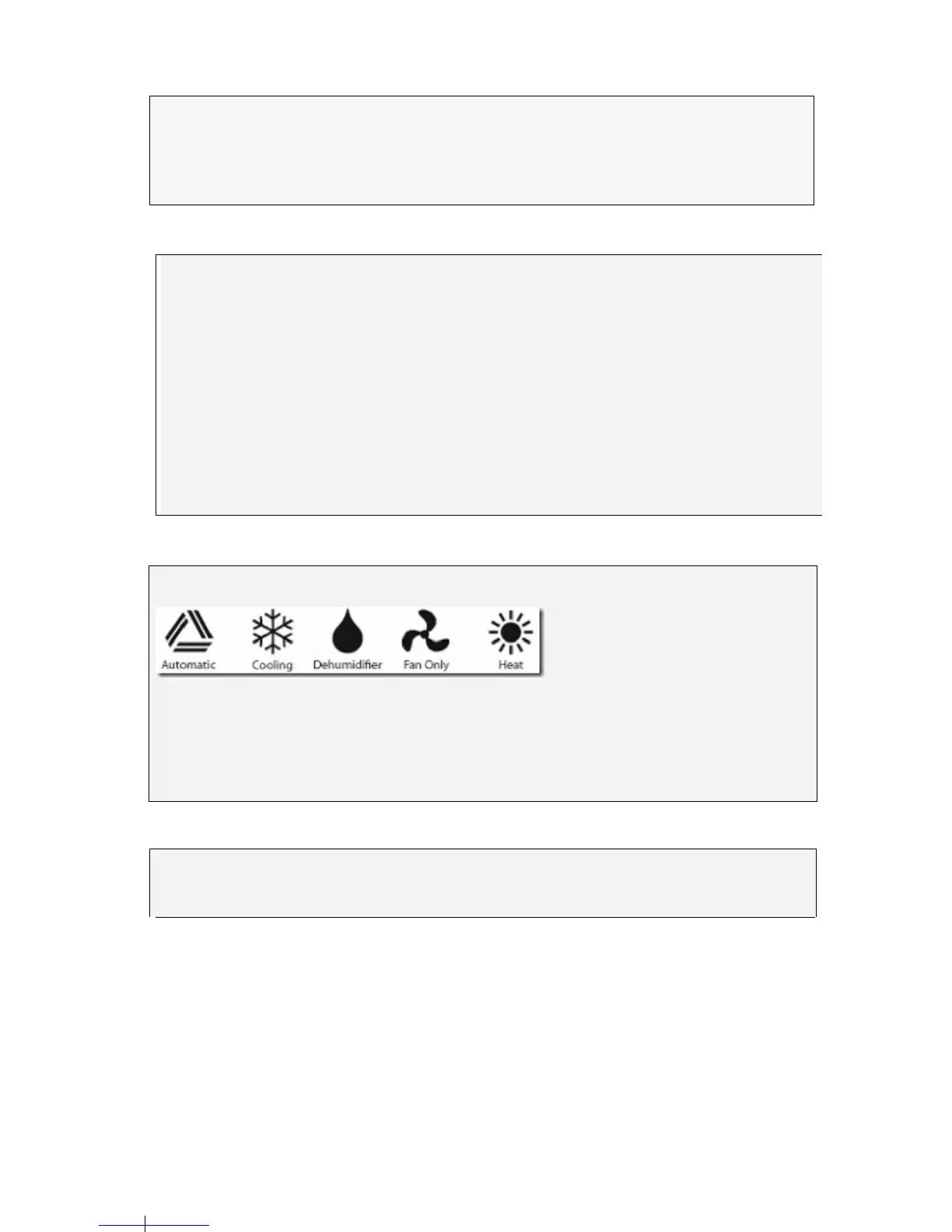
Mode Symbols
Batteries
Always use high quality Alkaline batteries., lf it is not intended to use the Smart Remote for an
extended period, remove the batteries to avoid battery leakage which will damage the unit.
Batteries
Always use high quality Alkaline batteries., lf it is not intended to use the Smart Remote for an
extended period, remove the batteries to avoid battery leakage which will damage the unit.
Clock Set Up
Press the "Clock" key once, the clock signal will flash.
Press the "Time + or Time -" keys, to set the current time.
Press the "Clock" key again, the time signal will stop flashing, the time is now set. (If you do not
pr
ess the "Clock" key again, the function will auto-lock after 15 seconds)
.
Please Note:
lf it is not intended to use the Smart Remote for an extended period, remove the batteries to avoid
battery leakage which will damage the unit.
The LCD normally displays the time. By pressing the "ENTER, OK" key, the current Brand Code is
showed on the LCD. After 5 seconds the display will return to the clock.
Changing the display between Celsius and Fahrenheit.
Press and release the "C/F" button. The display will change between Fahrenheit and Celsius.


 To Next Page