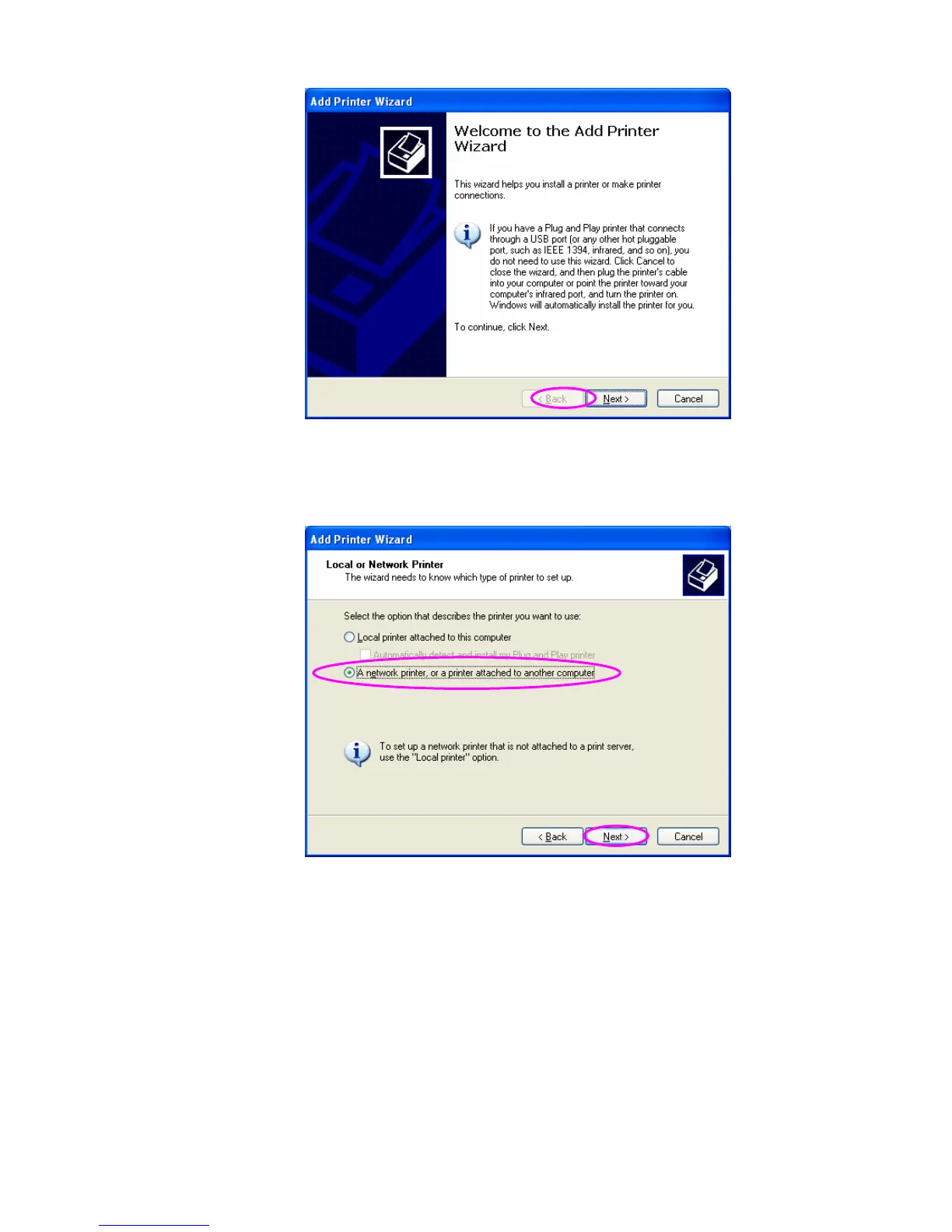
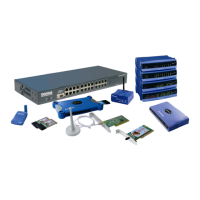
Step4. Select “A network printer, or a printer attached to another
computer”. Click “Next”.
Step5. Select “Connect to a printer on the Internet or on a home or office
network” and enter the URL of print server. The URL format is
“http://IP:631/Port Name”. The IP should be the print server’s IP. The number
631 is IPP standard port number. Port Name is the port name of print server
that your printer is connected to. The default port name is “lpt1”. One example
92


 To Next Page