1. Introduction
3 X.USB User’s Manual
1.3. Package Contents
Before installing the adapter, please check if there’s anything missing in the package,
and contact your dealer of purchase to claim for missing items:
y X.USB
y Quick Setup Guide
y Software CD
y 3dBi Antenna *2 (Model: X.USB-3 only. Model X.USB does not include any
antennas)
1.4. Hardware Installation
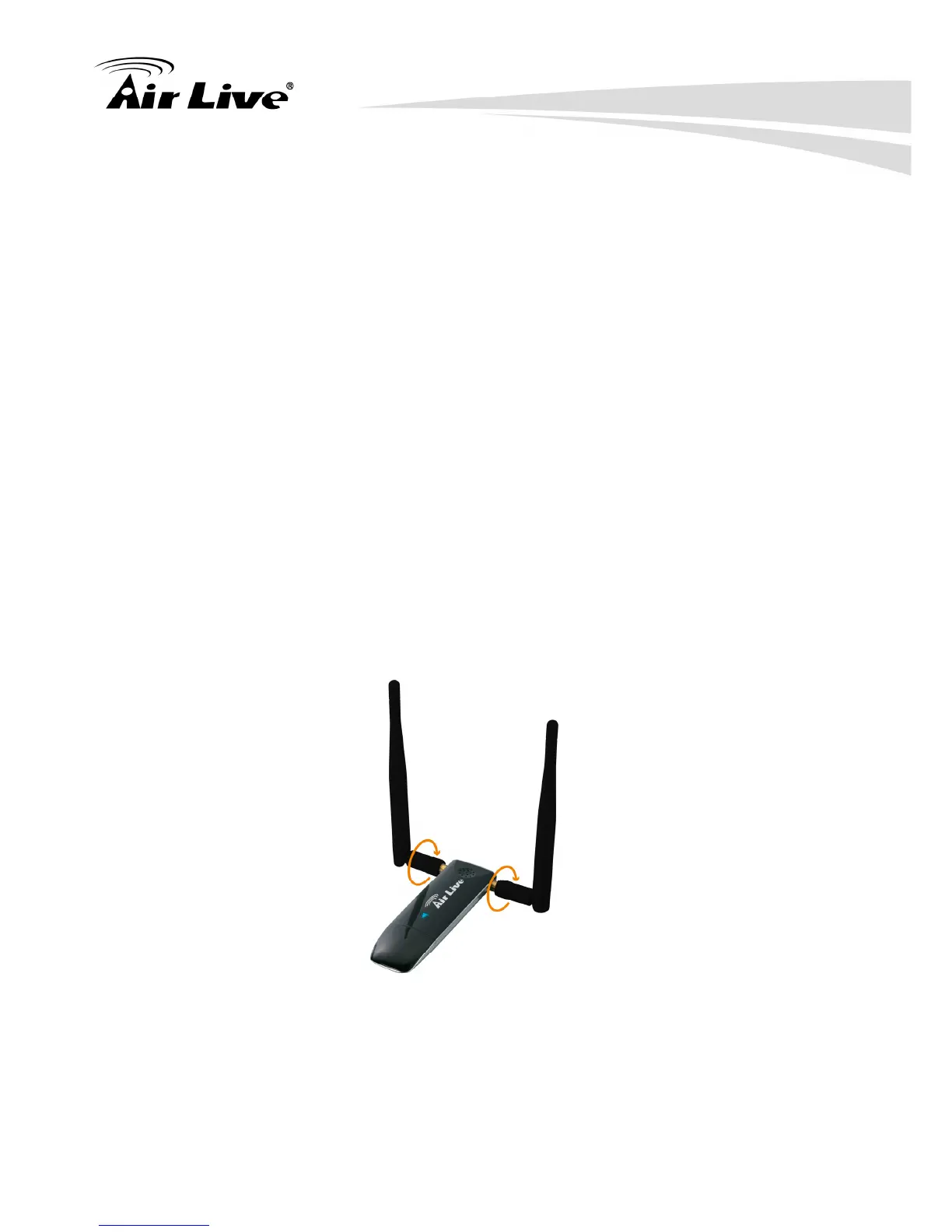
y Screw-in the antennas to the R-SMA Antenna Connectors
y Go to Chapter2 and follow the instruction to install the driver for X.USB
y Wait for the instruction on the screen to insert the X.USB into the USB port of
your computer.



 To Next Page