AppLIANCES
H - 9
H
MICROPULSE SYSTEMS MONITOR OPERATION INSTRUCTIONS
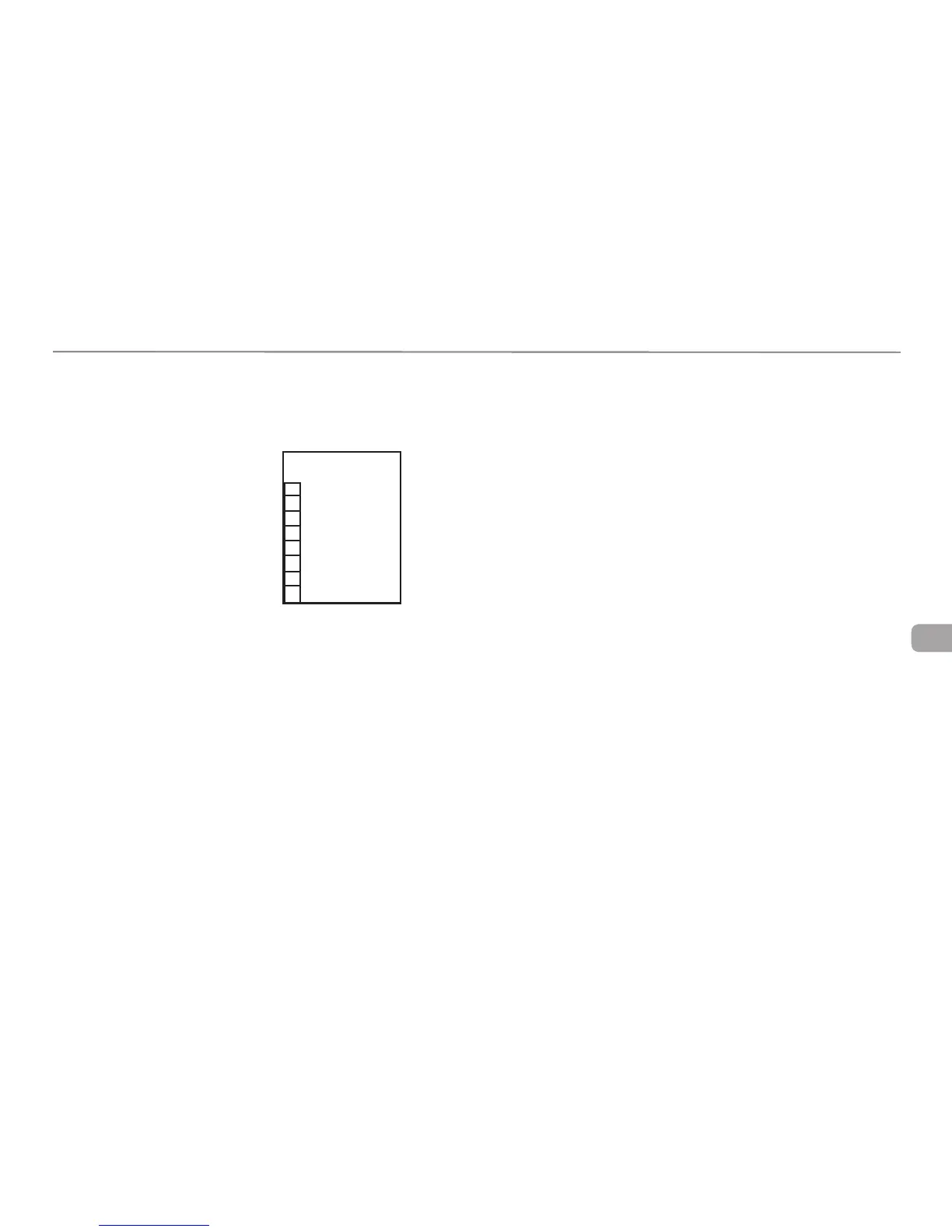
This example shows the monitor reporting the following:
Fresh Water = 7/8 to Full
Gray Water 1 = Empty to 5/8
Gray Water 2 = 3/4
Black Water = Empty to 5/8
Battery = 3/8 to Full.
On the diagram the Letters R=Red, Y=Yellow, G=Green, Blank=no LED lit.
NORMAL OPERATION
The MicroPulse Monitor will display the condition of each system at all times.
The tri-color LED beside the system will indicate the condition of the system
using the following color code.
Fresh Water & Battery are as follows:
Green LED = 3/8 to Full
Yellow LED = 1/4
Red LED = 1/8 to Empty
Gray Water & Black Water are as follows:
Green LED = Empty to 5/8
Yellow LED = 3/4
Red LED = 7/8 to Full
TO OBTAIN EXACT READING
To obtain an exact reading of all systems press and release the status button
one time. The monitor will flash the LED beside the system it is about to report.
It will than display the exact condition of that system by lighting the bar graph
from Empty to Full. The monitor will display the exact condition of each system
and then return to normal operation mode.
To obtain an exact reading of an individual system press and release the status
button until the LED beside the system that you want the condition of is lit.
Release the status button and the monitor will display the exact condition of
that system by lighting the bar graph from Empty.
Monitor Display
Fresh Water
Gray
Water 1
Gray
Water 2
Black Water
Battery
R
G
G
G
Y













 To Next Page