Installation
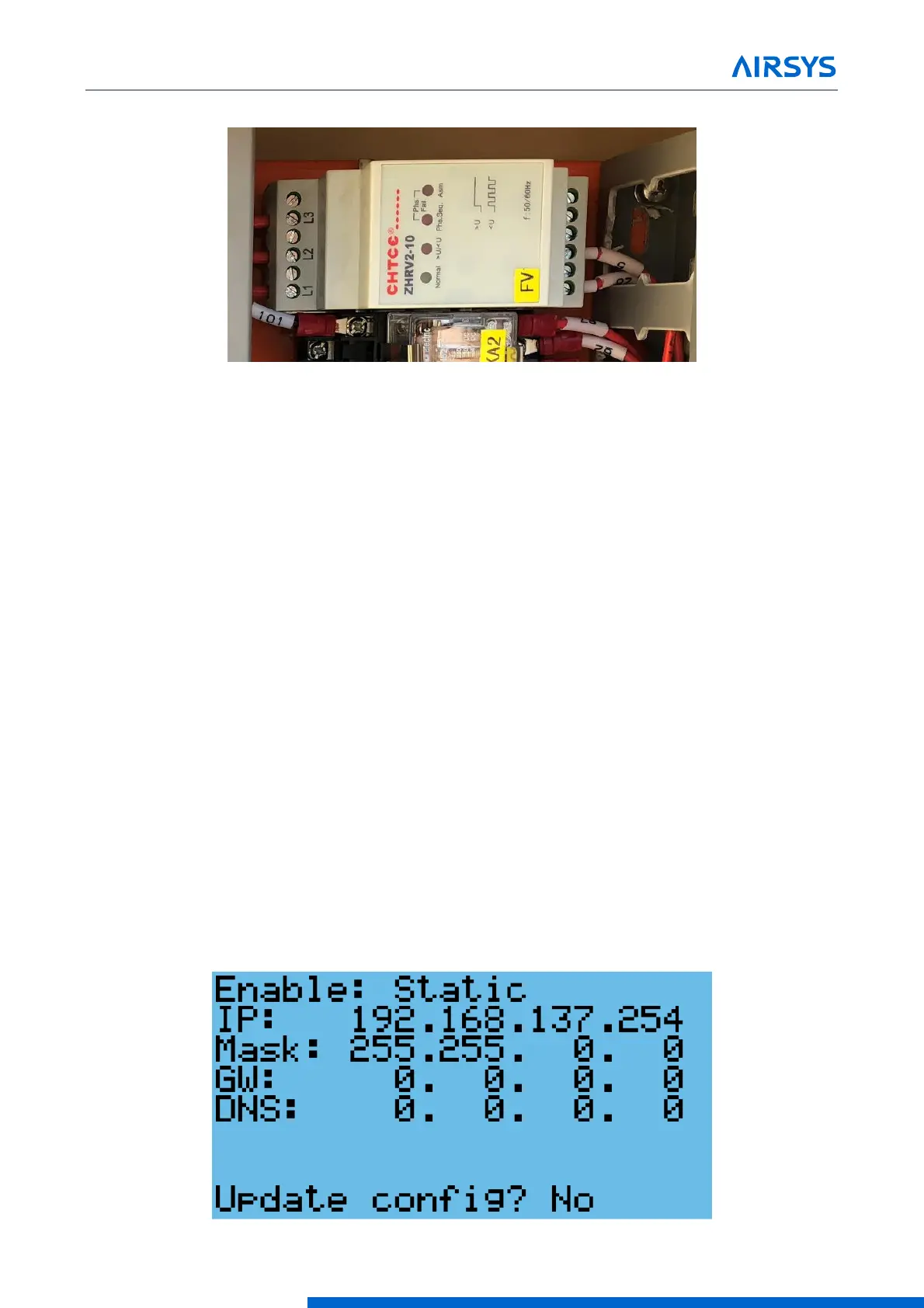
Verify “Normal” LED on the phase monitor (FV) is lit. Correct phase rotation if necessary.
Figure 3-11 Phase Monitor
3.7.3 Upgrade System Software
See Chapter 7: System Update for instructions. This is only required if the HVAC units or controller were
obtained at different times or if a HVAC unit is being added to an existing install.
3.7.4 Change System Units (Optional)
By default, the system operates using units of °F and psi for temperature and pressure. These can be changed
to metric units if desired.
1. Hold the Esc button until the main screen is displayed.
2. Press Up and Down together to enter the debug menu.
3. Press Down, the screen should display “No Conversion”.
4. Press Enter until the cursor is on the row below “Current UoM”
5. Press Up or Down until the desired unit conversion is shown and press Enter.
3.7.5 Set IP Addresses for Controller (Optional for Remote Monitoring)
This step is needed if user intends to communicate to the device via IP. This step can be skipped and returned
to later if user does not immediately intend to communicate to the system remotely.
1. Hold the Esc button until the main screen is displayed.
2. Hold Alarm and Enter for 3 seconds to enter the unit configuration menu.
3. Press Down until the cursor is over “Settings” and press Enter.
4. Press Down until the cursor is over “TCP/IPv4 Configuration” and press Enter.



 To Next Page