Installation
1. Press Esc until the main screen is displayed.
2. Press Down until the “i" icon is showing in the bottom right of the display and press Enter.
3. Press Down until a “Controller Info” is displayed.
4. View the readings shown on the display and verify that they are correct.
5. Wrap a hand around the temperature sensors and verify that the readings change.
6. “Huff” into the humidity sensor with moist warm breath and verify that the humidity reading changes.
If the temperature sensor readings do not change when a hand is wrapped around the corresponding
sensor, verify that they have been placed in the correct locations. If the humidity reading does not change,
remove the cover and verify that the plug is seated correctly.
3.7.17 Verify Indoor Setpoint
1. Press Esc until the main menu is displayed.
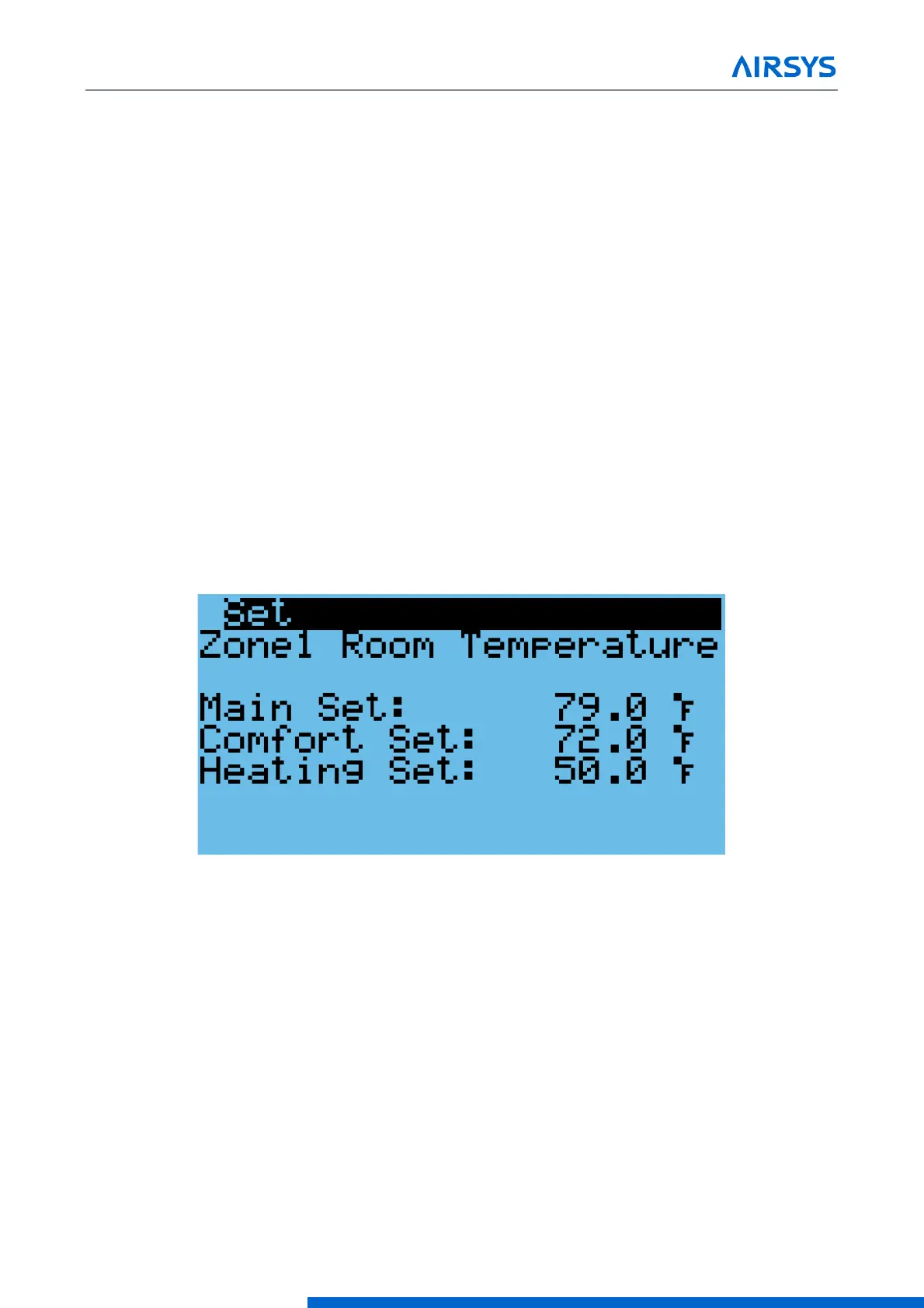
2. Press Down until Set is displayed in the bottom right of the display and press Enter.
3. Press Enter until “Main Set” is selected.
4. Press Up or Down to change the setpoint and press Enter to confirm.
5. If multiple zones have been established, press Enter until the cursor is in the upper left corner and press
Down to access the settings for each zone.
6. Repeat steps 3-5 until the settings for each zone have been entered.
Figure 3-15 Verify the Main Setpoint
3.7.18 Verify Input and Output Alarms
1. Verify Generator Signal
Note: If the alarm input logic is set incorrectly (NC/NO), no more than one unit will be permitted to run at
any time.
• Place a jumper between wires 5 and 42 on the controller box terminal block.
• Press the Alarm button. The generator run alarm should be displayed in the alarm screen.
• Remove the jumper.
2. Verify Smoke/Fire Alarm Signal
•
Press the test button on the smoke/fire detector. The system should completely shut down (Fans and
compressors off, damper closed, the Smoke/fire alarm will be displayed on the alarm screen).


 To Next Page
 Loading...

