System Operation
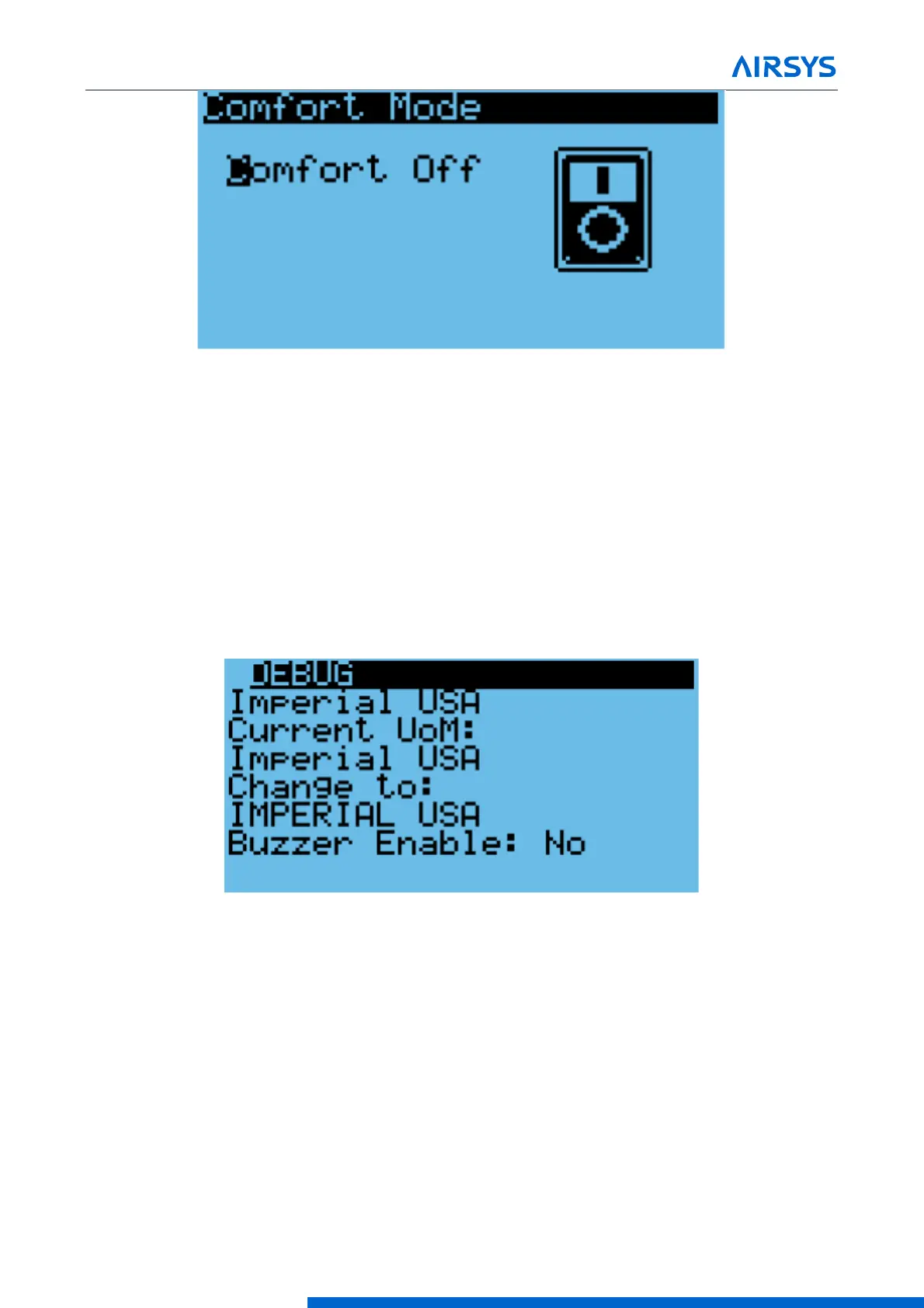
Figure 4-5 Comfort Mode Screen
4.3.4 Changing System Units
By default, the system operates using units of °F and psi for temperature and pressure. These can be changed
to metric units if desired.
1. Hold the Esc button until the main screen is displayed.
2. Press Up and Down together to enter the debug menu.
3. Press Down, the screen should display “No Conversion”.
4. Press Enter until the cursor is on the row below “Current UoM”
5. Press Up or Down until the desired unit conversion is shown and press Enter.
Figure 4-6 Unit Selection Screen
4.3.5 Viewing Controller Information
System information such as unit status and energy consumption as well as controller status can be viewed
from the controller. See Table 4-3 for a complete list of information viewable from the controller. All parameters
are read-only.
1. Hold the Esc button until the main screen is displayed.
2. Press Up or Down until i is displayed in the bottom right of the screen and press Enter.
3. Use the Up or Down buttons to scroll through the menu screens.



 To Next Page