System Operation
4.3.2 Changing the Setpoint and Free Cooling Humidity Limit
The setpoint for each zone can be independently adjusted from the controller. In addition, the free cooling
humidity limit can be adjusted, but will apply for the whole network.
1. Hold the Esc button until the main screen is displayed.
2. Press Up or Down until the Set is displayed in the bottom right of the screen and press Enter.
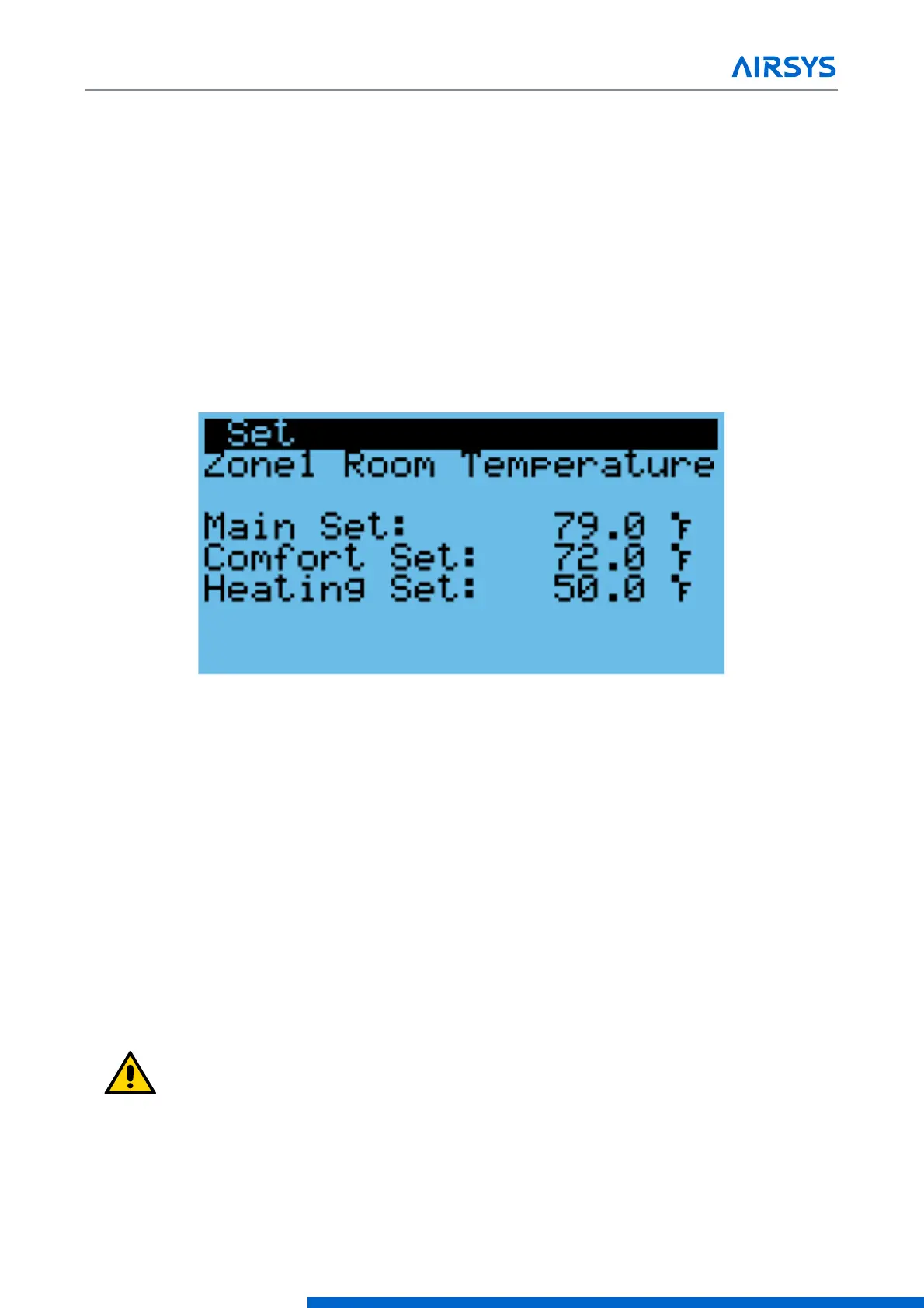
3. Press Down until the desired zone is selected. The screen should display “ZoneX Room Temperature”.
Press Enter.
4. Press Enter until the cursor is next to “Main Set”.
5. Press Up or Down to change the setpoint and press Enter to confirm.
6. If setpoints for more than one zone need to be configured, press Enter until the cursor is in the upper left
corner and repeat steps 3-5.
Figure 4-4 Setpoint Screen
To change the free cooling humidity limit, repeat steps 1-3, but scroll to the screen that reads “Outdoor
Humidity” Then press Enter and use the Up and Down keys to adjust the humidity limit. Press Enter to confirm.
4.3.3 Using Comfort Mode
The settings on the HVAC system are optimized for operating efficiency and not for human comfort. When
working inside the shelter for extended durations, the site temperature can be temporarily adjusted using the
comfort mode setting.
1. Hold the Esc button until the main screen is displayed.
2. Press Up or Down until the Cft is displayed in the bottom right of the screen and press Enter.
3. Press Up or Down to switch between Comfort and normal mode, press Enter to confirm.
To change the comfort mode setpoint, see “Changing the Setpoint and Free Cooling Humidity Limit”.
Important. If the HVAC system needs to cool aggressively to reach the comfort
mode setpoint, multiple WPUs may go into mechanical cooling.



 To Next Page