System Operation
The system status is shown in the bottom left corner. There are 5 possible statuses, which are shown in Table
4-2
Table 4-2 System Statuses
Unit operation is stopped due to alarms
Unit has been turned off by the BMS
Displayed on HVAC when the master
controller is “Off by Keyboard”
Unit has been turned off locally
Unit is operating in manual mode (step test)
Can be engaged at the unit or
controller
The four main menus can be accessed from the main screen. The menus are selected by pressing the Up or
Down buttons. The icon in the bottom right corner will change accordingly. Press Enter to access the menu.
• When the power icon is displayed, press Enter to access the power menu. The system can be switched on
and off from here.
• When the i icon is displayed, press Enter to access the information menu. This menu contains information
regarding the system status, sensor readings, equipment runtime, and system data. If viewing from the
controller, information for each connected unit can be viewed from this menu.
• When Set is displayed, press Enter to access the setpoint menu. The main temperature and comfort mode
setpoints for each zone can be assigned. In addition, the free cooling humidity limit can also be set.
• When Cft is displayed, press Enter to access the comfort mode menu. The system can be toggled between
normal and comfort mode.
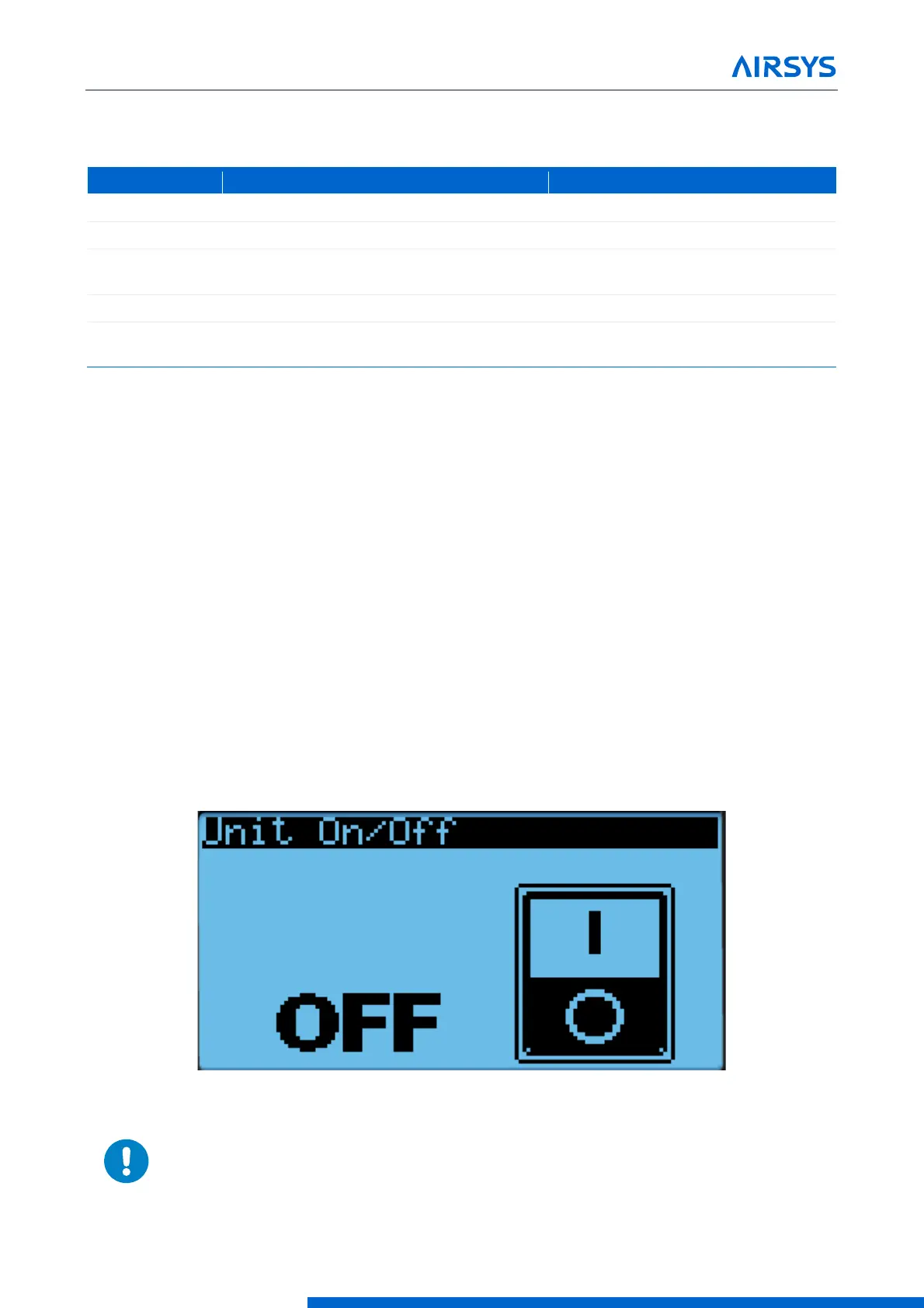
4.3.1 Turning the System On and Off
1. Hold the Esc button until the main screen is displayed.
2. Press Up or Down until the power icon is displayed in the bottom right of the screen and press Enter.
3. Press Up or Down to switch between On and Off, press Enter to confirm.
Figure 4-3 On/Off Screen
Warning. Never leave the site with the HVAC system in the off state. The site
will have no temperature control, which likely will result in an urgent site visit to
correct.


 To Next Page
 Loading...

