System Operation
4. Press Enter to access the menu.
5. Press Enter, the cursor should be next to “Select HVAC ID”.
6. Press Up or Down until the unit to be tested is selected, then press Enter.
7. Press Down, then press Enter. The cursor should be next to STOP.
8. Use the Up and Down buttons to select the desired test and press Enter to confirm.
9. Repeat Step 8 for all 5 tests. Verify that all components are operating properly. The 5 tests are supply
fan, heater, condenser fan, compressor, and damper.
10. After testing is complete, switch the test to STOP and press Enter.
11. When the step test is complete, return to the main menu by holding Esc.
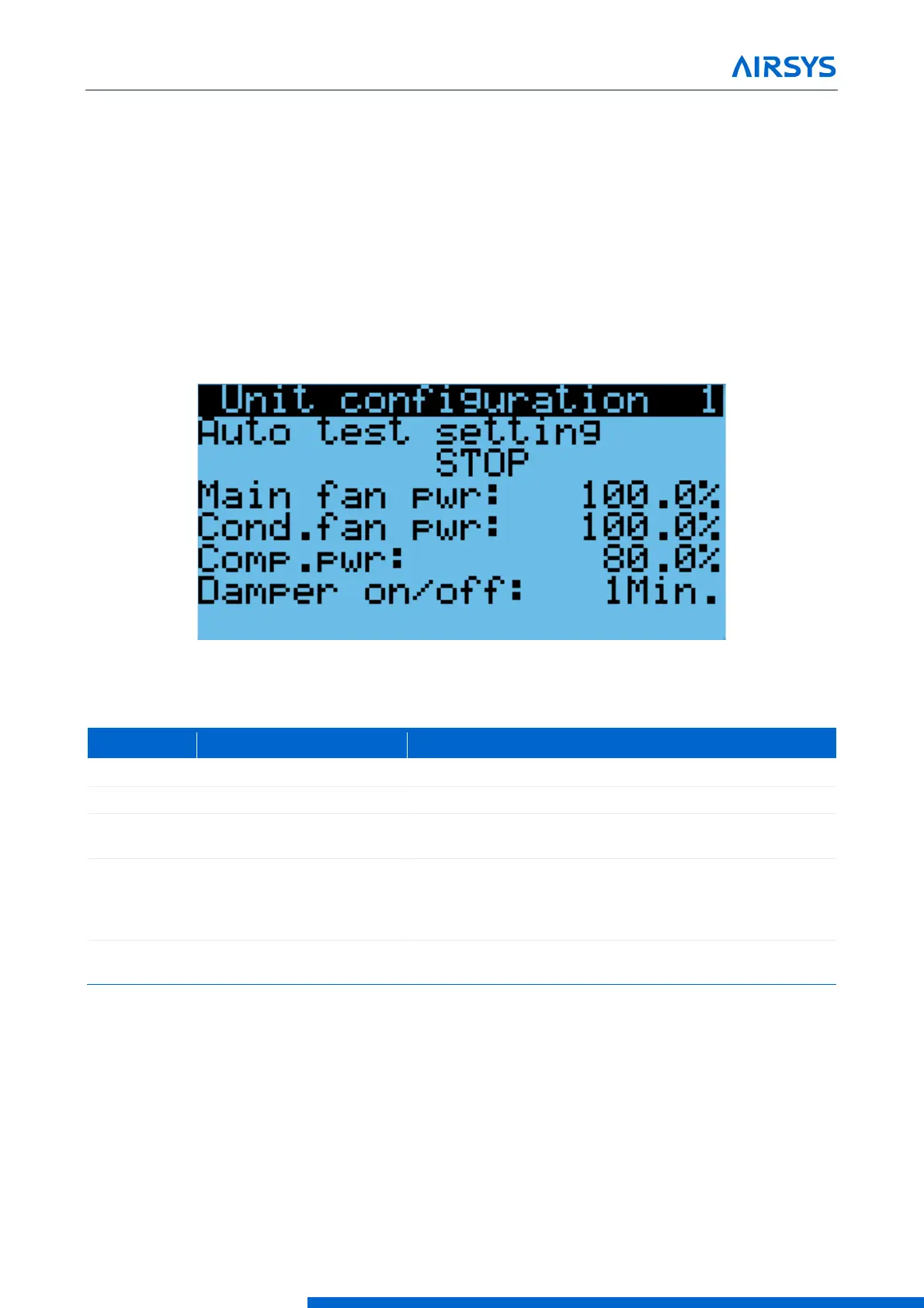
Figure 4-9 Step Test Selection Screen
Table 4-5 Step Test
Supply fan will run at full speed
Supply fan will run at full speed, condenser fan speed will
adjust according to the pressure. Compressor will run at
medium speed for 3 minutes before changing to the desired
speed
Cycles damper between
open and closed
When running the supply fan, condenser fan, and compressor step tests, the speed of the component can be
changed to test variable speed operation.
1. Repeat steps 1-8 in the above section until the desired step test is selected.
2. Press Down, the screen should display “Test settings”.
3. Press Enter until the desired component is selected.
4. Press Up or Down to adjust the speed and press Enter.
Note: Changing the speed of a component will change its speed only when testing that component. For
example, changing the supply fan speed will not affect its run speed during the compressor step test.



 To Next Page