System Update
Both the ASMUC.6 controller and the WPUs can gain additional functions and improvements by updating the
control software and operating system. All required software and upgrade packages will be provided by
AIRSYS. To request an update package, contact AIRSYS Support at Support@air-sys.us.
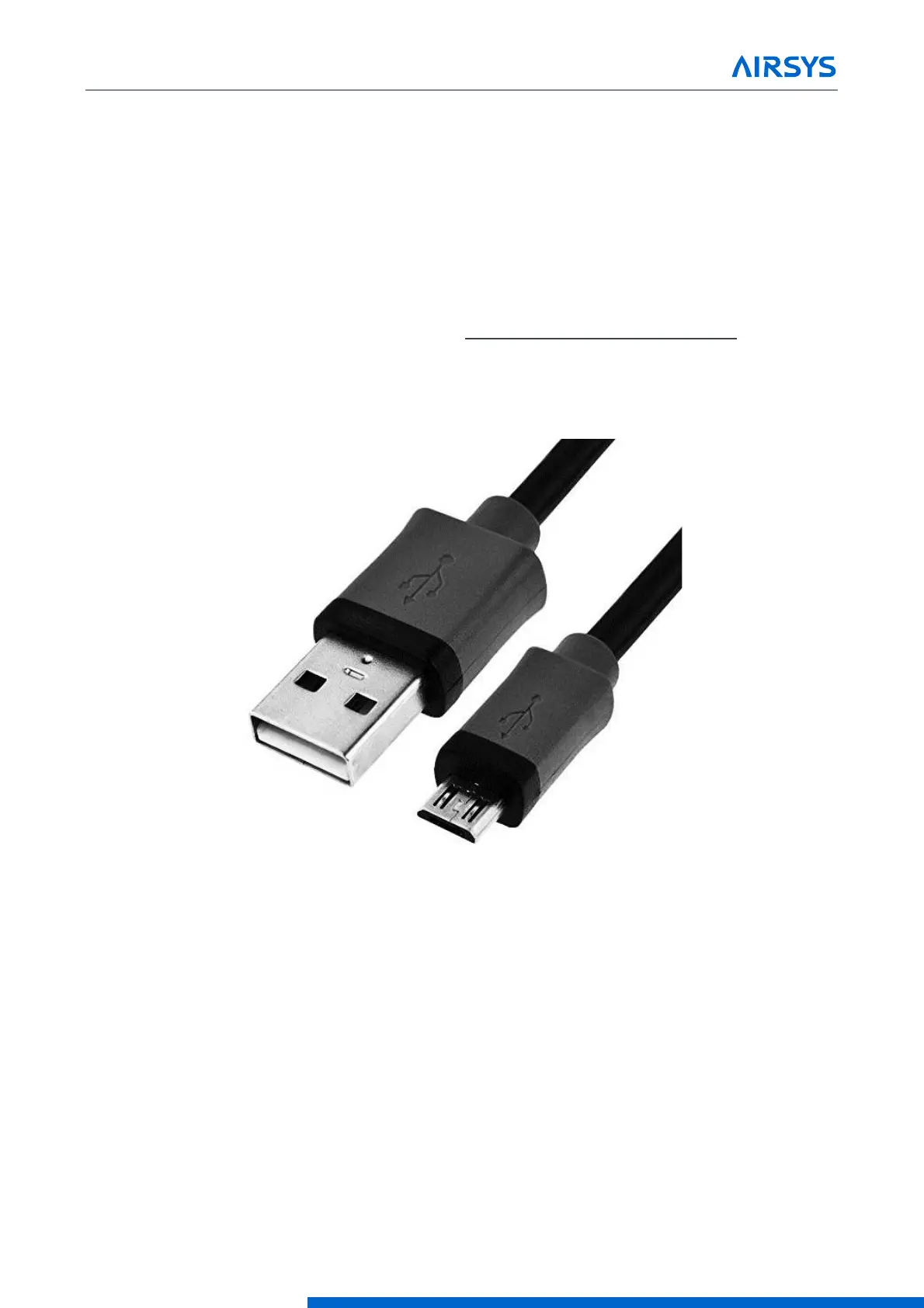
Updates can be performed via the web interface or the USB connection. A microUSB to USB cable is required
to perform the update.
7.1 Local Software Update:
Required Equipment
1. Upgrade Files. Download the latest software from https://support.airsysnorthamerica.com/. Search for
“ASMUC Software Upgrade”.
2. Laptop/PC. A computer is required to upload the update files.
3. MicroUSB cable.
Figure 7-1 microUSB Cable
Step 1: Upgrade HVAC Units
Note: An external display must be connected to the unit being upgraded. If an extra display is unavailable, the
one installed in the controller can be detached using the instructions below. Skip a-d if an external display is
available.
1. Download and unzip both the upgrade and HTTP files.
2. Open the controller box and disconnect the plug on the rear of the display.
3. Using a flathead screwdriver or similar tool, remove the PGD frame. See.
4. Remove the screws securing the PGD to the ASMUC door.
5. Install the display on the HVAC unit. See Figure 40 for cable location.



 To Next Page