Data Examples
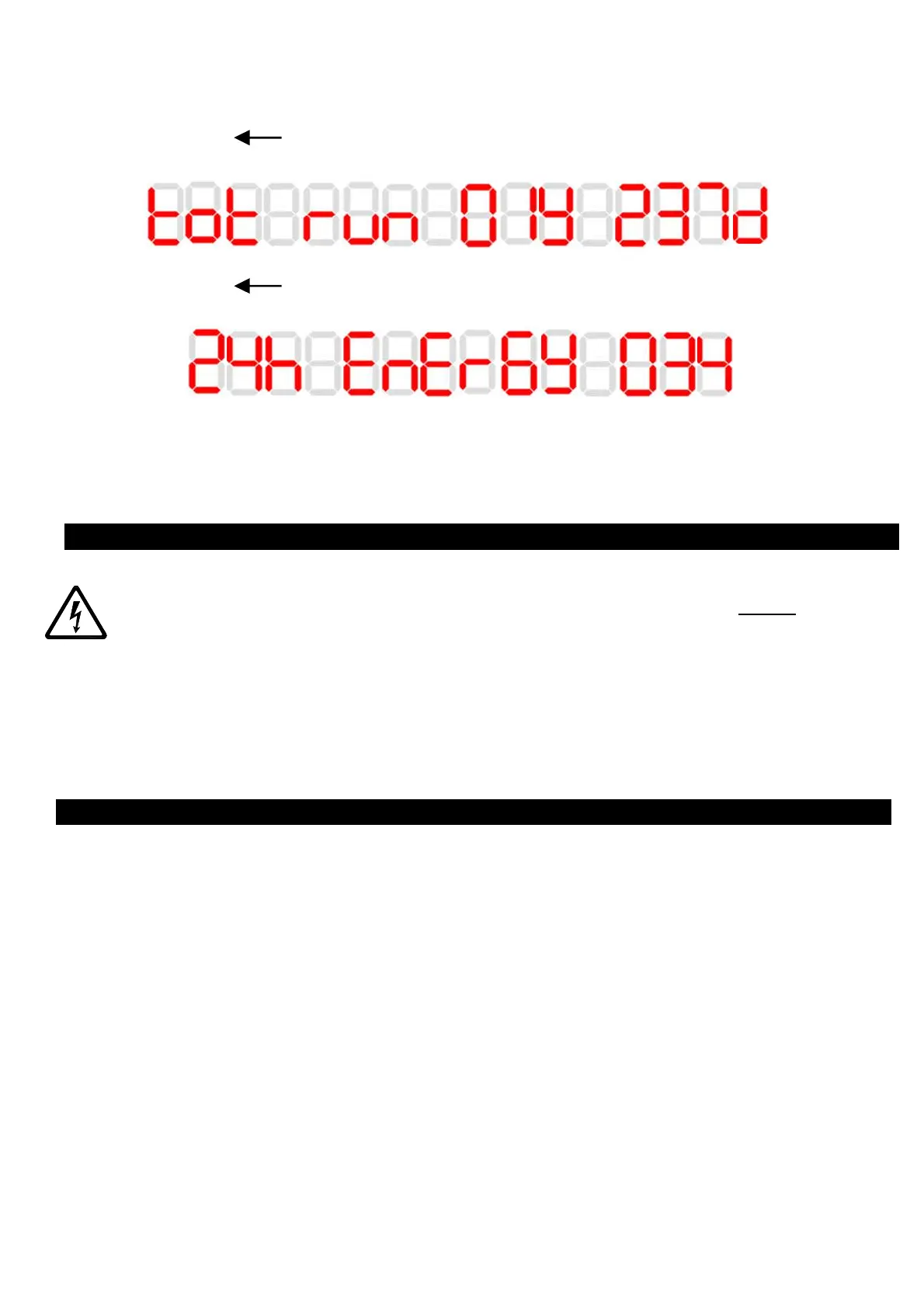
Text scrolling from right to left
In this example the display is showing a total run time of 1 year and 237 days.
Text scrolling from right to left
In this example the display is showing 34Wh of energy consumption in the previous 24h.
Returning to commissioning mode
A further 5 second press of the Mode button will return the fan to the commissioning menu.
WARNING: THE FAN AND ANCILLARY CONTROL EQUIPMENT MUST BE
ISOLATED FROM THE POWER SUPPLY DURING MAINTENANCE.
1. At intervals appropriate to the installation, the fan should be inspected and cleaned to
ensure there is no build-up of dirt or other deposits.
2. Wipe the inlets and front face with a damp cloth until clean.
The fan has sealed for life bearings, which do not require lubrication.
1. The fan continuously runs in boost:
a. Cause:
i. The room is damp or recently redecorated.
ii. The humidity set point is set too low.
b. Solution:
i. If the room is damp or has recently been decorated, it could take up to 2
weeks for the humidity levels to stabilise. Please leave the fan to dry out
the room and after this period the fan should run normally.
ii. The humidity set point could be set too low. Adjust the humidity set point to
a higher setting. (Setup Section)
2. The fan does not boost when the humidity is high:
a. Cause:
i. The humidity set point is set too high.
b. Solution:
i. Adjust the humidity set point to a lower setting. (Setup Section)
SERVICING AND MAINTENANCE



 To Next Page
 Loading...