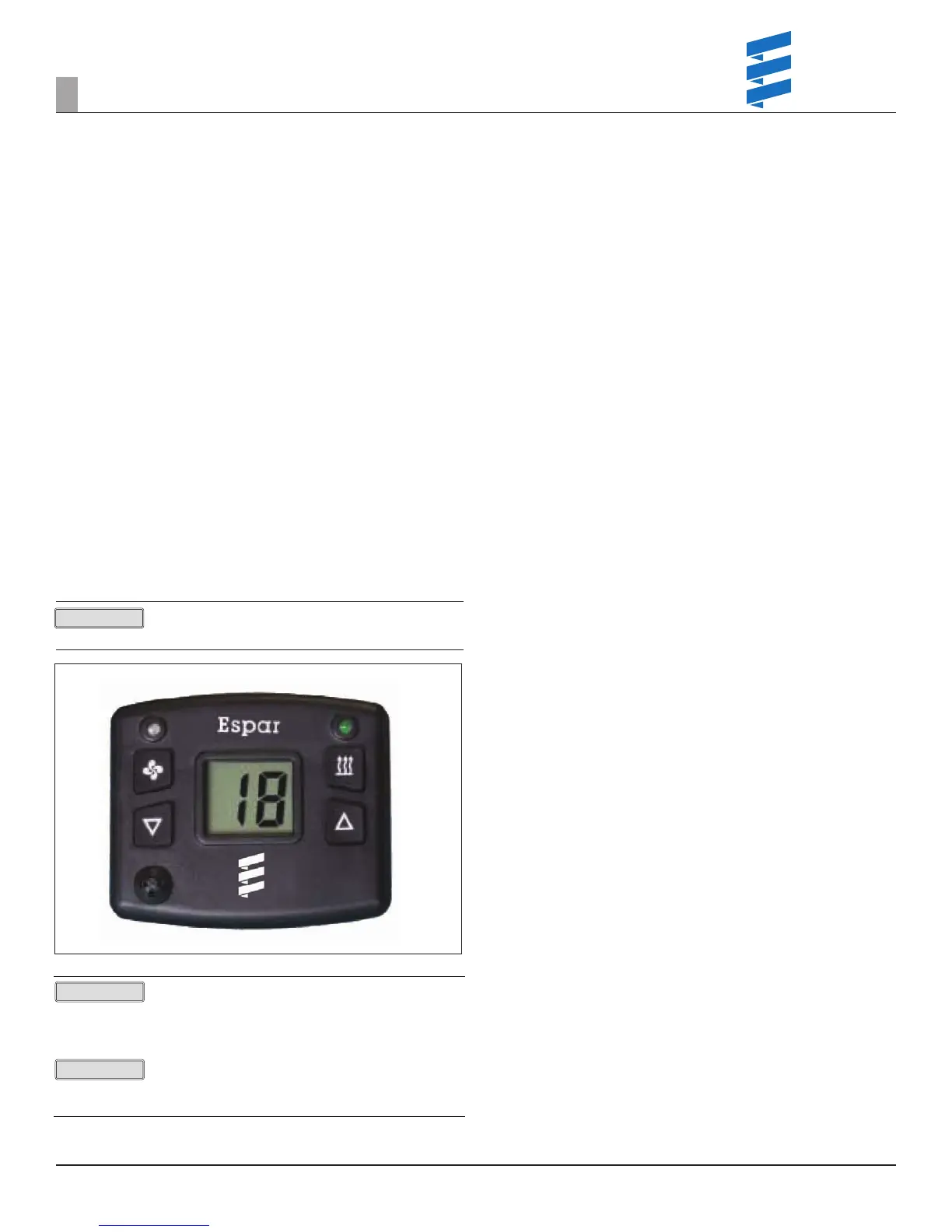
3. DIGI-DIAGNOSTIC TOOL/CONTROLLER
Inexpensive - basic code viewing & clearing functions.
While there are other fault code readers available, in this manual we are going
to focus on only two methods – EDiTH PC diagnostics and the Digi-Controller
(controller installed with the heater) / Digi-Diagnostic Tool (identical handheld
tool).
1. First turn the controller on by pressing and releasing the instant ON /
OFF key.
2. To review fault codes press and hold the instant ON/OFF until the
display shows “da”.
a. Codes will be displayed in the following manner:
1. F0 will display rst followed by the code number.
2. This is the active code and is the code that should be
repaired rst.
a. Subsequent codes will be display with F1, F2, F3 etc.
followed by the code number.
3. The “F1” simply indicates this is the rst or most recent historical code
and they go in order.
4. If there is not driver complaint, no active code, and the system is
operating no repairs are needed codes should be cleared.
5. To clear fault codes:
a. While in diagnostic mode push and hold both arrow buttons until
“EE” is displayed on the screen.
b. To exit diagnostic mode hit the ON / OFF button.
c. To shut the unit down hit the ON / OFF button again.
ALWAYS document codes prior to clearing them - EVEN if no repairs are made.
Figure 11
Prior to making repairs ALWAYS complete a visual inspection / operation
inspection and note ndings in the work performed section of your repair
order.
Any component replacement will require the serial number of the espar unit
be entered in order to charge the component to the work order.
2
REVISION LEVEL A - 09/09/15
7
DIAGNOSTIC DEVICES
PLEASE NOTE!
PLEASE NOTE!
PLEASE NOTE!


 To Next Page
 Loading...