EasyManua.ls Logo

Airworks 12MDWA - User Manual

Airworks 12MDWA
16 pages
Print Icon
To Next Page IconTo Next Page
Loading...
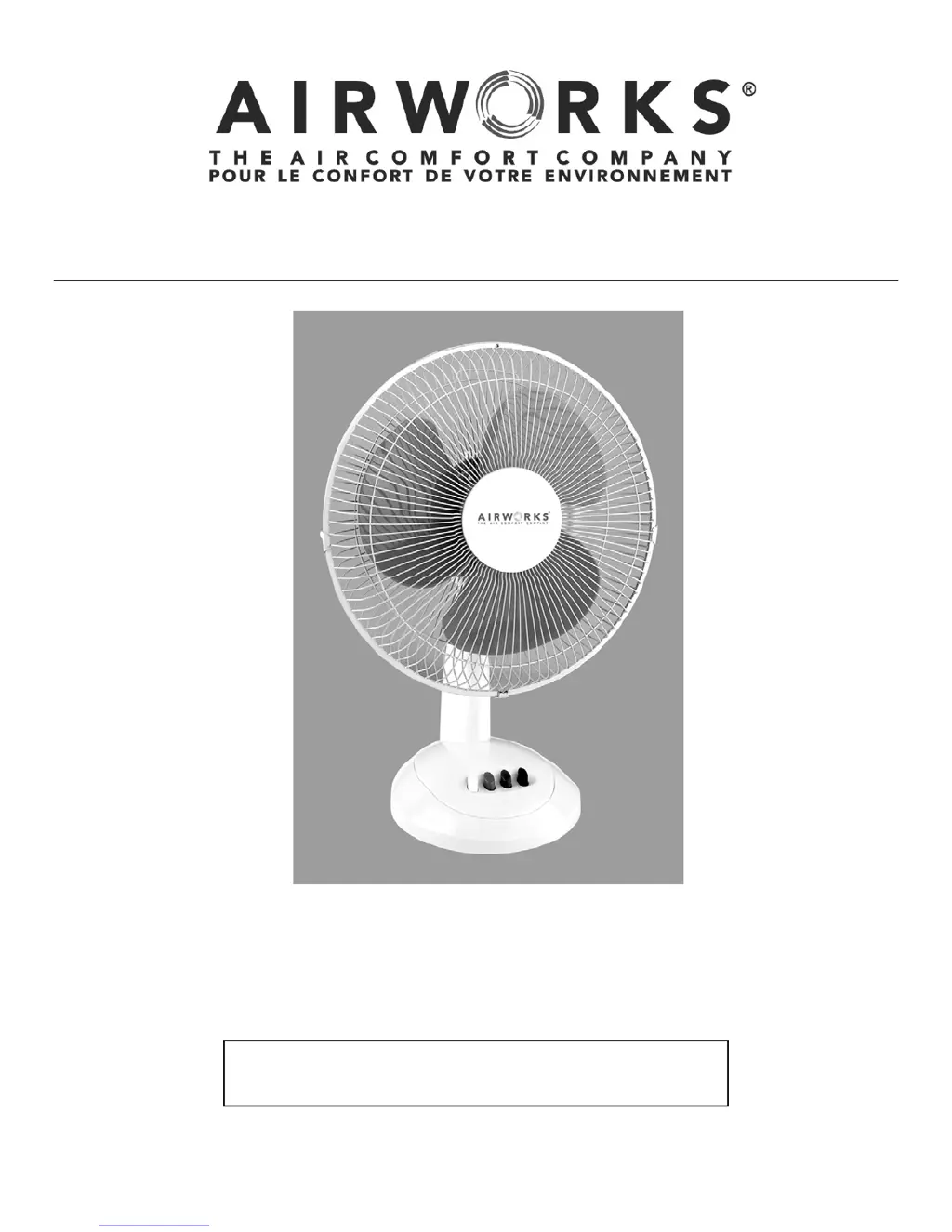
12”/30.5 CM OSCILLATING DESK FAN
OWNER’S MANUAL
ITEM# 12MDWA
Airworks
12MDWA
1
IMPORTANT INSTRUCTIONS
READ & SAVE
NOTE: FOR HOUSEHOLD USE ONLY NOT
INTENDED FOR COMMERCIAL USE

Questions and Answers

  • J
    Jerome JohnstonAug 1, 2025
    Why is the air coming out of my Airworks Fan not strong enough?
    • W
      williamschristopherAug 1, 2025
      If the air coming out of your Airworks Fan isn't strong enough, it might be due to dust buildup on the back of the fan. To resolve this, turn the fan OFF, unplug it, and use a soft, dry cloth to wipe the back of the grille, removing any accumulated dust. After cleaning, plug the unit back in and turn the fan ON to resume normal operation.
  • P
    Patrick FordAug 10, 2025
    What to do if my Airworks Fan is not turning on?
    • T
      Thomas BakerAug 11, 2025
      If your Airworks Fan isn't turning on, first, make sure the unit is in the OFF position and is properly plugged into a 120V AC, 60Hz polarized outlet. Then, try turning it on again. Also, check your electrical box to see if the breaker has been tripped. If it has, ensure the unit is off, reset the breaker, and try plugging the fan into a different receptacle in your house.
  • D
    david95Aug 19, 2025
    How to fix the oscillation function on my Airworks Fan?
    • K
      Kenneth LucasAug 20, 2025
      If the oscillation function on your Airworks Fan is not working, it is likely that the oscillation pin has not been activated. To start the oscillation, simply press the oscillation pin down. This can be done while the fan is operating.

Summary

Important Instructions

Rules for Safe Operation

Essential safety precautions to reduce the risk of fire, electrical shock, and injury when using the fan.

Getting to Know Your Fan

Assembly Instructions

Step-by-step guide for assembling the fan, including attaching the base and grilles.

Operating Instructions

Fan Speed Settings

Details on how to use the three fan speed settings (OFF, LOW, MODERATE, HIGH) for optimal comfort.

Oscillation and Tilt Functions

Instructions for activating and controlling the oscillation and tilt features for air circulation.

Specifications

Cleaning Instructions

Storing Your Fan

Troubleshooting

1-Year Warranty

How to Obtain Service and Repair

Steps for seeking service and repair, including contact information and return procedures.

Airworks 12MDWA Specifications

General IconGeneral
Model12MDWA
Number of Speeds3
OscillationYes
MaterialPlastic
ColorWhite
Voltage120V
CategoryFan
Blade Size12 inches
Power SourceElectric

Related product manuals