EasyManua.ls Logo

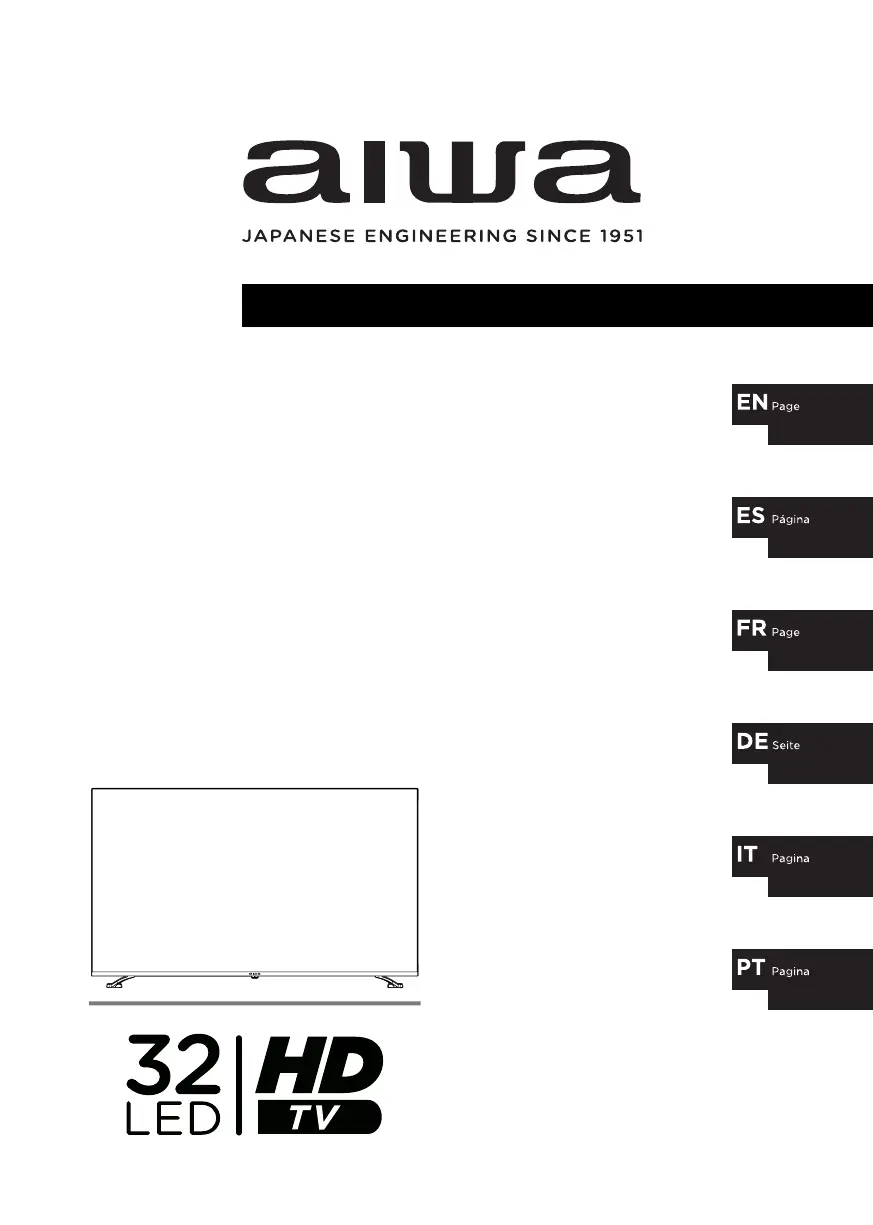
Aiwa LED-326HD - User Manual

Aiwa LED-326HD
56 pages
Print Icon
To Next Page IconTo Next Page
Loading...
user manual
manual de usuario
mode demploi
bedienungsanleitung
manualle dellutente
manual do usuário
2-19
38-55
56-73
74-91
92-109
20-37
LED-326HD

Questions and Answers

  • S
    Stephen ValenzuelaAug 6, 2025
    What to do if there is no sound on my Aiwa HDTV or the sound is distorted?
    • X
      Xavier ParksAug 6, 2025
      If you're experiencing no sound or distorted sound on your Aiwa HDTV, first, check that all equipment is properly connected and that the input settings for both your TV and any connected stereo system are correct. Adjust the volume using the VOL+/VOL- buttons. Review the audio settings and also make sure the MUTE function isn't activated by pressing the MUTE button on the remote.
  • M
    Matthew FlynnAug 10, 2025
    Why is there no picture on my Aiwa LED-326HD HDTV or the picture quality is poor?
    • D
      Dana OsborneAug 10, 2025
      If your Aiwa HDTV shows no picture or a poor picture, ensure that all equipment is connected correctly. Try adjusting the antenna or using an external antenna. If you're inside a building, try relocating the unit near a window. Also, move any devices that might be causing interference away from the TV. You might also want to try Auto Tuning again or try switching to another channel.
  • M
    meganrileyAug 15, 2025
    How to fix an Aiwa LED-326HD HDTV remote control that is not working?
    • J
      justin28Aug 15, 2025
      If the remote control isn't working with your Aiwa HDTV, ensure the batteries are correctly installed with the right polarities. Replace them if they're exhausted. Point the remote at the sensor, operate within 6 meters, and remove any obstacles between the remote and the sensor.
  • K
    Kaitlyn JohnsonAug 19, 2025
    What causes noise or interference on Aiwa LED-326HD HDTV and how to resolve it?
    • J
      Jose VillarrealAug 19, 2025
      If you are experiencing noise or other interference with your Aiwa HDTV, it may be caused by other electronic equipment nearby. Try relocating the TV or moving the interfering equipment.
  • P
    palmerangelaAug 25, 2025
    What to do if key operations are not effective on Aiwa LED-326HD?
    • B
      Brent MartinezAug 25, 2025
      If the keys on your Aiwa HDTV or its remote are not working, disconnect the power plug and then reconnect it. This can resolve issues caused by lightning, static electricity, or other factors.
  • A
    angela64Aug 28, 2025
    How to troubleshoot no power on Aiwa HDTV?
    • J
      jonathan42Aug 28, 2025
      If your Aiwa HDTV has no power, make sure to securely insert the power plug into the power outlet.
  • M
    Matthew AndrewsSep 1, 2025
    Why does the browser on my Aiwa HDTV close automatically?
    • T
      Tonya OconnorSep 1, 2025
      If the browser on your Aiwa HDTV closes automatically, it's likely because the web page has too much content, leading to insufficient memory.

Summary

Safety Precautions

General Safety Instructions

Essential safety guidelines for using the TV and handling electrical hazards.

Battery Safety Information

Guidelines for safe battery installation, use, and disposal.

Power Line Safety

Power Line Precautions

Safety guidelines regarding electrical power lines and connections.

Overloading and Liquid Entry

Precautions against overloading and liquid entry into the device.

Preparation for Use

Stand Installation

Detailed guide for safely installing the TV stand.

Wall Hanging Bracket

Wall Mount Installation

Instructions for safely attaching the TV to a wall mount bracket.

Description of Remote Control

Remote Control Buttons

Identification and function of main remote control buttons.

Trouble Shooting Guide

Common Troubleshooting Steps

Solutions for common issues like no power, remote control, picture, or sound.

Aiwa LED-326HD Specifications

General IconGeneral
BrandAiwa
ModelLED-326HD
CategoryHDTV
LanguageEnglish