EasyManua.ls Logo

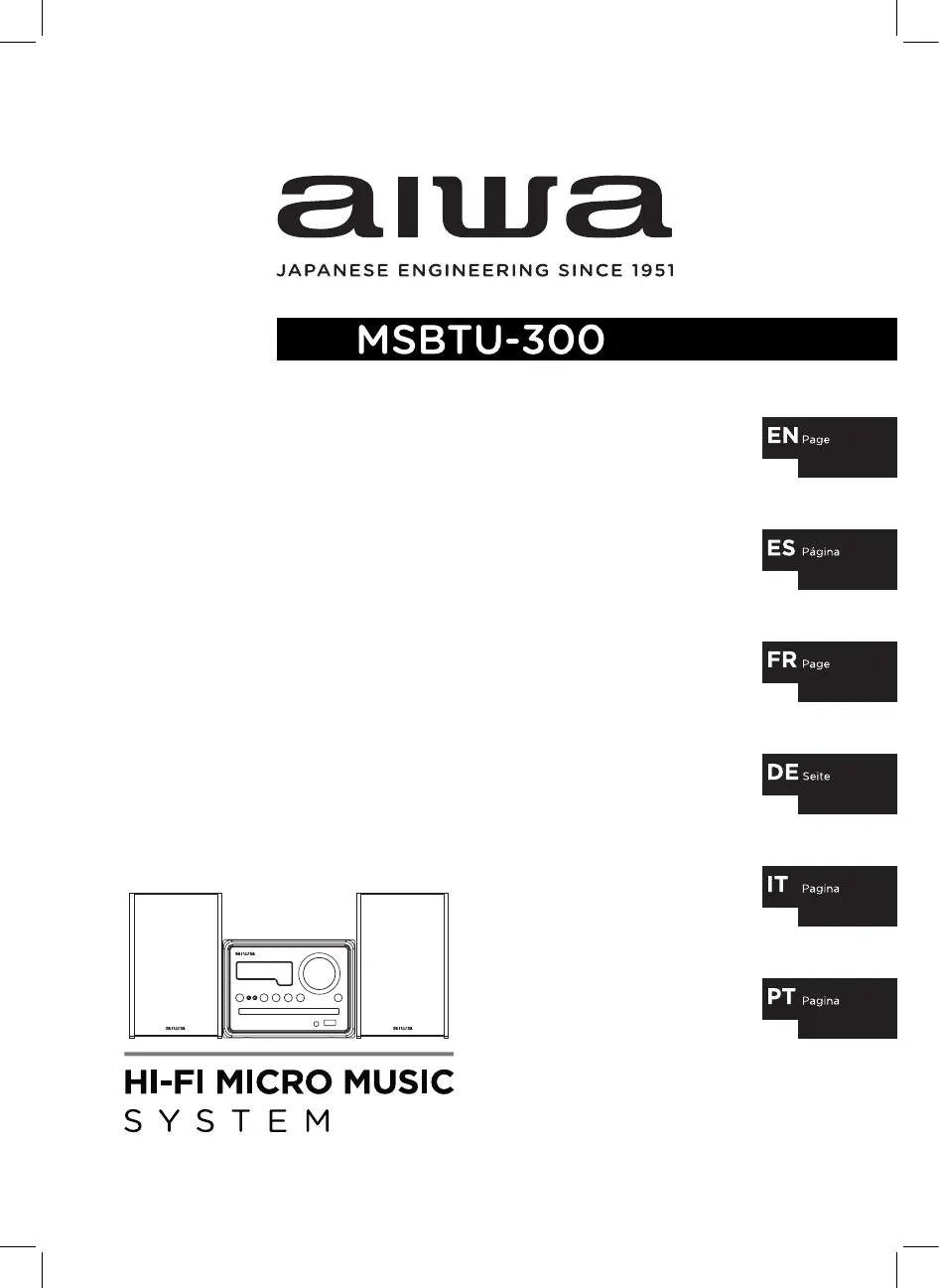
Aiwa MSBTU-300 - User Manual

Aiwa MSBTU-300
56 pages
Print Icon
To Next Page IconTo Next Page
Loading...
user manual
manual de usuario
mode d
emploi
bedienungsanleitung
manualle dell
utente
manual do usuário
with bluetooth
2-19
38-55
56-73
74-91
92-109
20-37

Other manuals for Aiwa MSBTU-300

Questions and Answers

  • J
    juan60Jul 28, 2025
    What to do if my Aiwa Micro Music System has no power?
    • H
      hornmichaelJul 28, 2025
      If your Aiwa Micro Music System has no power, first ensure the power cord is properly plugged into the outlet. Also, check if there's a power outage by testing other electronic devices.
  • R
    Raymond SchneiderAug 2, 2025
    Why is my Aiwa Micro Music System remote control not working?
    • P
      pbellAug 3, 2025
      If the remote control for your Aiwa Micro Music System isn't working correctly: * Make sure you're within 23 feet (7 meters) of the unit. * Remove any obstacles between the remote and the unit. * Replace the remote's battery with a new one.
  • D
    David FlynnAug 9, 2025
    How to fix no sound on Aiwa Micro Music System?
    • D
      Dawn SmithAug 9, 2025
      If there is no sound from your Aiwa Micro Music System, press the SOURCE button to verify that you've selected the correct function.
  • A
    Ashley SmithAug 15, 2025
    What to do if Aiwa Micro Music System does not start playback?
    • B
      Brandon ReedAug 15, 2025
      If your Aiwa Micro Music System won't start playback, make sure you've inserted a playable disc. If the disc is dirty, clean it.
  • J
    Jesus BurkeAug 21, 2025
    Why can't I tune into radio stations on my Aiwa Micro Music System?
    • S
      Samantha ChaseAug 21, 2025
      If you're unable to tune into radio stations on your Aiwa Micro Music System, ensure the antenna is securely connected and properly positioned.

Summary

Safety Precautions

General Safety Guidelines

Covers safe handling, operation, and general warnings for using the appliance.

Electrical and Environmental Safety

Details precautions related to electricity, water, ventilation, and disposal.

Preparation for Use

Setting and Basic Operation

Core Operations

Covers powering on/off, mute, source selection, volume, EQ, and loudness adjustments.

Basic Operation CD; MP3

Auxiliary Input Operation

USB and Bluetooth Operations

Guides for playing USB media and pairing Bluetooth devices.

Care and Maintenance

Troubleshooting Guide

A comprehensive guide to diagnosing and resolving common operational issues.

Aiwa MSBTU-300 Specifications

General IconGeneral
TypeHome audio micro system
Product colorBlack
Disc loading typeFront
Optical disc playerYes
Number of optical discs1 discs
Speaker type2-way
RMS rated power20 W
Number of speakers2
Speakers connectivity typeRCA
Supported radio bandsFM
Preset stations quantity40
Power sourceAC
Input voltage120 - 240 V
Apple dockingNo
Headphone connectivity3.5 mm
USB 2.0 ports quantity1
Bluetooth range10 m
Bluetooth version4.2
Audio formats supportedMP3
Volume controlRotary
Weight and Dimensions IconWeight and Dimensions
Package typeBox
Package depth580 mm
Package width270 mm
Package height200 mm
Package weight4900 g

Related product manuals