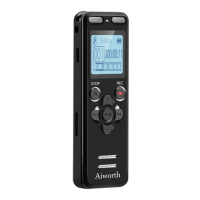
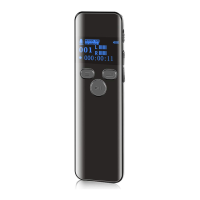
Need help?
Do you have a question about the Aiworth R198 and is the answer not in the manual?
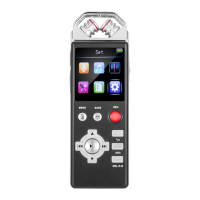
Details the external 360-degree microphone, PCM recording quality, and dual format support.
Provides guidelines on avoiding water, heat, sunlight, and cable damage for safe operation.
Details the function of each button on the device, including REC, SAVE, MENU, BACK, DEL/A-B, and AGC.
Explains different bit rates for MP3 and WAV formats and their impact on quality and storage.
Details how to play back recorded audio files, adjust volume, and use A-B repeat.
Guides users on how to format the device's storage, warning about data deletion.
Details how to restore the device to its original factory default settings.
Explains how to transfer files between the device and a computer using the Windows system.
Details how to charge the device's built-in lithium battery using a USB cable.
 General
| Voice Activation | Yes |
|---|---|
| Recording Format | MP3, WAV |
| Battery Type | Lithium Polymer |
| Playback Modes | Normal, Repeat |
| Microphone Type | Built-in |
| Supported Operating Systems | Windows, Mac |

 To Next Page