3 Push the Fader up to max getting 127 then down to 0 either way. If it pass it will turn green.
4 After all the faders are tested pass, the Pots PASS will turn green as below:
Figure 7 : VR and fader pass.
Part IV
Touch PAD test
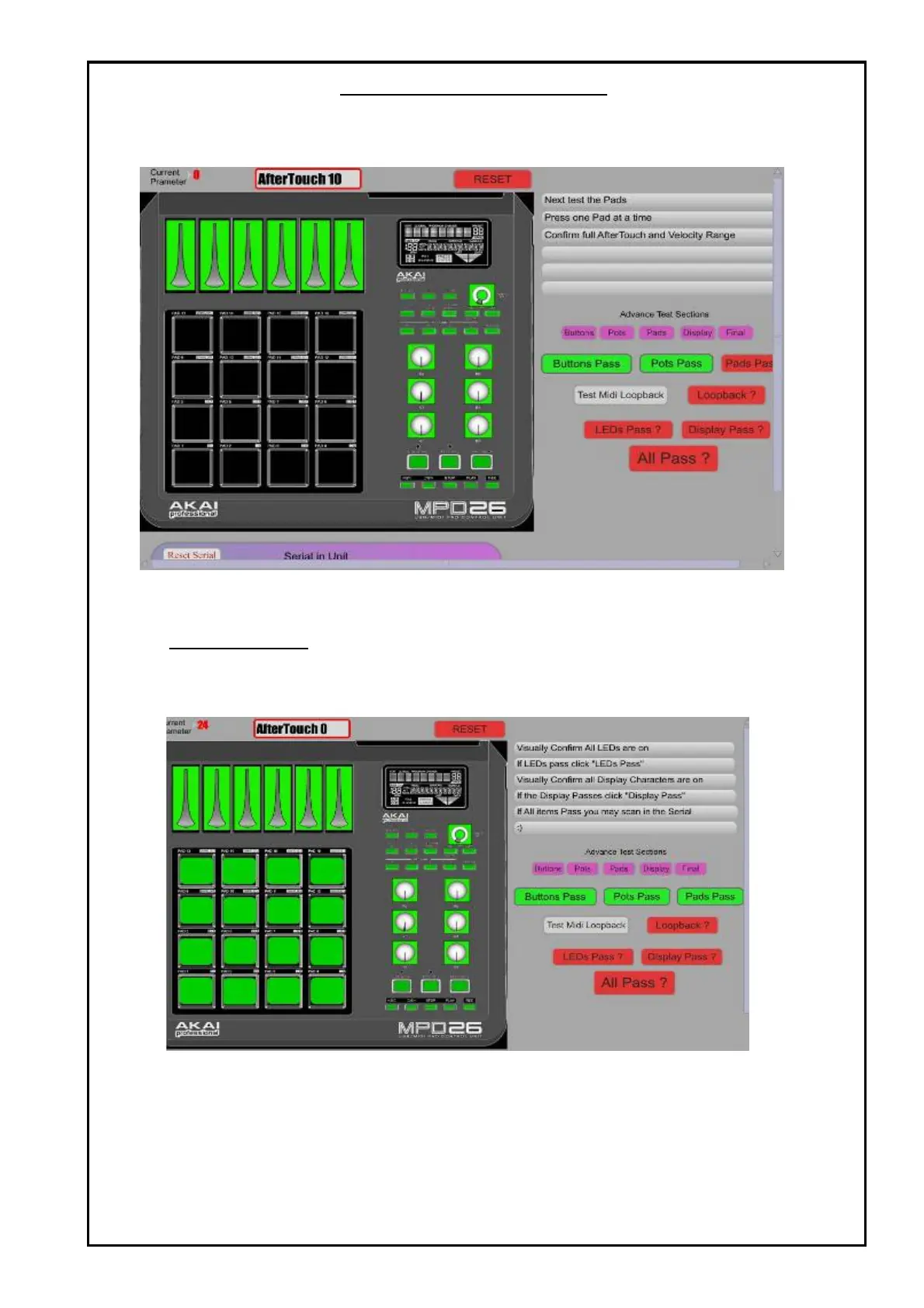
1 Press The Touch PAD each one by one by slowly increase force on it so that the current
parameter shown at the top left of the window can slowly increase to 127.
When you press corretly it will pass and turn green after you release it.
Figure 8 : PAD pass
TEST PROCEDURES



 To Next Page