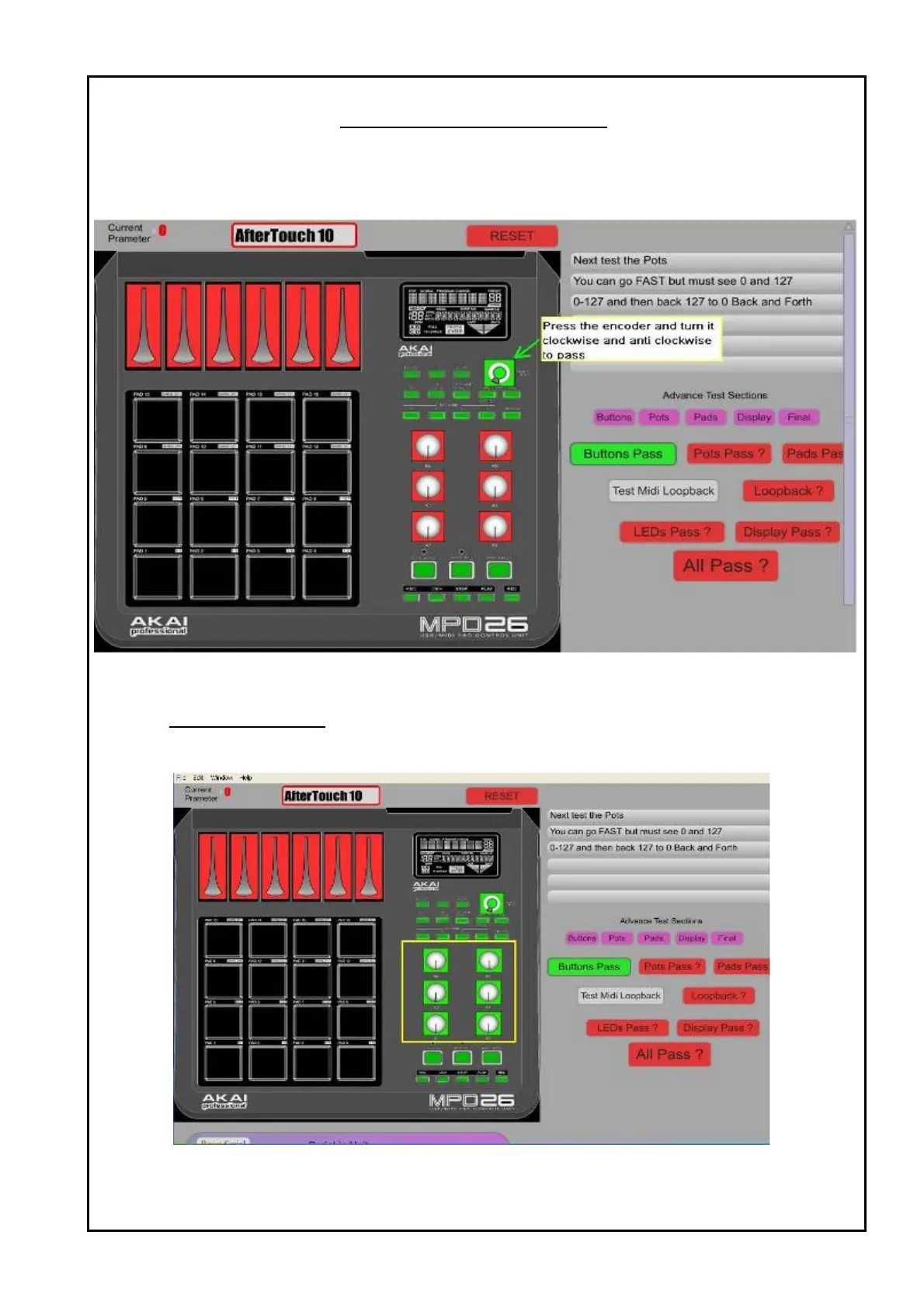
3 Press the encoder and the center portion of the encoder will turn green.
4 Turn the encoder clockwise and anti clockwise to make the circle protion of the encoder green.
5 After all buttons and encoder are tested, a Button PASS will turn green as below:
Figure 5 : Button and encoder PASS.
Part III VR and fader test
1 Turn all 6 VR clockwise and anti clockwise and make sure the current parameter shows 0 ~ 127.
2 After all the VR pass, it will turn green as below:
Figure 6 : VR pass
TEST PROCEDURES



 To Next Page