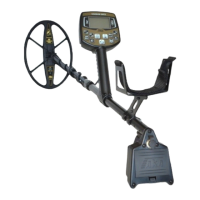
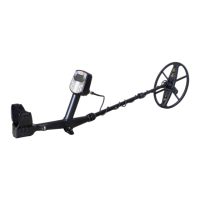
Need help?
Do you have a question about the AKA SIGNUM MFD 7272M ICB and is the answer not in the manual?
Explains variations between Signum 7272M classic, GT, and Pro models.
Details key technical parameters like detection range, frequency, and power.
Explains the device's power requirements and battery options.
Introduces key adjustable parameters: ST/RT sensitivity and audio volume.
Details the ST and RT sensitivity adjustments and their effects.
Explains the importance and physics of ground balancing for accurate results.
Provides step-by-step instructions for performing ground balance.
Details the automatic ground balance process and its features.
Explains the procedure for manual ground balance adjustment.
Covers balancing for uneven ground and fine-tuning methods.
Addresses balancing issues and provides expert tips for optimal performance.
Explains the concept of discrimination and how to configure it.
Explains the 'Turbo' mode for increased sensitivity and its drawbacks.
Details the 'Economy' mode for reduced power consumption and comfort.
Explains how to create, save, and switch between custom search programs.
Introduces the optional Deep Program for enhanced deep target detection.
Explains how to use the hodograph display for target identification.
Outlines the manufacturer's warranty terms and contact information.
 General
| Display | LCD |
|---|---|
| Discrimination | Yes |
| Weight | 1.3 kg |
| Battery Life | Up to 20 hours |
| Waterproof | Coil only |
| Ground Balance | Manual and automatic |
| Detection Depth | Up to 1.5 meters for large objects |


 To Next Page