EN-ENGLISH
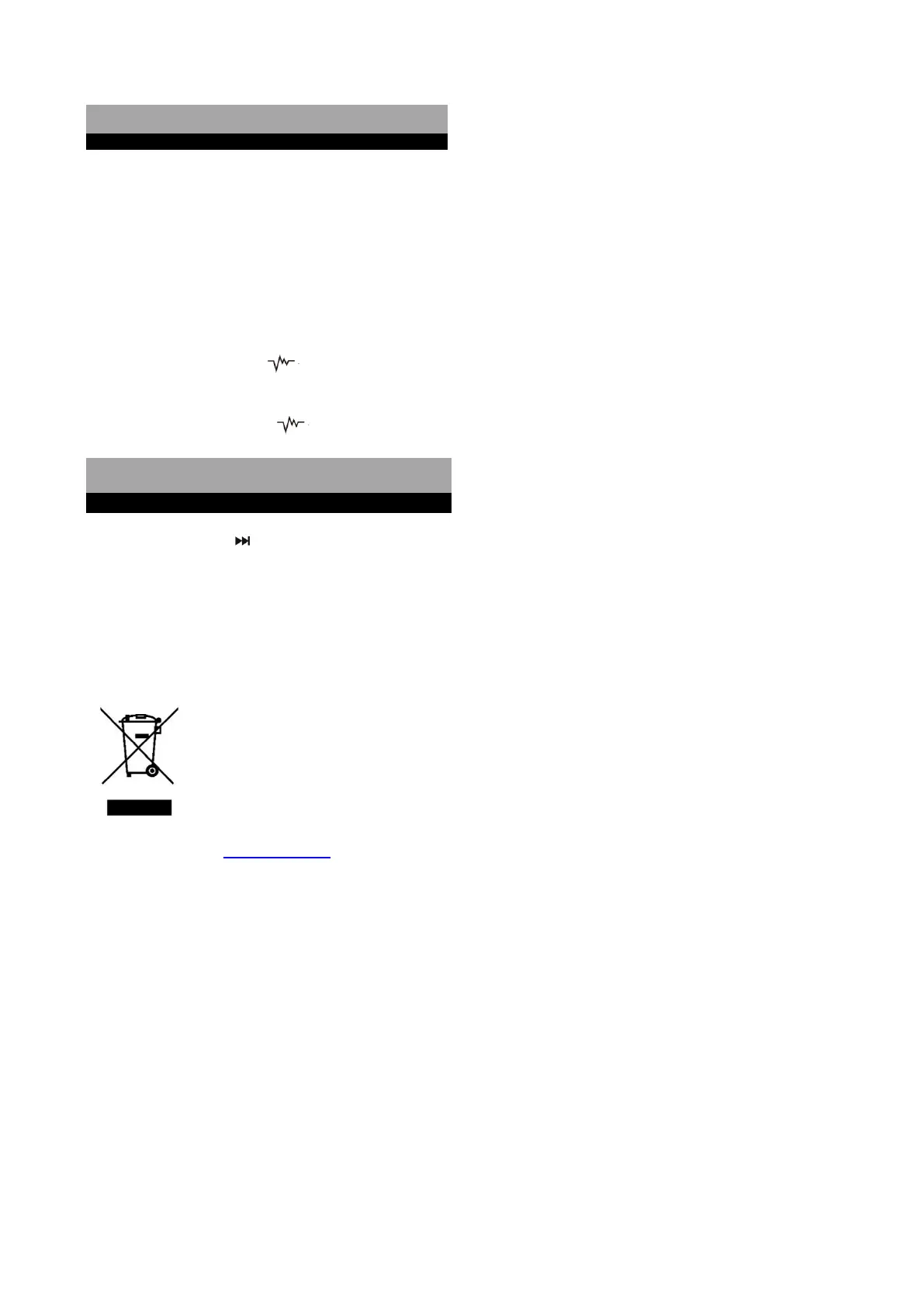
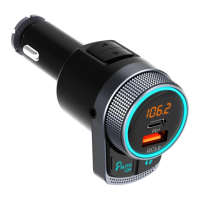
1. Charging Mobile Devices
⚫ When charging, connect your USB device with a USB cable (not included) to one of the two USB charging
ports (USB & PD)
⚫ Voltage outputs: PD 24W & QC3.0 18W
2. Switch Off / On
⚫ Press and hold the “ ” button for 3 seconds to turn off FM/display/Bluetooth function on the product,
only keep charging.
⚫ Press and hold the “ ” button for 3 seconds again to turn on.
⚫ Press and hold “ ” for 2 seconds to switch ring light (Red/Green/Blue/Yellow/Purple/Cyan / White/Flashing)
⚫ Double press “b” to turn off/on the light
DISPOSAL OF ELECTRICAL AND ELECTRONIC EQUIPMENT
This symbol on the product or packaging means that the product should not be treated as household waste.
Do not throw garbage at the end of its life, but take it to a collection center for recycling. in this way you will
help to protect the environment and be able to prevent any negative consequences that it would have on
the environment and human health.
To find your nearest collection center:
-Contact local authorities
- Access the website: www.mmediu.ro
- Request additional information from the store where you purchased the product.
IMPORTATOR: SC INTERVISION TRADING-RO SRL
Bld. I.C Bratianu, nr. 48-52, corp A, etaj. 5,
camera 504-505, oras Pitesti, judet Arges, Romania
Cod postal: 110121


 To Next Page