/5
K
You can change the end point value by turning the [DATA] wheel. If you press the left or right [CURSOR]buttons while holding [SHIFT], you can
move the cursor to higher points within the numeric display to allow for quicker value selection. You can also enter the value directly with the
numeric keypad.
Additionally, the end point can be edited by moving the [Q1] Q-LINK slider.
@ 9
When you hit the pad, the MPC5000 plays the sample. The playback method varies depending on the pad.
E5*F9;
The MPC5000 will play the sample from the loop point to the end point repeatedly.
E52F9&;
The MPC5000 will play the part before the loop point.
E5 F9;
The MPC5000 will play the sample from the loop point.
E54F9;
The MPC5000 will play the whole sample.
E5F$E50F
The MPC5000 will first play from the start point to the end point, and then play from the loop point to the end point repeatedly.
+"$$.=$R9+;
-# .L
#3
= 4-@6)I&&*70
@ /
G 4->6)/1+*
The selected point will snap to the next zero crossing.
R'3$
-# L %
,/, )/*
,5, # 401;&6 -
0 - # % %
,/, )/*
#
,5,#
04-@6)U&&'*%L#
4-G6)U&&H*#L
6"%<6&6%(")
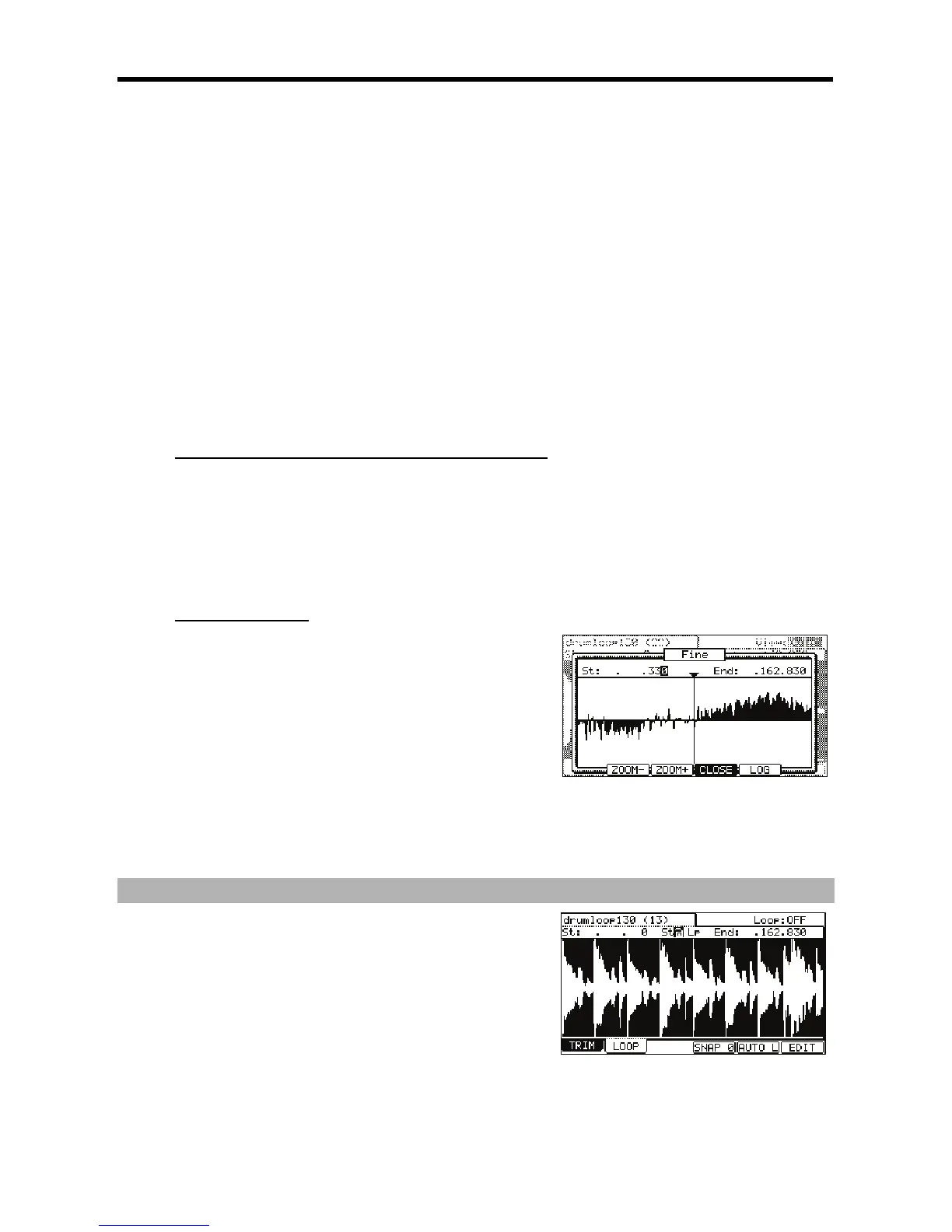
The vertical axis indicates the sample’s level. Normally, the waveform display is set to LINEAR, which displays the sample level as it
is. However, some parts (fade out part etc…) may not be displayed in the waveform if the level is too low. In this case, you can switch
to the LOG (logarithmic) display by pressing the [F5] (LOG) button and you can see the parts whose level is low. When you switch to
the LOG mode, the display in the [F5] button will change to LINEAR. To switch back to the LINEAR mode, press the [F5] button again.
+!70I&&/)I&E*
I&&
!
70I&&#I&E
#4;++6
# 70 I&&





 To Next Page