KG
G 4-6)&J*
The Copy Sample window will be displayed.
In the 'New name' field, set the name to the newly created sample.
For more information for setting the name, see the 'Setting Names' section on Page 18.
> 4-6);&0*
The MPC5000 will start copying the sample. To cancel the operation, press [F4] (CANCEL) instead.
5($""'(
J%
= 0,/,70#
@ 401;&6
The Sample window will be displayed.
G 4-@6);5I55*
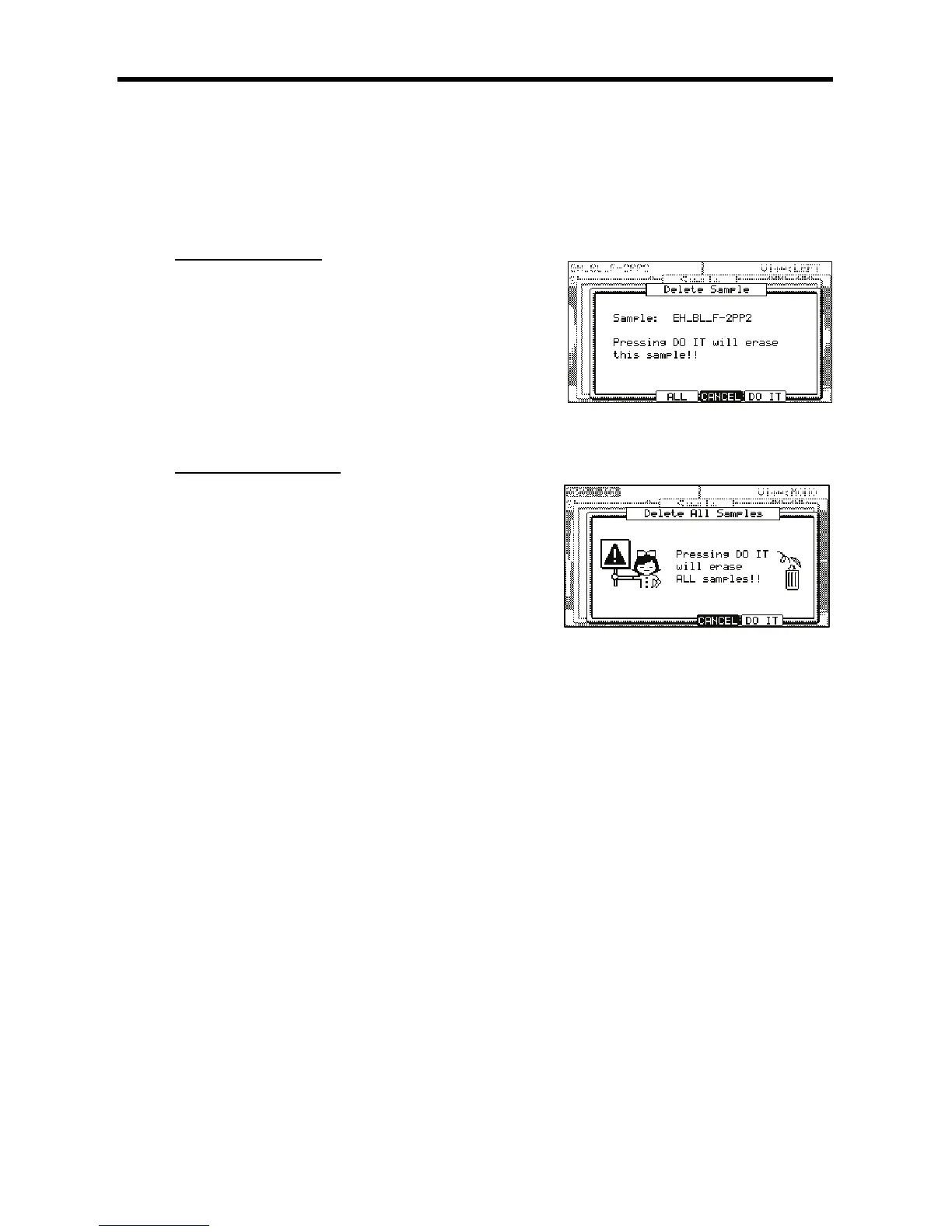
The Delete Sample window will be displayed.
> 4-6);&0*
This deletes the sample you have selected.
5($"(("'(
J
= 0 70 # ,/,
401;&6
The Sample window will be displayed.
@ 4-@6);5I55*
The Delete Sample window will be displayed.
G 4-G6)+II*
The Delete ALL Samples window will be displayed.
> 4-6);&0*
This deletes all the samples from the MPC5000’s memory.





 To Next Page