/5
=
$&5+
= +!9&/9->6)&1D7*
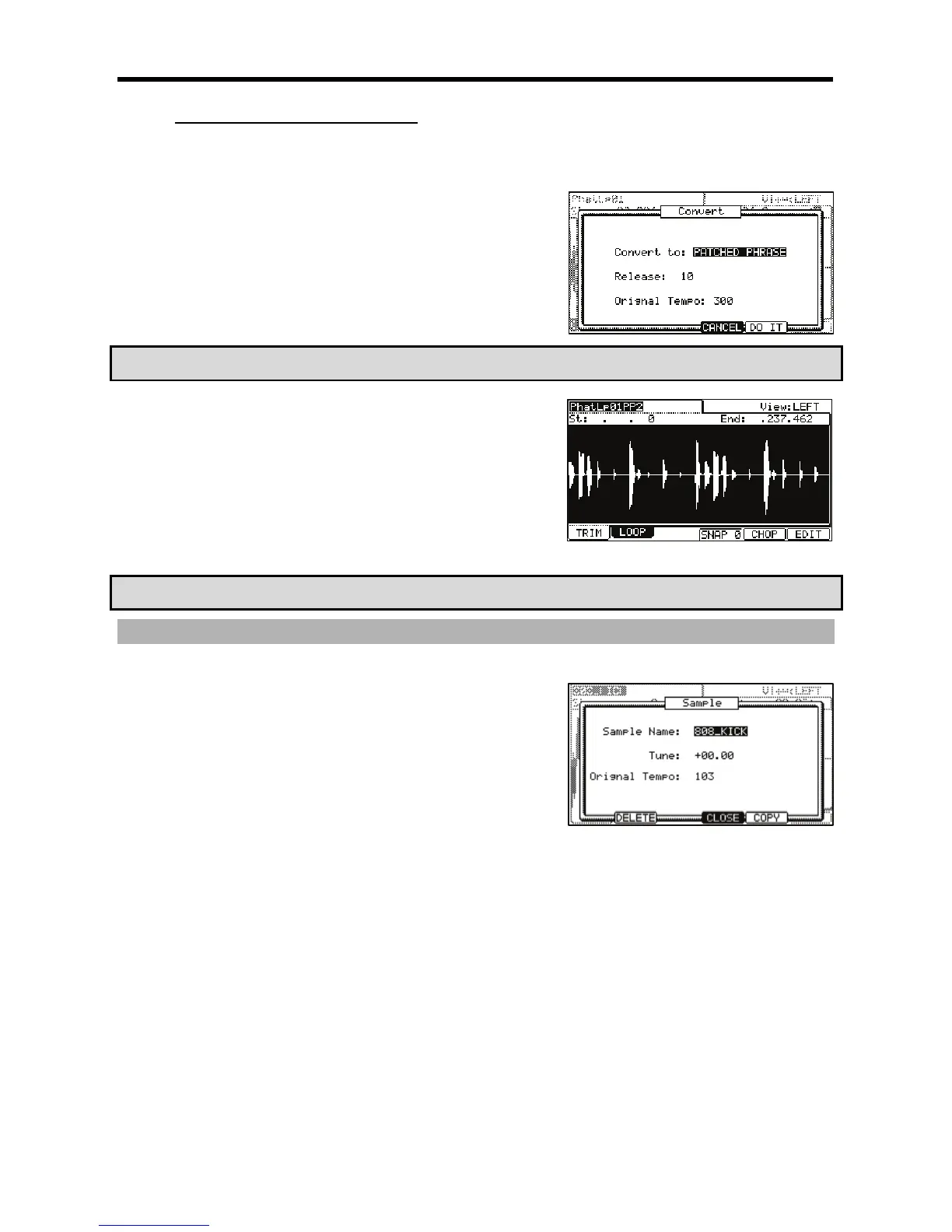
The Convert window will be displayed.
@ 0,%,#+95;9+/5
("D
This sets the length that is added to the release after dividing a sample.
If you set this to larger value, the release of the divided sample will be
long and the sample data will be larger in size as well.
"(&'9*S*;D
This sets the original tempo for the patched phrase. In the 'Original
tempo' field, the automatically calculated original tempo is already
displayed. If you know the original tempo of the sample, you should
enter it.
#79#;#.-)&4
7&
The Patched Phrase sample is each region sample and the trigger timing of the
sample together. If the original tempo setting is not correct, it may not work
correctly.
G +!#4-6);&0*
The MPC5000 will start processing the PATCHED PHRASE, and then the 'TRIM'
page with the new sample will be displayed.
The new name of the patched phrase sample will be the original sample with 'PP'
added to the end.
For Example: Sample01 > Sample01PP.
You can assign the patched phrase sample to a pad in a program as well as an
ordinary sample. The tempo of the patched phrase sample will change with the sequence tempo.
C13#+
'&
/
0401;&6,/,70#/J
##
+"'("'D
A new name can be entered here.
&D
This sets the pitch of the patched phrase.
"($'D
This sets the tempo of the patched phrase. The Original tempo setting is
important for playing the patched phrase correctly. If the patched phrase
sample cannot be played with the correct tempo, adjust the Original
tempo.
4->6)I&/5*70
4-@6);5I55*%





 To Next Page