=@=
Vocal1
This filter is a formant filter modeled on the human voice. This 3-band (3 band pass filters)
version emulates the "ah" and "oo" vowel sounds.
Vocal2
A 3-band formant filter which emulates the "oh" and "ee" vowel sounds.
Vocal3
A 5-band formant filter based on an idealized model of the vocal tract.
I(I
Selects how many poles the selected filter will be. A 2 pole filter will have a milder effect, where an 8 pole filter will
have a more extreme effect. This field also appears on the Basic page. See page 117 for more information.
" D5 D ' & ?
&
I:):K$//I
This parameter sets whether the filter frequency rises and falls to match the keys you play or stays constant
regardless of the keys you play. A setting of 0 means the filter frequency will remain constant across the keyboard.
If the key track parameter is set to +100, the filter tracks the keyboard perfectly, and with enough resonance, can be
played as if it were an oscillator.
The corresponding Q-Link [AFTER] button toggles whether the effect of this modulation will be positive or negative. Negative settings
mean the filter will grow darker as higher notes are played.
IK$//I
This parameter determines how much of an effect the envelope will have on the filter. The corresponding Q-Link
[AFTER] button toggles whether the effect of this modulation will be positive or negative. This field also appears on
the Basic page. See page 117 for more information.
IK$//I
The knob sets the amount of effect the selected LFO will have on filter cutoff. The corresponding Q-Link [AFTER]
button toggles whether the effect of this modulation will be positive or negative.
I(K$//I
Sets the amount of effect velocity will have on filter cutoff. The corresponding Q-Link [AFTER] button toggles
whether the effect of this modulation will be positive or negative.
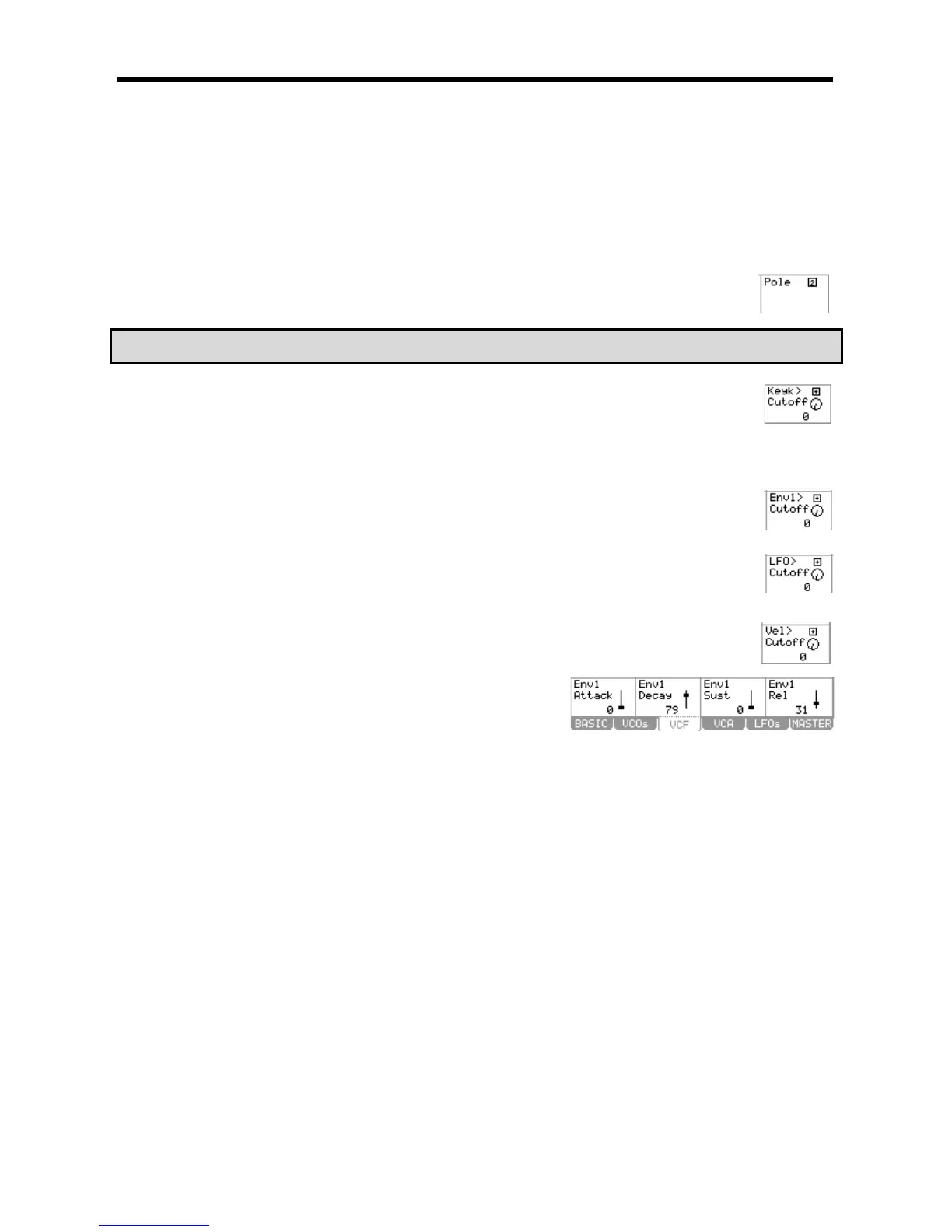
These parameters control the various aspects of Envelope 1. This
envelope affects the filter and is used for various modulation routings.
+%&+
This parameter determines how long an envelope will take to reach maximum level when a pad is struck. Sounds ranging
from a slow swelling violin to drum-like attacks are possible by adjusting this parameter. This field also appears on the
Basic page. See page 117 for more information.
+.%+
This parameter determines how long the sound will take to go from the attack phase to the sustain portion of the envelope.
This field also appears on the Basic page. See page 117 for more information.
+!+
This sets the level at which the filter remains while the pad is being held after completion of the decay phase. See page
117 for more information.
+-+
Sets how long a sound will decay when the pad is released. This field also appears on the Basic page. See page 117 for
more information.





 To Next Page