=@
I%GK8I
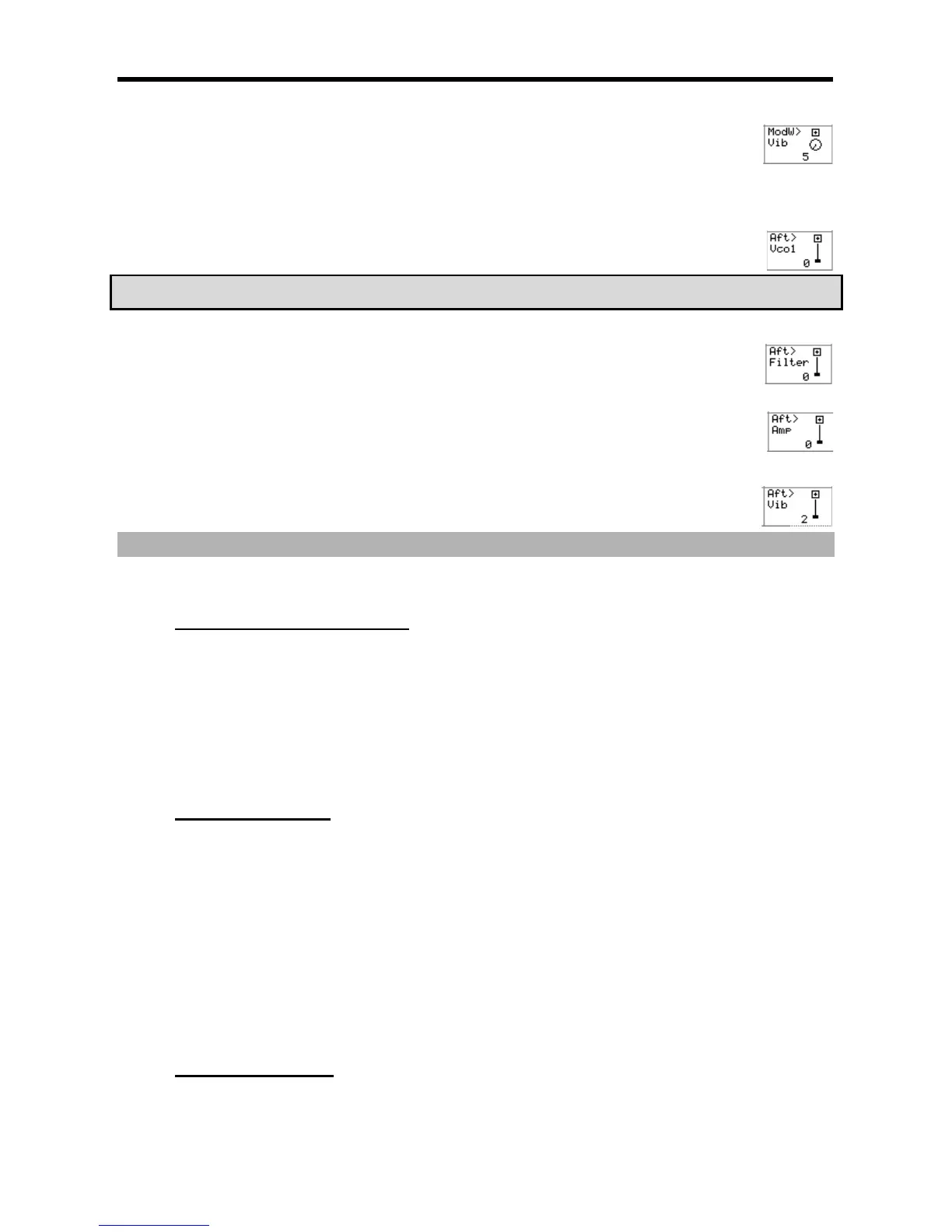
This parameter selects the degree in which the modwheel will control the Vibrato Level. The higher the value, the
more the modwheel will increase the program Vibrato. The corresponding Q-Link [AFTER] button toggles whether
the effect of this modulation will be positive or negative. Modwheel events can be received via MIDI from a
keyboard or as control changes from a sequencer.
I/$K#I
This parameter selects the degree in which Aftertouch will affect the pitch of VCO1. The higher the value, the higher
the pitch of VCO1 will increase. The corresponding Q-Link [AFTER] button toggles whether the effect of this
modulation will be positive or negative.
5 ''4 5
"&
I/$K($I
This parameter selects the degree in which Aftertouch will control the filter. The higher the value, the more open the
filter will become. The corresponding Q-Link [AFTER] button toggles whether the effect of this modulation will be
positive or negative.
I/$K'I
This parameter selects the degree in which Aftertouch will control overall program volume. To get the most out of
this parameter, reduce the 'Program Volume' parameter, and turn up 'Aft>Amp'. The higher the value, the more the
modwheel will increase the volume of the program. The corresponding Q-Link [AFTER] button toggles whether the
effect of this modulation will be positive or negative.
I/$K8I
This parameter selects the degree in which aftertouch will control the Vibrato Level. The higher the value, the more
Aftertouch will increase the program Vibrato. The corresponding Q-Link [AFTER] button toggles whether the effect
of this modulation will be positive or negative.
&-
401;&6,,0#
."$."'"'
= 0,,7&87+#
@ 401;&6
The Program window will open.
G 0,,#
For more information for setting the name, see the 'Setting Names' section on Page 18.
> 4->6)I&/5*
It closes the window and goes back to PROGRAM mode.
)""'
J
= 0,,7&87+#
@ 401;&6
The Program window will be displayed.
G 4-6)&J*
The Copy Program window will be displayed.
> 0,1,#
For more information regarding setting the name, see the 'Setting Names' section on Page 18.
4-G6);&0*
Copying the program will start. To cancel the operation, press [F4] (CANCEL) instead.
5($""'
J%
= 0,,7&87+#





 To Next Page