=G
This will assign the desired pad to effects buss 2. Note that the Send Column's control for this pad has now disappeared. This is because as the
signal diagrams on page 134 show, when DIRECT is set to OFF, the effects buss acts as an insert, and 100% of the dry signal is automatically
sent to the effect.
%%"%%$"(//#$$$.//#$!
5%
. .# + .#
.=GG#,7%(
=
= 4&;564+;==6)5--5/*#4-=6
)(:/='@*
@ /-F@
G 401;&64;++6
This will display the EFFECT EDIT window.
> 0,-F=(@,#4;++64-6W)/5I5*
This brings you back to the EFFECT EDIT window.
4->6)I&/5*.5--55;0
B 9=
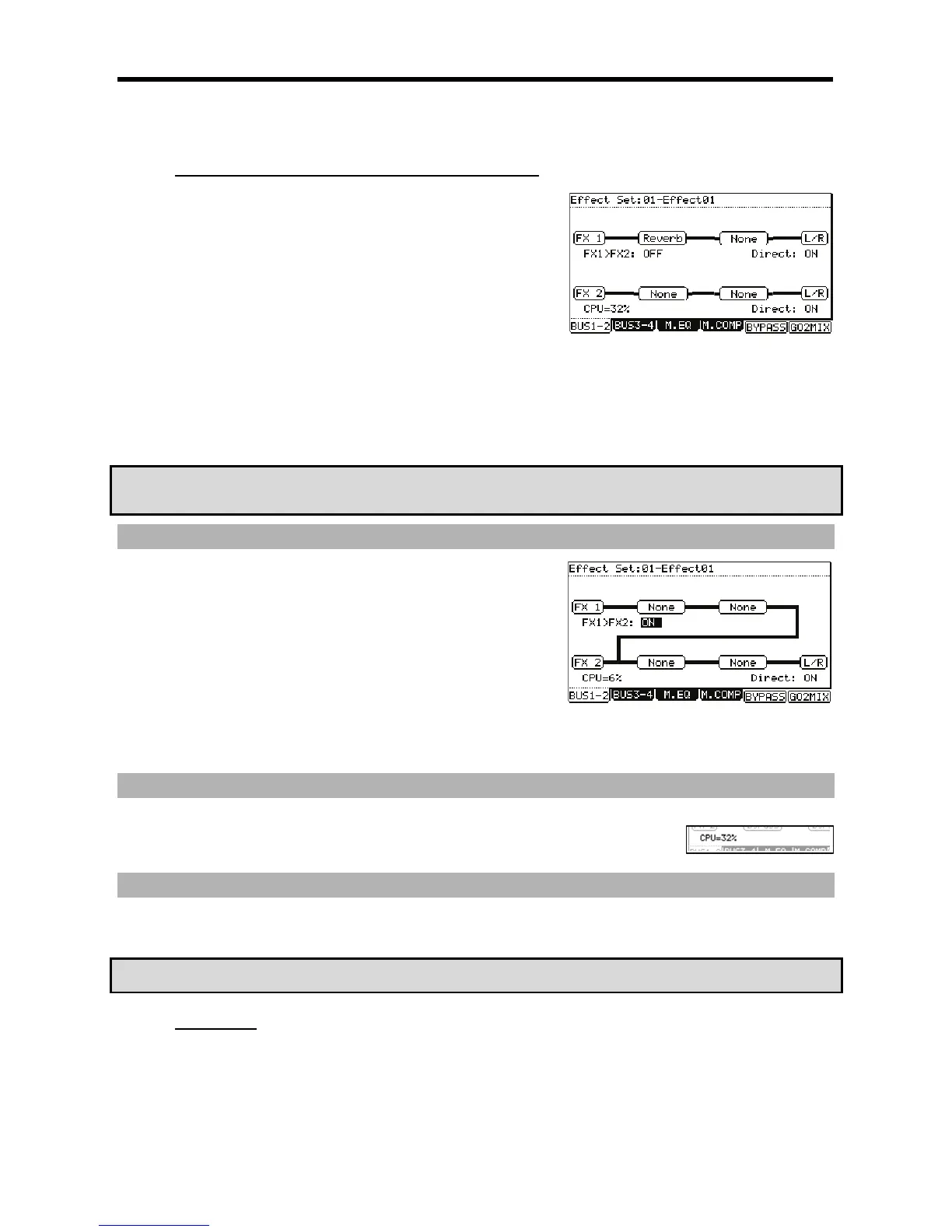
Notice that now there is a delay effect added to the reverb effect.
"'$**1
?34'/&*
'))=>&
5(
5
(=@#G
>
+ 0 -F= -F=# -F@
0-F@-F@
5#3
= 4&;56H4+;==6)5--5/*5
@ /-F=S-F@
G -F=S-F@?&1?4;++6
FX1 will be routed to the input of FX2.
+::
5
:, /###% &#
%#,
:
55
0#4;++6#
401;&6#5--5/5;09#
!*%9(C5"";&
#&
//#$$
(%%
("3("+)#
-
,;075,/=G>


 To Next Page
 Loading...














