=>C
G #4->6)&*&1,,
$**&
%$$."$//#$
0#
5#/"#
&
0#
28"%B
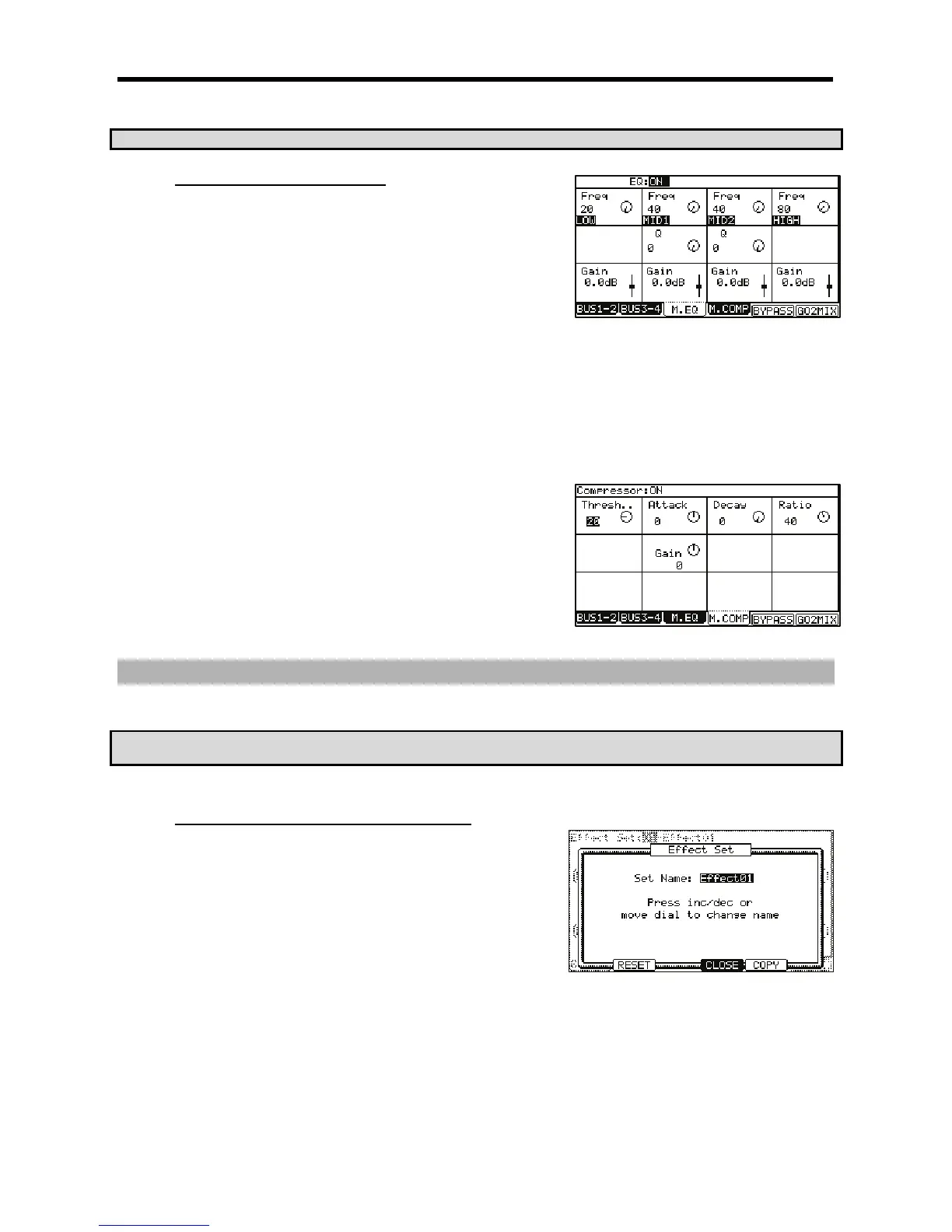
This is the 4 band EQ (equalizer), which consists of two shelving type EQs for high frequency and
low frequency shaping and a 2 band parametric EQ. With the equalizers, you can boost or lower
a specific frequency to control the sound from the stereo out.
To access the MASTER EQ page, do the following:
= 4-G6)5$*
@ /,5$,,&1,
G 5+/575$
The controls for each band are organized into columns. Each of these controls can be edited by turning the [DATA] wheel, or by moving the
corresponding Q-LINK controls.
'
This effect compresses the signal level that exceeds the selected level to make the volume even
as a whole. The fields are the same as those of the COMPRESSOR, which is selected in the
buss effects.
To access the MASTER COMPRESSOR, do the following
= 4->6)&*
@ /,,,&1,
G 5+/57&75//&7
The MASTER COMPRESSOR is a high quality compressor/limiter designed to be
transparent enough to be used to affect the entire mix. Each of these controls can be
edited by turning the [DATA] wheel, or by moving the corresponding Q-LINK controls.
55/
5/#55/
%#,5,/5I5
C )**)#")2)#' &*
"#))4#K>&
0###5/
."$."'/$.//#$+$
= /,5/,(:/='@(:/G'>
@ 401;&6
The EFFECT SET window will be displayed.
G 0,1,#4;++6
The Name window will be displayed and you can change the Effect Set name. For
more information about the operation in the Name window, see page 18.
> 01#4-6)5157*
It confirms the name and closes the Name window.





 To Next Page