EasyManua.ls Logo

Akai MPC 5000 - Page 162

Akai MPC 5000
199 pages
Print Icon
To Next Page IconTo Next Page
To Previous Page IconTo Previous Page
Loading...
5
=>A
)$.//#$$
= /,5,(:/='@(:/G'>
@ 401;&6
The Effect Set window will be displayed.
G 05/#4-6)&J*
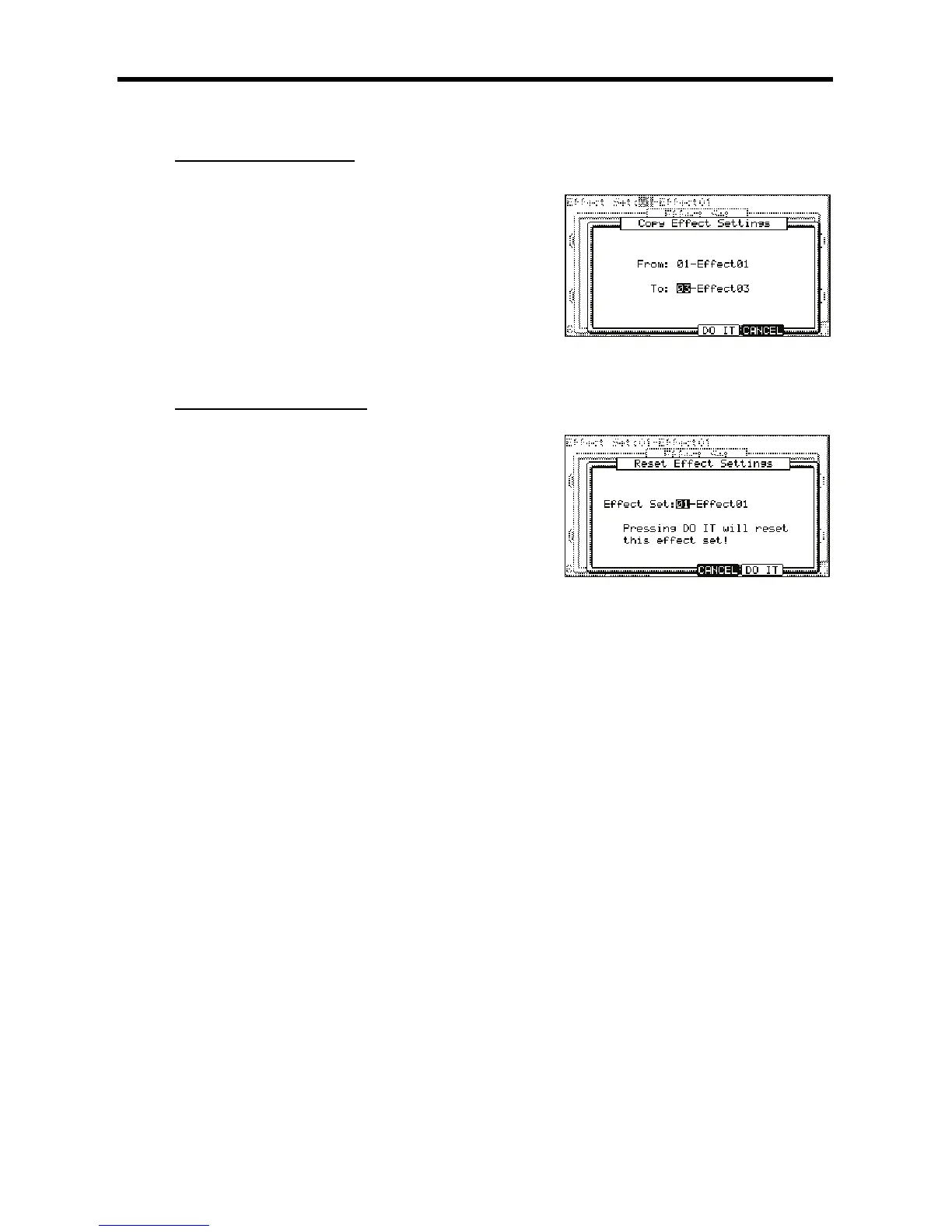
The 'Copy Effect Settings' window will be displayed.
> 0,-,#
 0,,#
B 4-6);&0*
The Effect Set selected in the 'From' field will be copied to the effect set selected in the 'To' field. Pressing the [F4] (CANCEL) button cancels the
operation and closes the window.
$$$.//#$$
J5/
= /,5/,(:/='@(:/G'>

@ 401;&6
The EFFECT SET window will be displayed.
G 05--5/5#4-@6)75/5*
The RESET EFFECT SETTINGS window will be displayed.
> 0,5,#
 4-6);&0*
The settings of the effect set selected in the 'Effect' field will be reset to the default settings. Pressing the [F4] (CANCEL) button cancels the
operation and closes the window

Other manuals for Akai MPC 5000

Related product manuals