/%I);0/E*
=B
"%%/'$.6$"(559$"(;
0X;Y,/,#+;;%)*
= 0-#
You can audition the selected track with pressing [F4] (PLAY) button.
@ 4-6);&0*
The MPC5000 will start loading the audio track.
# 0 ' & #
0"0/&
The maximum internal memory with the EXM-E3 (optional) module installed is 192MB.
Approximately 18 minutes can be sampled in this manner as you will need approximately 10MB for each stereo track minute.
"%""'
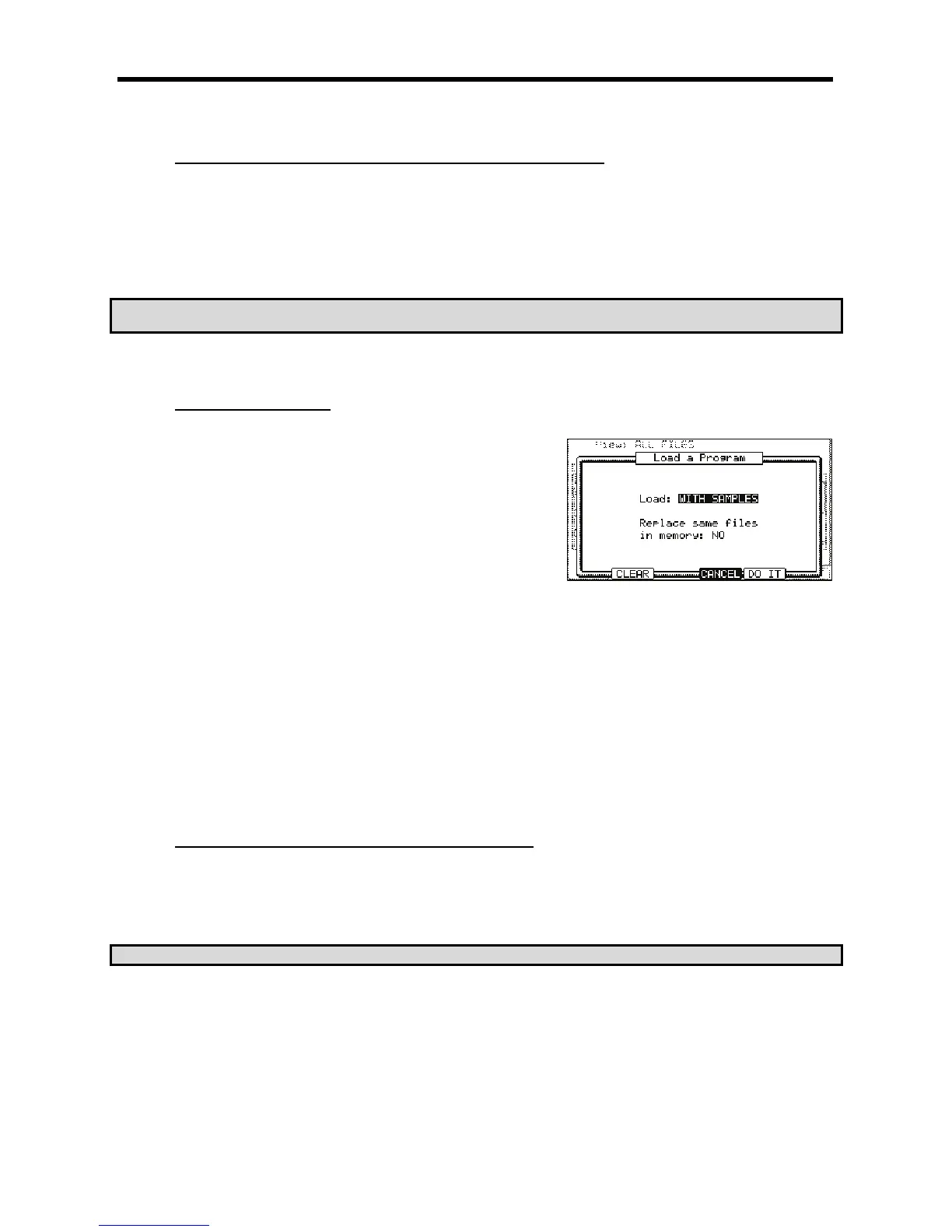
You can load a program file one by one.
= /I&+;+7&87+
To cancel the operation, press the [F4] (CANCEL) button.
@ 0,I,#
G6&++
The MPC5000 will load the samples used for the program as well.
Normally select this option.
<
The MPC5000 will load only the program file. It does not load the samples. Select this option when you wish to create a new program
by assigning different samples to the saved program.
G 0 09 /+I5/ ,I, # ,7 ,
You can set how to handle the file when you already have the data with the same name as the file that is to be loaded.
The MPC5000 will not load the sample with the same name.
+
The MPC5000 will overwrite the data with the new data.
> 4-6);&0*
The MPC5000 will start loading the data.
5($((5"$"')!/"%
When you press the [F2] (CLEAR) button instead of the [F5] (DO IT) button in step 4 you can clear the MPC5000’s memory and load only the
selected program in the memory.
= 0>#4-@6)I5+7*4-6);&0*
The CAUTION window will be displayed. If you press the [F5] (DO IT) button, the MPC5000 will start loading the program after it clears all its
internal memory.
&





 To Next Page