EasyManua.ls Logo

Akai MPC 5000 - Page 174

Akai MPC 5000
199 pages
Print Icon
To Next Page IconTo Next Page
To Previous Page IconTo Previous Page
Loading...
/%I);0/E*
=B
#;"/,/,
=B
"5>3G
!%;'7%%;'7,
&;'7#;'7#;'7#
;'7#;'7
57+/5;'7#3
= 4-G6):0I0*
The UTILITY page will be displayed
@ /57+/5;'7,-,
G 4-B6);&0*;'7
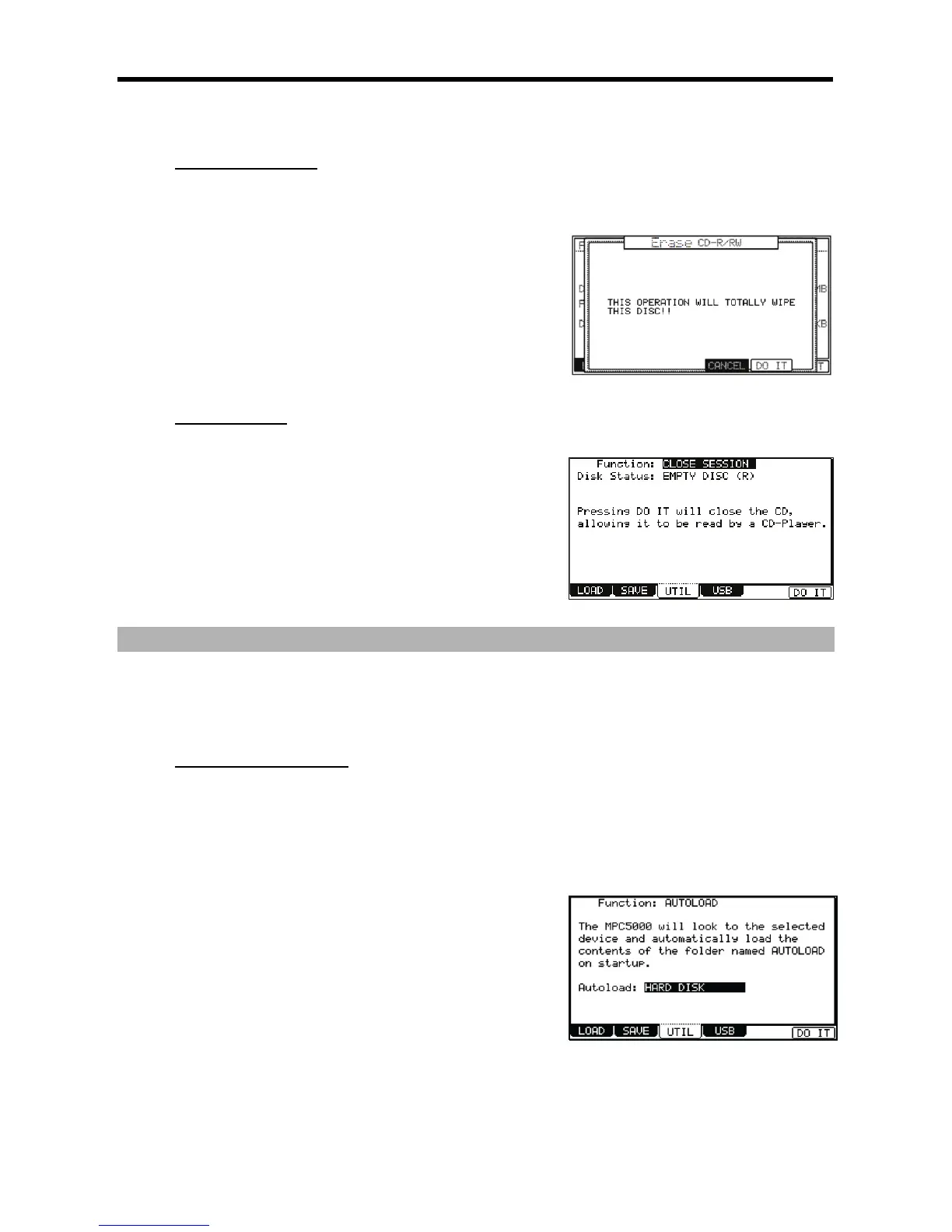
The ERASE CD-RW page will be displayed.
> 4-6);&0*;'7
(+
&;#;;#

I&/5/5//0&1#3
= 4-G6):0I0*
The UTILITY page will be displayed
@ /I&/5/5//0&1,-,
G 4-B6;&0
The CLOSE SESSION page will be displayed.
> 4-6);&0*;
+
#//
7&0#
+:&I&+;9;#+:&I&+;
J"
"
"$"$("%
                 7&  
+:&I&+;9;#
+:&I&+;         J         "
"
= +:&I&+;%
For this example, create a folder named AUTOLOAD on the Hard Disk.
@ /%
This can include any of your favorite samples, sample programs, synth programs,
and sequences.
G 4-G6):0I*
> :0I0J
 0,-,#/+D5+:&I&+;
B 0,+,#%
For our example, choose Hard Disk
C 4-B6);&0*
Now, when the MPC5000 starts up, it will look to the ROOT of the selected device, and search for a folder named AUTOLOAD. When found, it
will automatically load the folder you created in step 1.

Other manuals for Akai MPC 5000

Related product manuals