EasyManua.ls Logo

Akai MPC 5000 - Page 39

Akai MPC 5000
199 pages
Print Icon
To Next Page IconTo Next Page
To Previous Page IconTo Previous Page
Loading...
@
G 4-6)-0F*
Timing Correct window will be displayed.
> 0,,#
 0,1,#
To correct the timing of all events, leave it as ALL. To correct the timing of only events on a specific pad, hit the pad. You can select several pads.
If you hit a different pad by mistake, you can cancel the selection by hitting the pad again. To restart the pad selection, turn the [DATA] wheel to
the left. The value in the 'Note' field will be reset to ALL so that you can select pad from the beginning.
B 4-G6);&0*
The timing correction will start and the window will be closed.
+
J%,/P,#%%,1
%,          %   /P,        
%
+./$&'
,/,)*#
,,/%
+$$.
/"L0#P"L#
=P%/P
.#=P

5.,/,,,
G%
               + =P   %
+#"L%
:  #         ??    

2
0#%)*
= "#4-@6)I0E*
+01
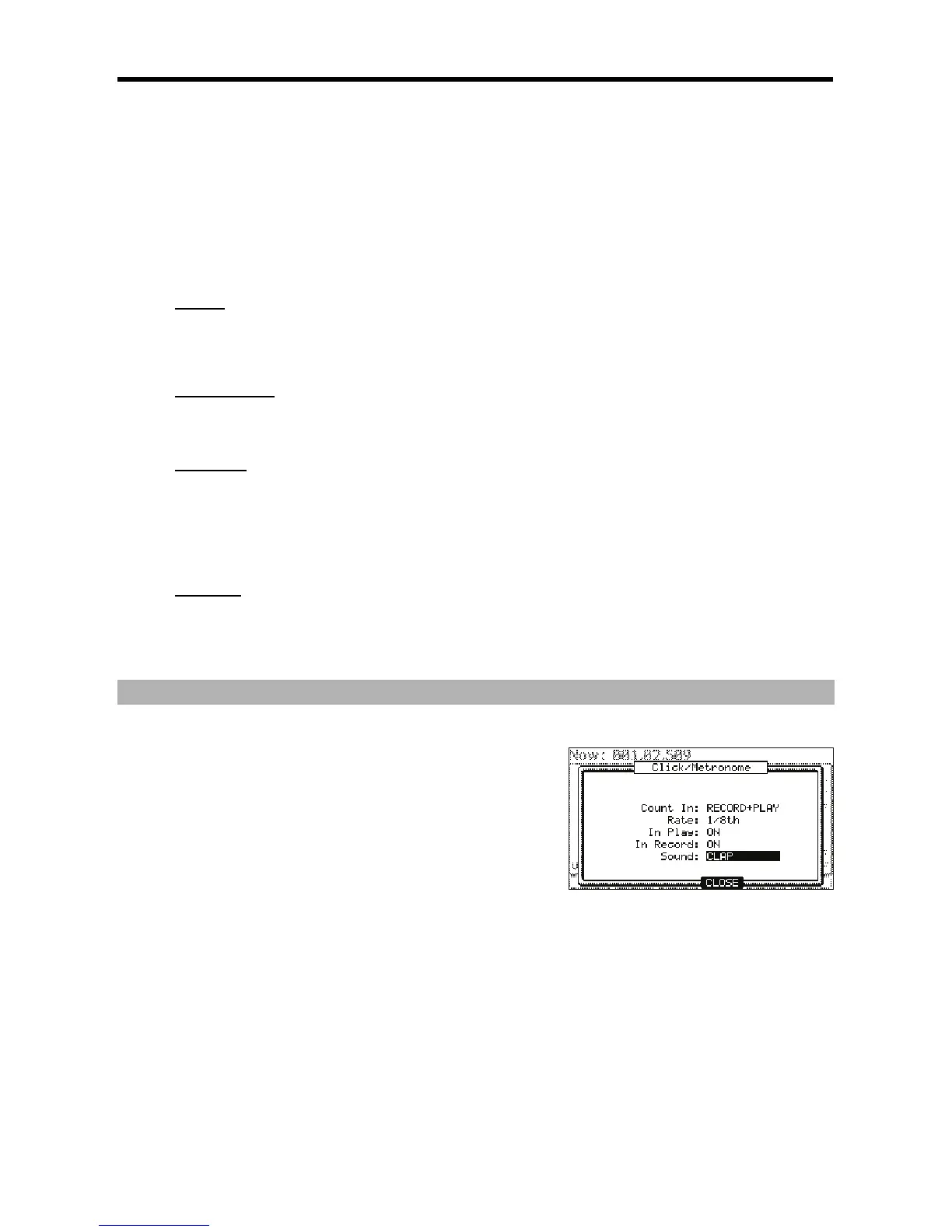
The Click/Metronome window will be displayed as on the right.
I$6I/(%
You can set how soon the recording/playback should start after the
[PLAY] or the [PLAY START] button is pressed; right after the key is
pressed, or after a 1-bar count.
OFF
Recording/playback will start right after the key is pressed
without a count.
REC ONLY
There will be a count only for recording/overdub. Playback will be started without a count.
REC+PLAY
There will be a count for both recording and playback.
I"$I/(%
You can select the rhythm for the metronome sound. The metronome will be played with 1/4 note if you set '1/4', and 1/8 note if you
set '1/8'.
I6(")I/(%
You can select this if you want the metronome sound during playback. If you select YES, you will hear the metronome sound during
playback.

Other manuals for Akai MPC 5000

Related product manuals