/"
@B
I6#%I/(%
You can select this if you want the metronome sound during recording/overdub. If you select NO, you will not hear the metronome
sound during the recording/overdub.
I+%I/(%
Here, you can select what your metronome will sound like. Seven different sounds are available to use.
MPC CLICK
METRO TICK
CLAP
SHAKER
TAMBOURINE
SIDESTICK 1
SIDESTICK 2
17
041&5755+6#
%J%
1##=B
##O
= 41&5755+62
@ 41&5755+6 #
The pad’s sound will be played repeatedly according to the value of the timing
correct until you release the pad. You can also control its velocity by changing the
strength with which you press the pad.
G 41&5 755+6 #
J
%4-=64-B6
The selected Timing correct value is highlighted. You can select triplets of each
timing correct value by pressing [F6].
$"$(%
J,17,41&5755+64/90-641&5
755+6,17,
#"$
48& &6 %
"JL%
+""#"$$
= 0+01#48&&6"
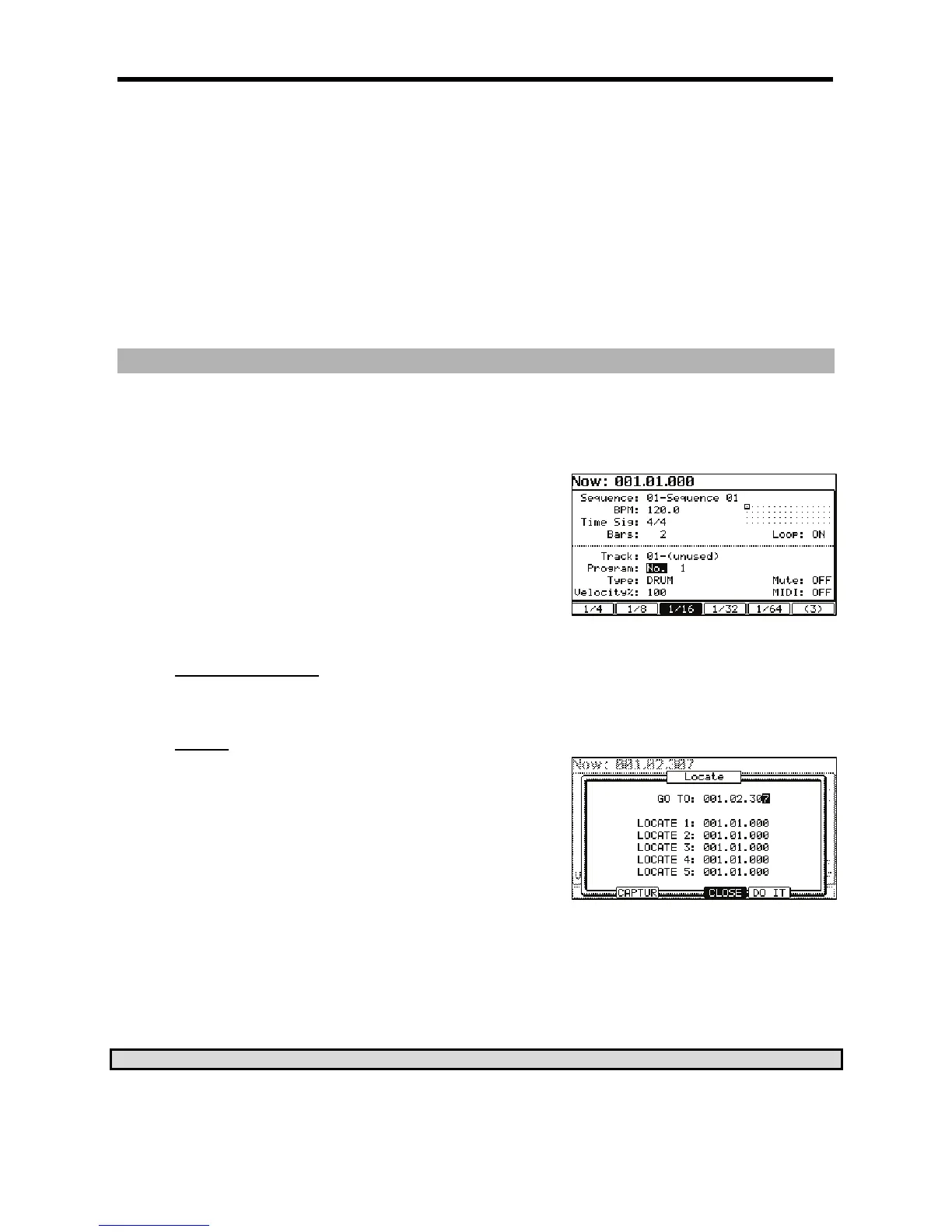
The Locate window will be displayed as shown on the right. In the Go to' field, the
now time in the MAIN page is displayed. You can enter the locate point you wish to
save by using the numeric keys or the [DATA] wheel.
@ %,I,4-@6
)+:7*
#"$$""%#"$$
= 0+01#48&&6"
The Locate window will be displayed.
@ %,,)I=QI*4-6)8&&*
The Now Time instantly changes to the saved Locate point.
C25-"#)3B+4&





 To Next Page