G=
The DELETE ALL SEQUENCES window will be displayed.
> 4-6);&0*
That deletes all sequences. Sequence numbers will display 'unused' as a name until new data is recorded.
"%($.%"$9$.($./"$;"$$.(8%")
"#
)"!*
= 4&;564+;K6)&957*
That switches to the OTHER mode.
@ /,,
&+B<&
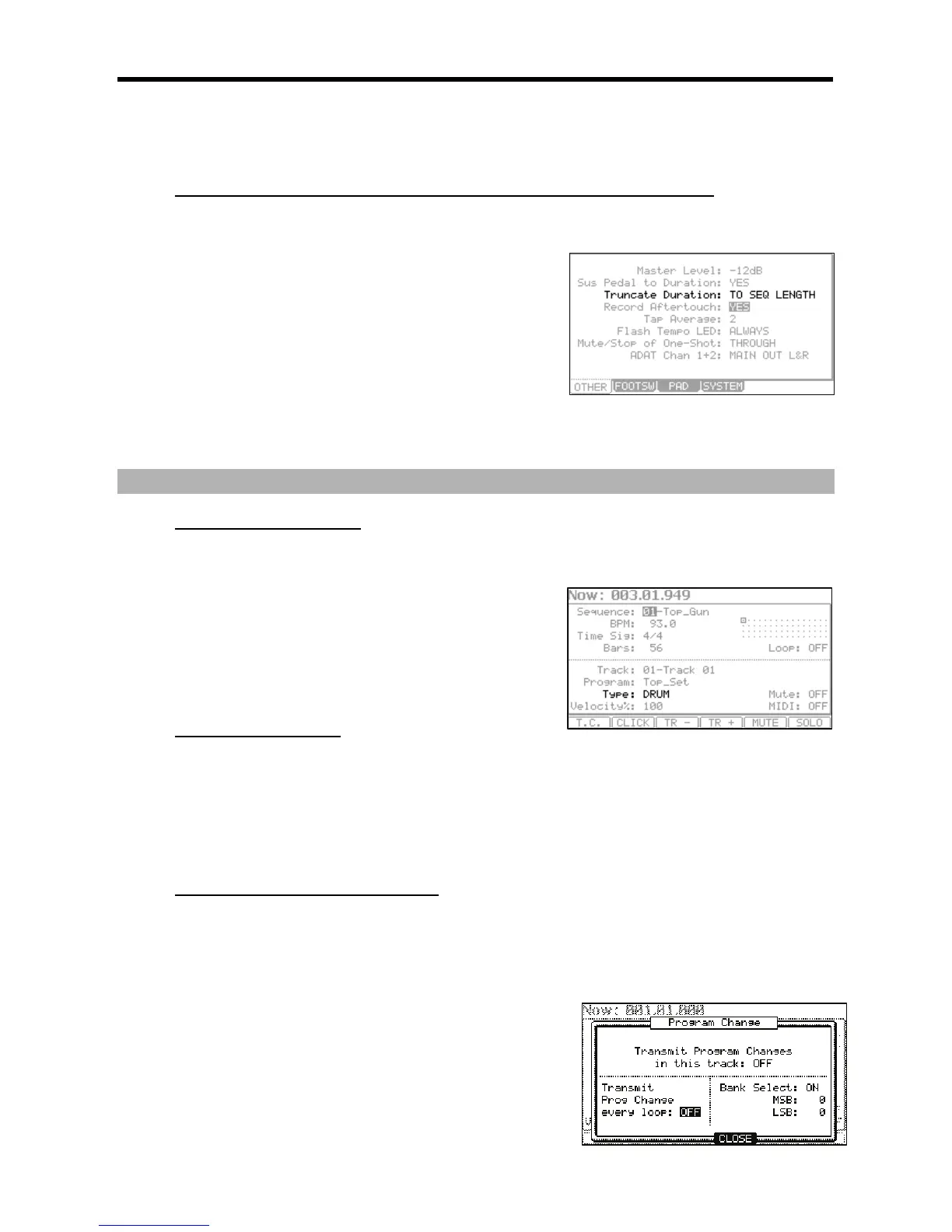
The MPC5000 records as played up to sequence length.
&+B5
The MPC5000 cuts the note at the end of the sequence even if you hit the pad. You cannot record beyond the loop.
+5
The MPC5000 records your performance as it is played.
-
+$$$.&"#&)
J,,+013;7:0;0(
5
Select this track type when you play the MPC5000’s internal sampler by
hitting pads. The DRUM track data will be managed per pad.
656
Select this track type when you use the MPC5000 as a MIDI sequencer
with external MIDI devices (MIDI keyboard etc…). The MIDI track data is
managed per MIDI note event. For more information, see 'MIDI
Sequencer Features' section on Page 35.
+(#$""'
(")6$"("'
In the 'Program:' field, select the internal program loaded in the internal memory by turning the [DATA] wheel. You can play the
selected program by hitting the pads. If you select 'OFF' or 'No.', the MPC5000 does not play the internal programs/samples.
(")"=$"(+%%(
In the 'Program:' field, select 'OFF' or select a program number to play by choosing the 'Program Number' field (Displayed as 'No.')
and select the desired program number. The MPC5000 will not play an internal program, but instead will 'trigger' an external sound
module such as a synth via MIDI.
+%656"'."
,1, ,3, # ,0;0 ,
,3, J 0;0 1 = =@A 0;0 1
0;0 &: ,0;0, " 4I+J /+76
,1,,3,#401;&6,,
J,0;0(/,,0;0
, J
,0;0 ,
!"+(#$D93;
Selects whether a 'Bank Select' message is transmitted or not.
+!D3+!D9>07;





 To Next Page