GK
The MPC5000 will start processing your changes.
."$.$'/"$9+6&&66<;
J%
= /,5,5D51/5$5;0#/90-0018
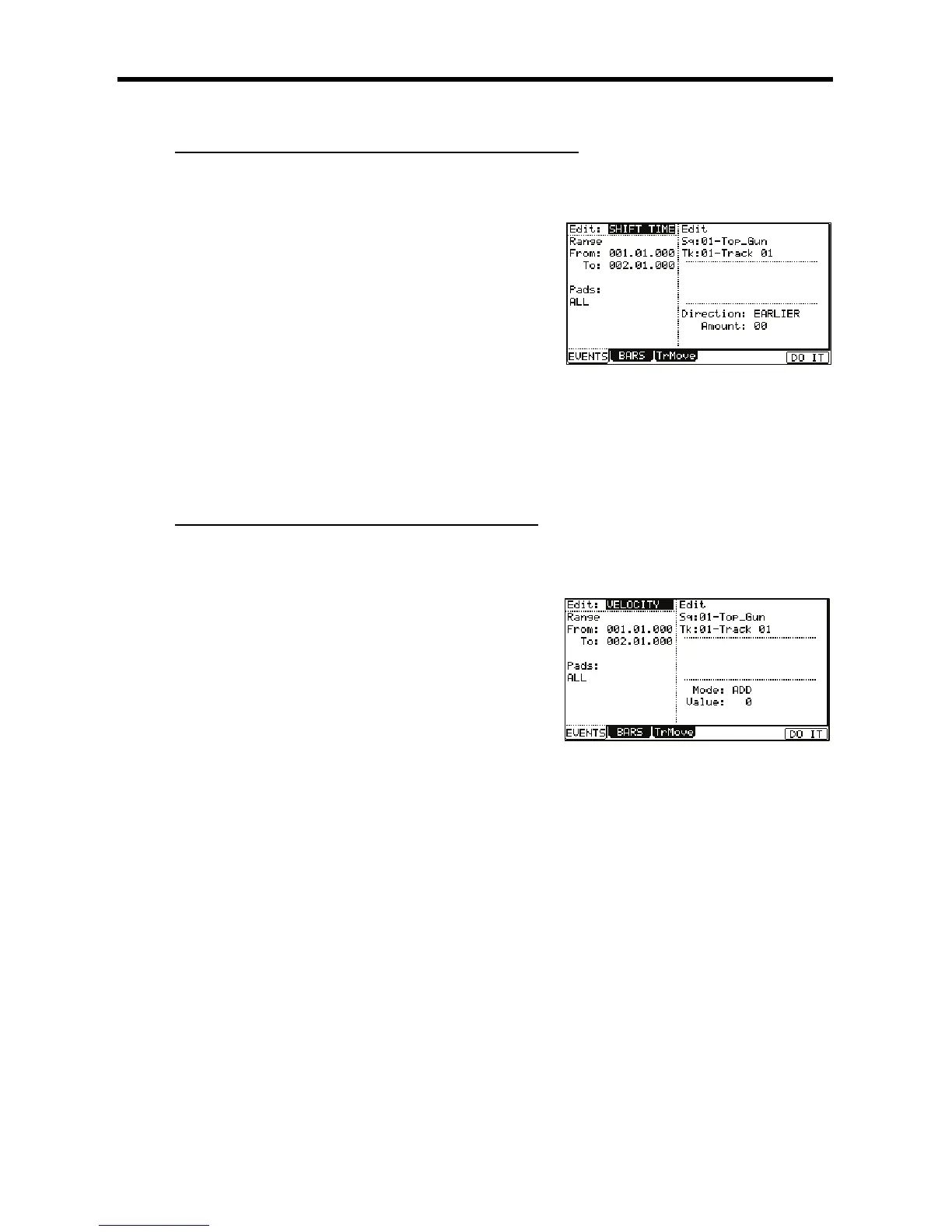
The various fields necessary for the Shift Timing will be displayed.
@ 0,7,,21,#
G 0,5/",,,#
"
In the Edit 'Sq' field and the 'Tk' field, you can select ALL by turning the [DATA]
wheel. When you select ALL, the MPC5000 will shift the timing of all the sequence
and tracks.
> 0,+,#/
This is a value in clock ticks the selected region will be moved.
//
EARLIER: Shifts forward
LATER: Shifts back
B -B);&0*
The MPC5000 will start processing your changes.
."$.(#$)/"$9(#$);
J%%
= /,5,5D51/5$5;0#D
The various fields necessary for changing the velocity will be displayed.
@ 0,7,,21,#
G 05,/",,,
"
In the Edit 'Sq' field and the 'Tk' field, you can select ALL by turning the [DATA]
wheel. When you select ALL, the MPC5000 will change the velocity of the
sequence and all its tracks.
> 0,,#%
55
Adds the value selected in the 'Value:' field to the note.
+!
Subtracts the value selected in the 'Value:' field from the note.
&6O
Multiplies the Velocity (percent) by the value selected in the 'Value:' field.
+&&
Sets the note to the Velocity selected in the 'Value:' field.
0,D,#%!JD=@C
,:I0D+IP,,,#D@
B -B);&0*
The MPC5000 will start processing your changes.





 To Next Page