=
field. You can select the type of note variation.
)*
- -
I I
+ +
; ;
-'A72-J!=<2)D)2"%
''&?'
'&
I$""$"(I/(%
In this field, displayed to the right of the 'Note Variation' field, you can select the Note Variation Value.
I59%"$;I/(%
You can specify how long a note is held (length of a note). In the MIDI standard, pressing a key is called 'Note on', releasing a key is
called 'Note off'. In this field, you will set the time from Note on to Note off.
I9(#$);I/(%
You can set the velocity of the note event. In the MIDI standard, the speed used to trigger a note is called velocity. The velocity is
shown in 127 steps, with 127 the maximum.
5870;5;0
J%870;5;0/55;0
EF9&;!$$
4-=6)*+010
-# ,,
@>
E0F9&:;!$$
9
% 4;++6#
4-@6)7+E*#%
+01
E*F956&;!$$
)&D5*#)5;0*#)&J*#)+/5*
4-@6Q4-6
.
E2F95&;!$$
J5%
E4F9;!$$
%
5%
5%#
= 05%#
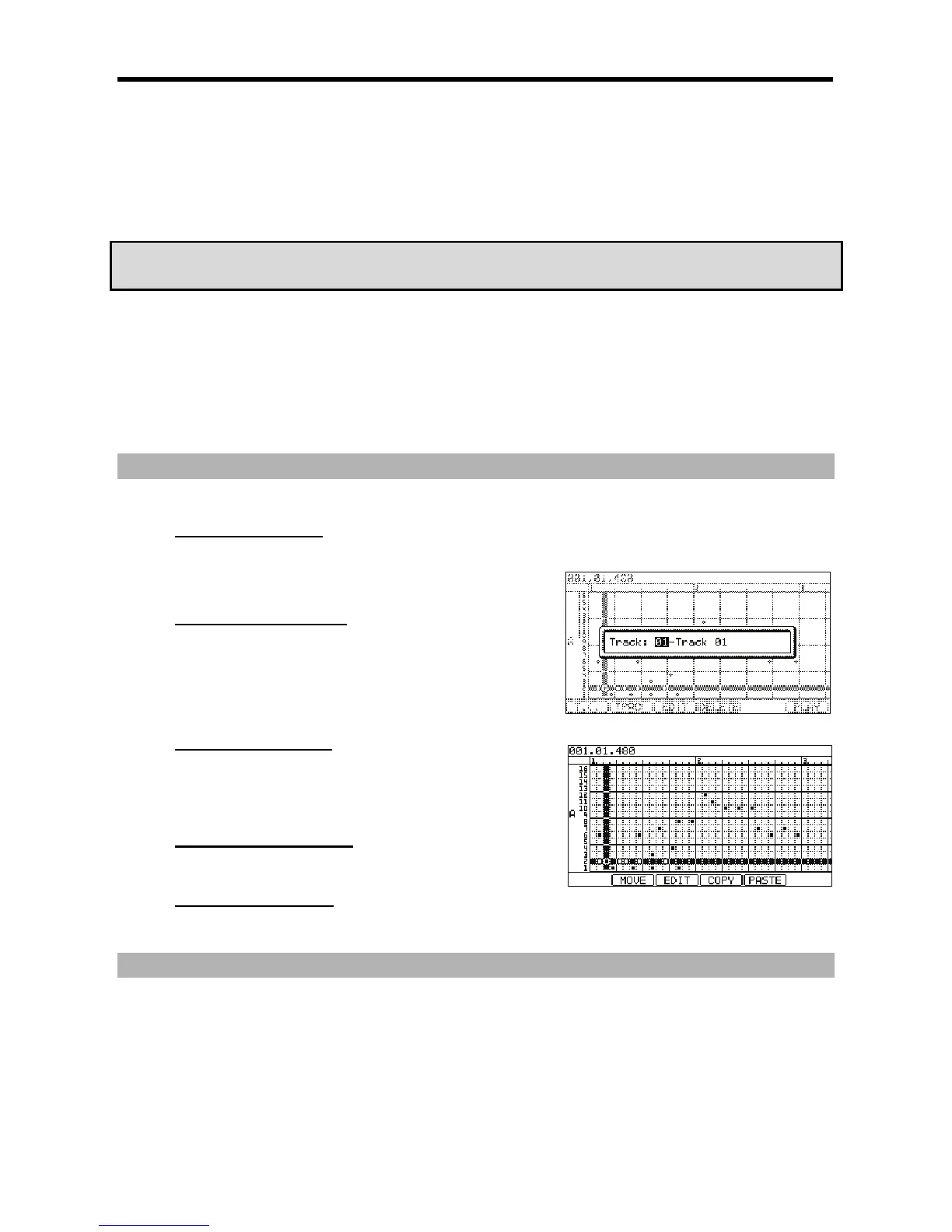
You can select several Pads by pressing the up/down [CURSOR] buttons while holding in [SHIFT]. You can then select several Grids by pressing
the right/left [CURSORS] or turning the [DATA] wheel while holding [SHIFT].
@ 94-G6)5;0*4->6)&J*
When you press [F3] (EDIT), the display of the [F4] and the [F5] buttons will change to ( COPY) and (PASTE) respectively until you release the
button.





 To Next Page