G
;/857
401;&6 ,1&,
/55;0&0&1/9%
I$$#'$I/(%
0 J5/# "
%
%%
I5"$/#%%$I/(%
J )0;0 * %
+5
The length that a pad (or MIDI keyboard) is pressed will be applied to the event.
When you hit a pad (MIDI keyboard), the metronome sound will start automatically. Refer to the metronome sound to set the length to
press a button. When you release a pad (MIDI keyboard), the length that a key was pressed will be entered in the 'D (duration)' field.
&O
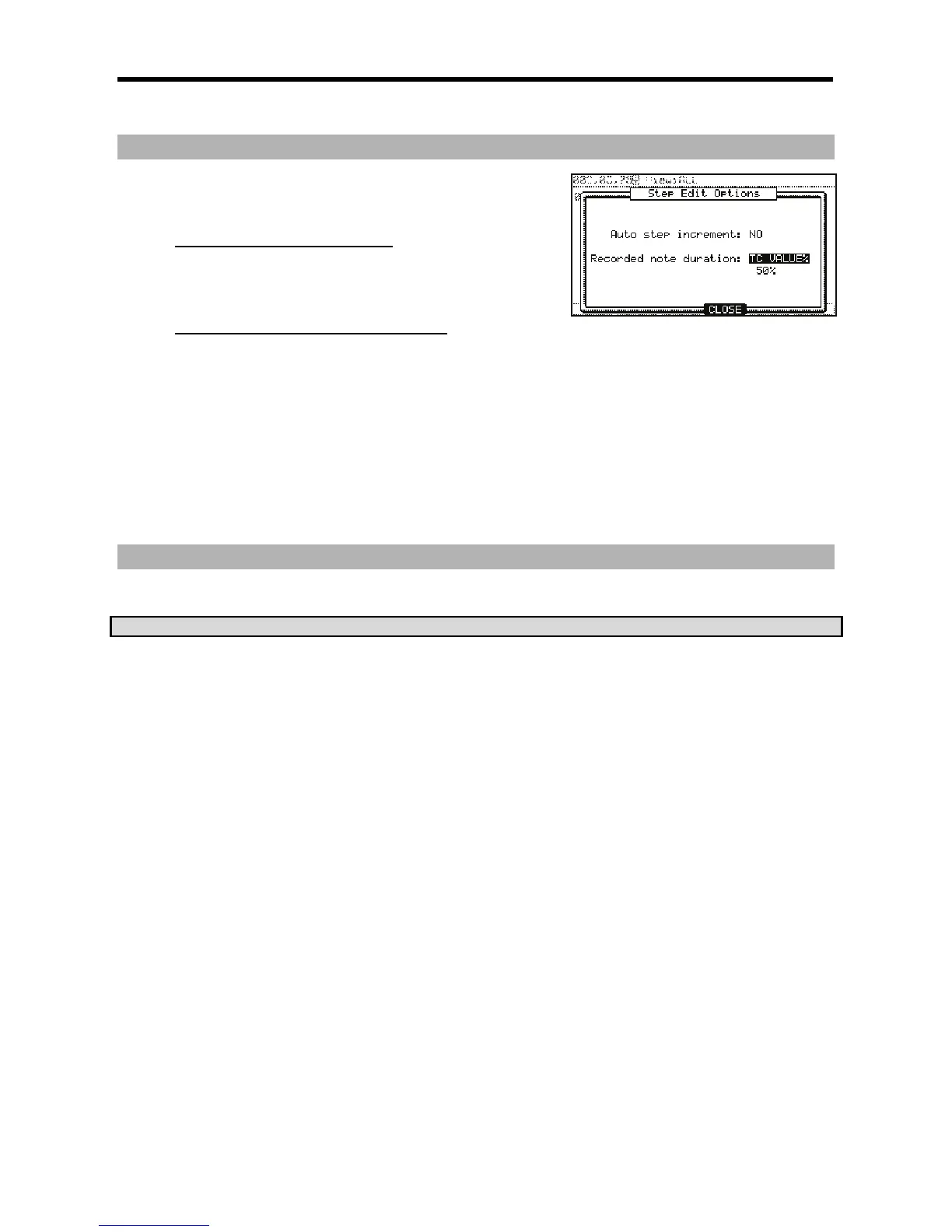
When this is selected, the duration of events recorded in 'Step Record' mode will be automatically set to a percentage of the Timing
Correct Setting. For example, if Timing Correct is set to 1/8th notes, a TC VALUE% of 50% will set the duration of each event to one-
half the length of the Timing Correct setting. In this case, the length of each recorded event will be 16th notes.
Setting a TC VALUE% of 100% will insert events equal to the Timing Correct length.
7
0870;5;0#"47564&D57;:(6
4I+J6
#'&





 To Next Page