EasyManua.ls Logo

Akai MPC 5000 - Page 79

Akai MPC 5000
199 pages
Print Icon
To Next Page IconTo Next Page
To Previous Page IconTo Previous Page
Loading...
B
%
<"
         %  
4-6);&0*.
   4->6 )+15I*    +:;0& 5;0 

:=A(
"%
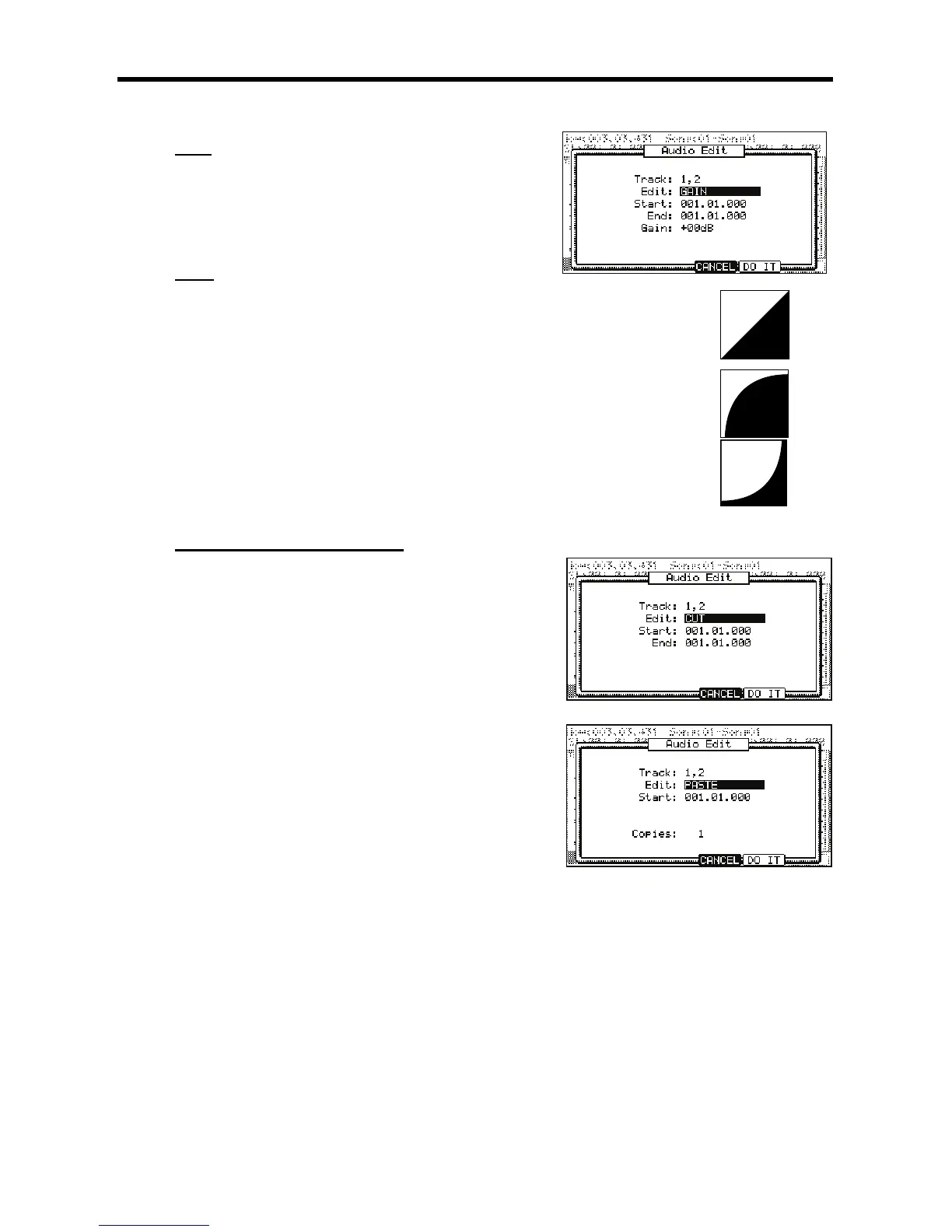
This function sets an automatic fade in or out to an audio track. The following fade types are available:
Linear Fade In / Out
This selection fades in or out the audio with a linear curve. A linear curve will go from start to end with
no curve, creating a straight line.
"$.'#"%63$
This selection fades in or out the audio with a Logarithmic curve. A logarithmic curve will quickly rise,
and then even out for the middle section, surging quickly again as it nears the end.
=$"("%63$
This selection fades in or out the audio with an Exponential curve. An exponential curve will slowly rise
in the beginning, and then quickly rise for the middle section, and then slowing again as it nears the
end.
$3)3"$&"#
            
J,,
 ,,#
,,#
#3
= /,5,
@ /
Scroll with the [DATA] wheel on the 'End' field to select the entire track. This can
also be done by moving the [Q-LINK 01] slider while holding down the [AFTER] button.
G 4-B6)5;0*
This will open the AUDIO EDIT page.
> 0,5,#,,
 4-6);&0*
This will return you to the TKVIEW page.
B /
C 4-B6)5;0*
Note that the 'Edit' field defaulted to 'Paste'. If paste is not selected in 'Edit', then select it now.
A ,,
K 0,1,#%
= 4-6);&0*.
The audio data you copied will now be pasted into place.

Other manuals for Akai MPC 5000

Related product manuals