9;75&7;
B>
.$.&"#$
J%3
= 4-6)7+E*
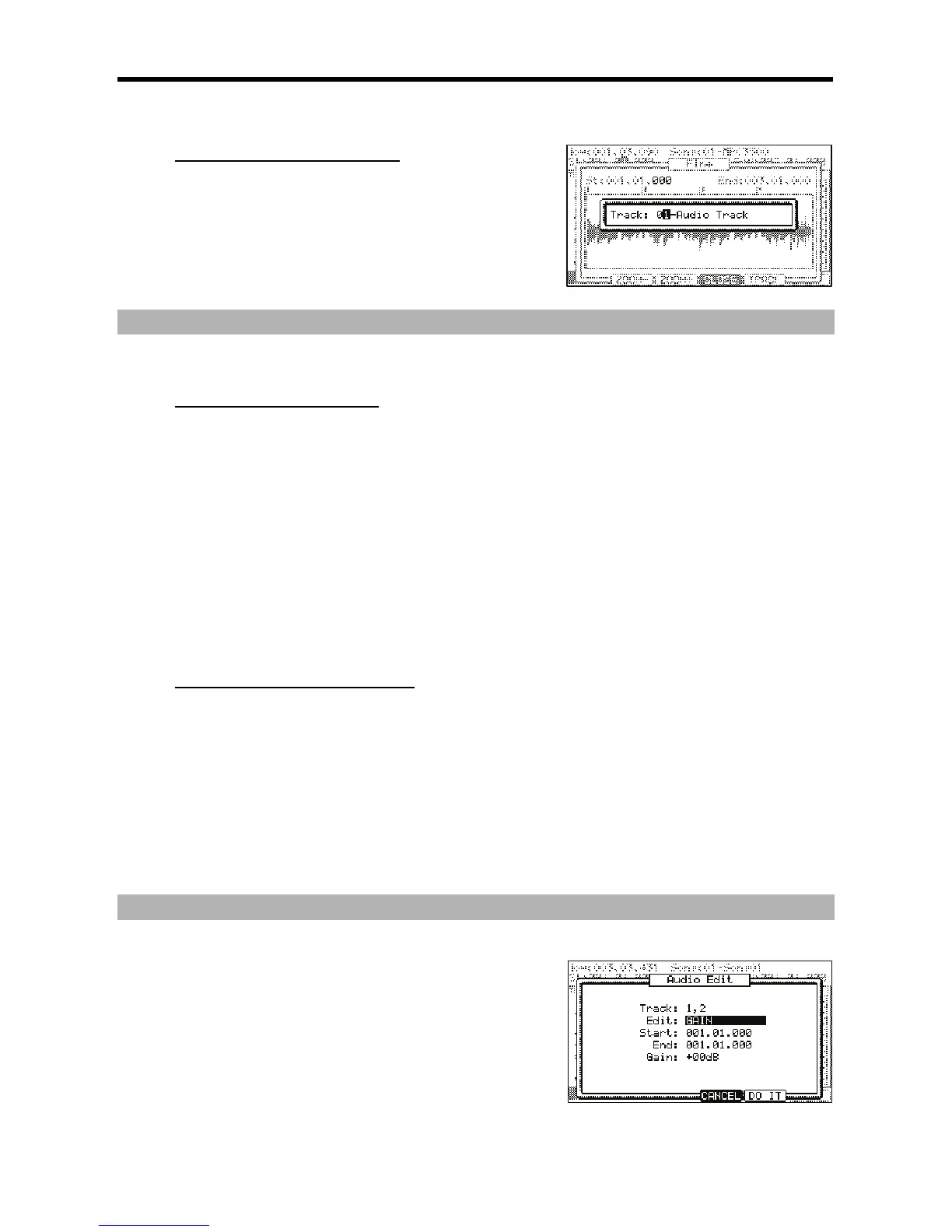
The screen will change as shown on the right, with a popup to select which track to
view.
@ / %
4;++6
59;
D9;#
+(#$'($($"#
= &D05#
@ /,5,
You can navigate to field by using the [CURSOR] buttons.
G ,,5,
> 7='G
:,/,,5,#
You can edit this field by scrolling with the [DATA] wheel. If you press the left or right [CURSOR] buttons while holding [SHIFT], you can move the
cursor to higher points within the numeric display to allow for quicker value selection. You can also enter the value directly with the numeric
keypad.
Additionally, the start point can be edited by moving the [Q1] Q-LINK slider.
B 4-B6)5;0*
This will open the AUDIO EDIT page. For information on the individual edit functions, see page 64.
%$/"+(&"#
= /
@ 4-6)U&&*
When editing from the Zoom page, only the selected track will be edited.
G :,/,,5,#
You can edit this field by scrolling with the [DATA] wheel. If you press the left or right [CURSOR] buttons while holding [SHIFT], you can move the
cursor to higher points within the numeric display to allow for quicker value selection. You can also enter the value directly with the numeric
keypad.
Additionally, the start point can be edited by moving the [Q1] Q-LINK slider.
> 4-B6)5;0*
This will open the AUDIO EDIT page. For information on the individual edit functions, see page 64.
0%5-
4-B6 )5;0* # +:;0& 5;0
&"#
This displays what tracks are to be edited. This displays the tracks that
were selected on the TKVIEW page.
%$
This field selects the different edit functions. The different edit functions
are explained individually below.
+$"$3%
This is the start and end point for the edit function to be applied. This
will default to what was set on the TKVIEW or ZOOM pages, but can be further adjusted here.





 To Next Page