-
C>
G -.#+;+@
The mute group selection for [PAD02] is selected.
> &--=
4-=6):5*7+E:5
B +;+=
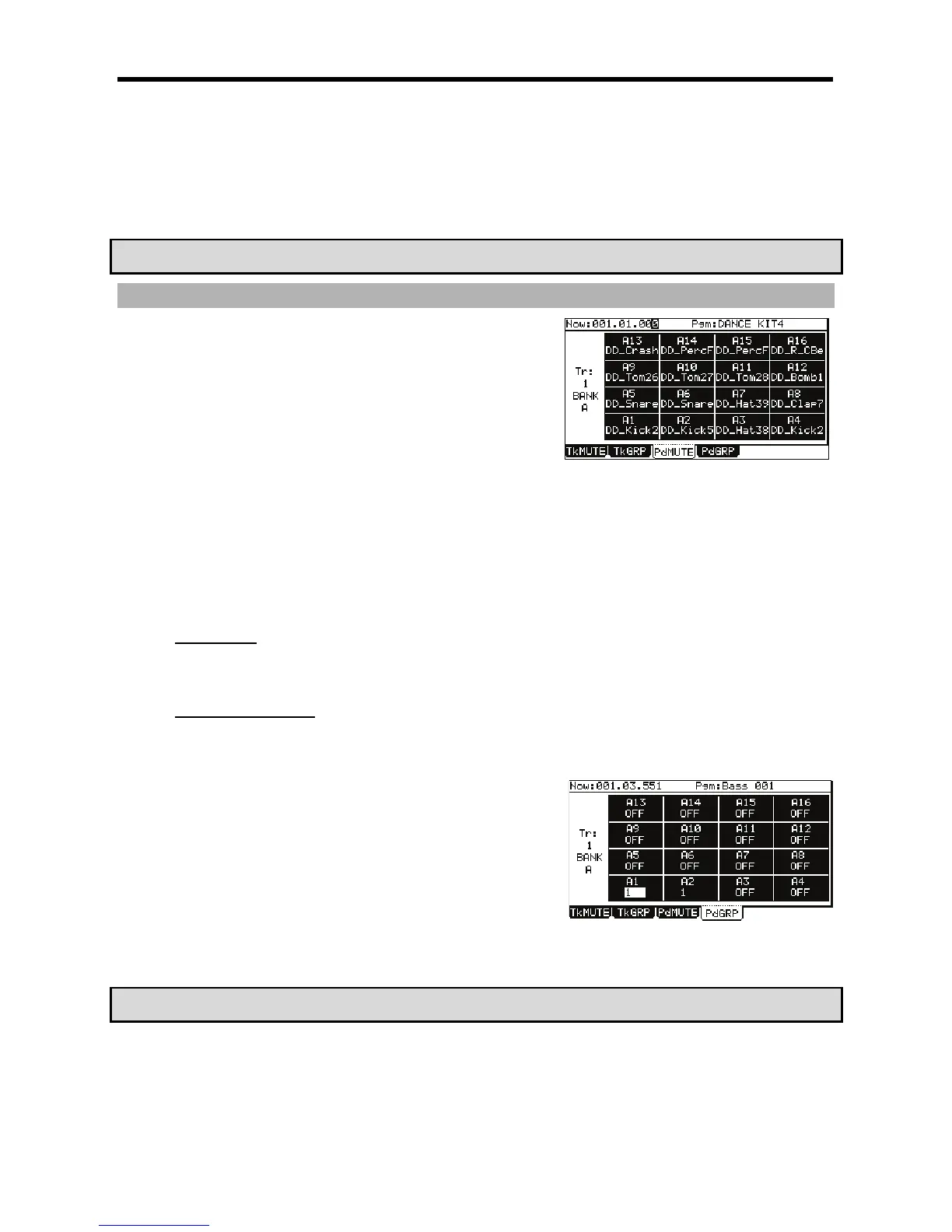
Notice that now PAD A02] mutes along with PAD A01. Up to 16 different mute groups can be created.
? !",*#%
&
0%/)*
J 2 %
%%%
#
= 47+E:56
@ 4-G6):5*
This brings up the Pad Mute page.
II/(%
Like the Now' field in the MAIN page, this field displays the current time position of the sequence.
II9"';I/(%
This displays which program is being affected with pad mute.
I&I/(%
Displays which track number is currently being affected.
=B
:,,#%
"$
9
#
"%$<
#+;:587&:/
4->6)87*
#3
G -.#+;+=
The mute group selection for [PAD01] is selected.
> &--=
-.#+;+@
The mute group selection for [PAD02] is selected.
B &--=
C 4-G6):5*+;:5
A +;+=
Notice that now PAD A02 mutes along with PAD A01. Up to 16 different mute groups can be created.
? !",*#%
&





 To Next Page