CG
0#3
= -+01#,:5,
@ 401;&6
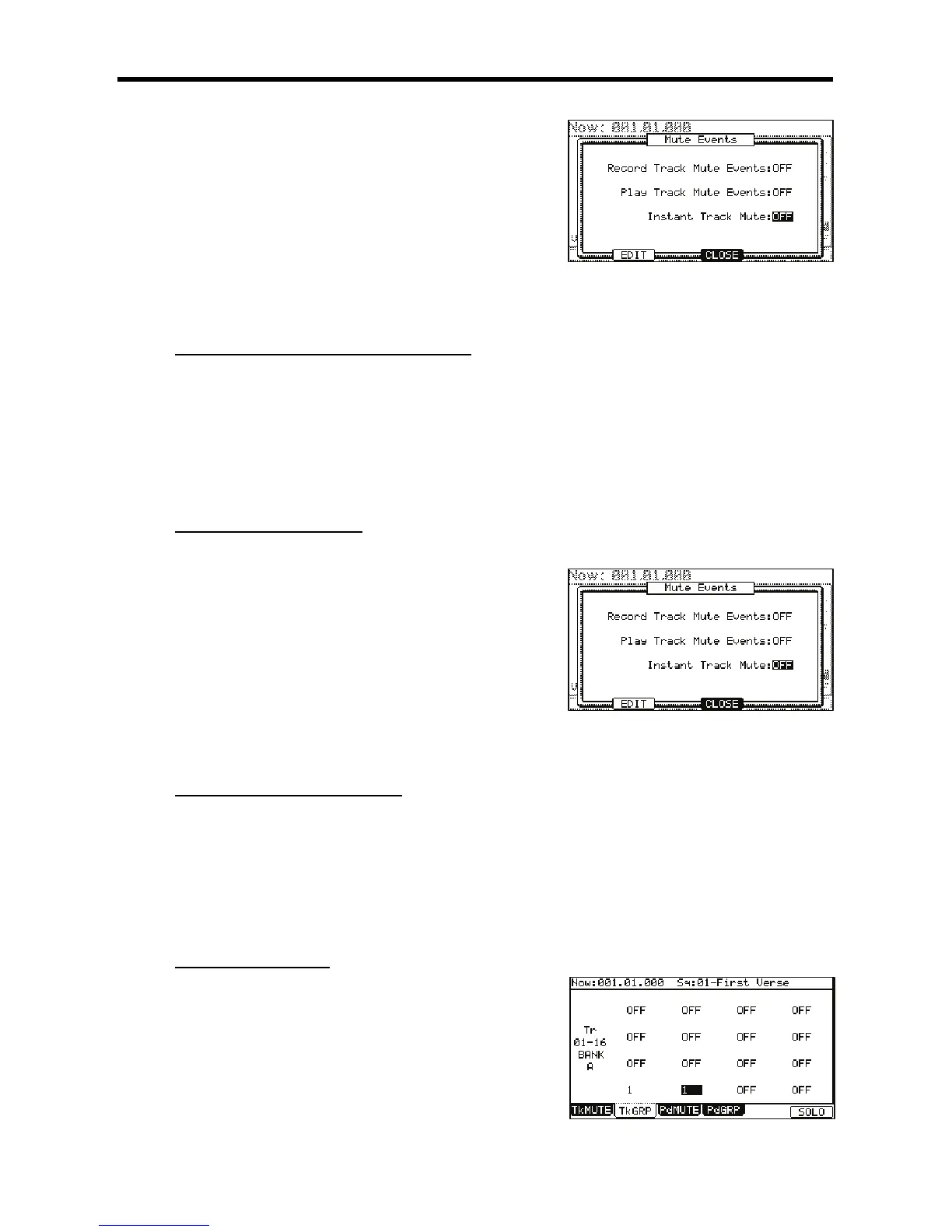
The MUTE EVENTS window will be displayed.
G /,0,#
Tracks will be muted instantly by sending MIDI Volume.
Tracks will be muted like legacy MPCs, by ignoring Note Off events.
+$$$.&"#$+(%
/
%9%#
#
"$
When the solo function is on, press [F6] (SOLO) while holding the [SHIFT] button.
The Solo function will be deactivated and the mute setting for the track set to solo will be turned off. The setting for other tracks will be
turned on.
#%&"#$
%
#3
= -+01#,:5,
@ 401;&6
:55D51/
Select the 'Record Track Mute Events' field and change it to ON.
Also note that there is a convenient shortcut to the SEQ EDIT page here. Press
[F2] (EDIT) to access the SEQ EDIT page. As further convenience, the 'VIEW' field
in SEQ EDIT is set to TRACK MUTE automatically when SEQ EDIT is accessed in
this way.
Once 'Record Track Mute Events' has been set to ON, pressing [PLAY] and [REC] or [OVERDUB] in the Track Mute page will allow track mute
events to be recorded. Track mute events are only recorded when in the Track Mute page. Timing Correct settings will affect the recording of
track mute events.
6&"#$$
"%#3
= -+01#,:5,
@ 401;&6
:55D51/
G /,5%,&--
This will allow you to play back sequences while ignoring track mutes. To play track mute events in your sequences, set this field to ON.
&"#$<
#
7+E:587&:/
4-@6)87*
#3
= -.#+;+=
The mute group selection for [PAD01] is selected.
@ &--=





 To Next Page