-
C@
?D)2$#C#''=<'
D)2$#C''=<'&#'
'8&*/#.-)#
'#.-)'
#.-)'&
During Sequence recording, the Note variation data will be recorded with the note event and you can play back the sequence exactly what was
played. The note variation value is also used for the Q- Link slider function.
/")*
J2"
% %
#
2"
= 47+E:56
@ 4-=6):5*
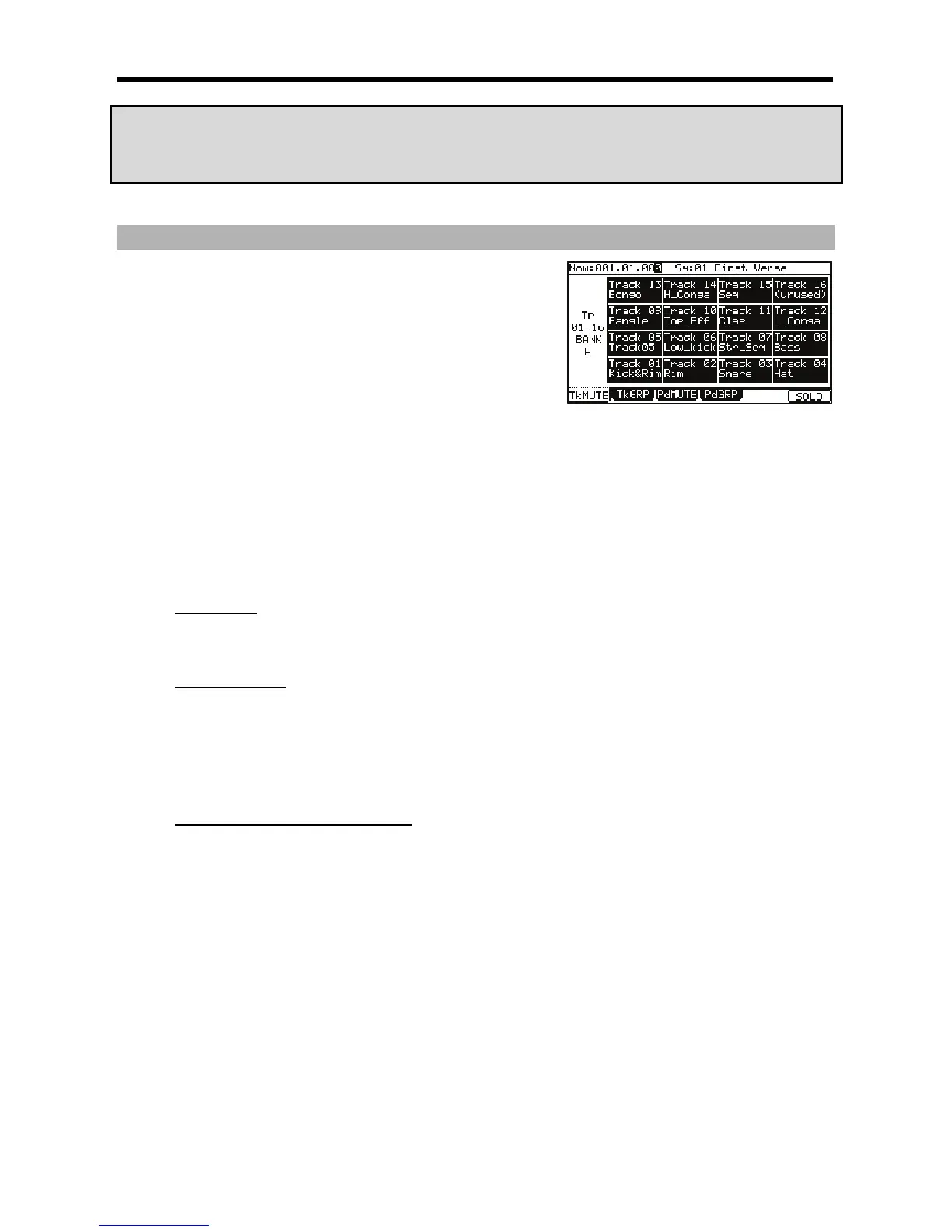
This brings up the Track Mute page.
II/(%
Like the 'Now' field in the MAIN page, this field displays the current time position of the sequence.
I+1#I/(%
Like the 'Sequence' field in the MAIN page, you can select a sequence in this field.
&"#($
The track list is displayed under the 'Now' field and the 'Sequence' field.
A
T==BJ=B#
= B>
"$
9
+(#$
/#
= 9#4-B6)/&I&*
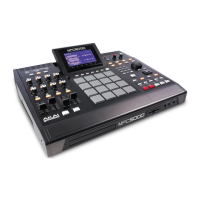
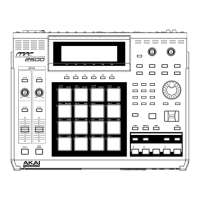
[F6] (SOLO) will be highlighted and MPC5000 will play only the selected track while it mutes the other tracks. You can switch the tracks to play,
by hitting a pad.
@ 4-B6)/&I&*%
+(#$6$"$&"#$
1&
#%
#."
0#0;0%#
%%
#L%#:
##!#;<"


 To Next Page
 Loading...